
MagicEraser Background Person Remover Tool
Remove people from photosRemove passersby from photos
Highlights
What you can do with it
- Removing tourists from a landmark photo
- Tidying a product photo by removing people
- Cleaning up a family group photo
How to use it
- 1 Open the tool in your browser.
- 2 Upload the image with background people.
- 3 Let the AI detect and remove them.
- 4 Check the preview, then download.
Who it is for
Pros
- Automatic people detection and removal
- Natural background fill
- Free, no login, one-click use
Limitations
- Free status and limits can change over time
- Depends on the site staying reachable
- Complex scenes may not fill perfectly
What MagicEraser Background Person Remover is
MagicEraser Background Person Remover is a free online tool that removes unwanted people from the background of a photo. It uses AI to automatically find background people, remove them cleanly, and fill the empty space so the result looks natural. It needs no login or registration, runs in your browser, and handles common image formats, so you can start editing within seconds of opening the page. It is a feature of the MagicEraser family of tools and is aimed at anyone who wants a cleaner photo without learning manual editing software.
What you can do with it
The tool handles the whole job in a few clicks, from upload to download.
- Remove tourists or passersby from a photo.
- Fill the background naturally after removal.
- Clean up product shots and group photos.
- Do it all online with one click.
Who it is for
- Travelers cleaning up attraction photos.
- E-commerce sellers tidying product shots.
- Families removing an unexpected person from a picture.
What to watch out for
The free status and any limits can change over time, so check current terms before you rely on it. The tool depends on the site staying reachable, and complex scenes may not fill perfectly, so results vary from image to image. It works best when the people to remove are clearly separate from the main subject, and busy backgrounds can leave artifacts. Review the edited photo before you share or publish it, and keep your original file safe in case you want to redo the edit. For best results, start with a small test file and review the output carefully before working on anything important.
FAQ
What does this tool do?
It removes background people from a photo and fills the area so the result looks natural.
Do I need an account?
No. It works online with no login or registration.
Is it free?
Yes. It is presented as free to use online.
Why it is free
What the official page says: completely freefree to use
Free limits, trial length and features are decided by the official site and can change at any time.
Product preview
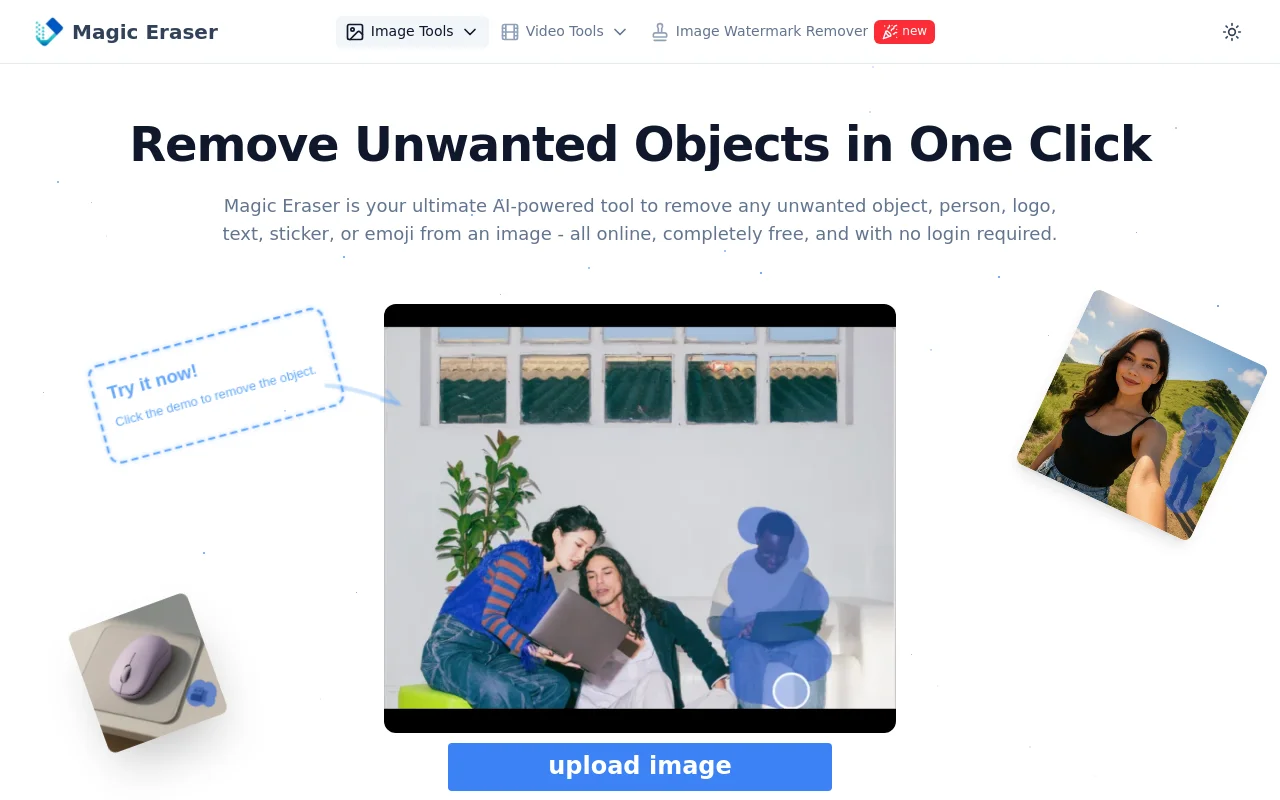
Screenshot archived from the listing page, for preview only.











