
MagickPen
AI writing assistantDraft, translate, check and fix text
Highlights
What you can do with it
- First drafts of blog posts and reports
- Checking grammar before you send something
- Quick translation of a paragraph
- Fixing a snippet of broken code
How to use it
- 1 Open magickpen.com and start the free trial
- 2 Pick the task, such as writing or translation
- 3 Enter your prompt or paste your text
- 4 Review the output and edit it
- 5 Choose pay as you go or a subscription if you keep using it
Who it is for
Pros
- Covers writing, translation, grammar and code in one place
- Free trial to test quality before paying
- Flexible payment options
Limitations
- Free access is limited to a trial, then it is paid
- Generated text still needs editing to sound human
- Pricing plans can change
What MagickPen is
MagickPen is a ChatGPT powered AI writing assistant. Its main job is speed: you give it a prompt and it returns an article, essay, report, story, advertisement or even a joke without you staring at a blank page. Around that core it bundles a few extras that make it more than a text generator, namely translation, grammar checking and code repair. That combination suits people who write, edit and occasionally poke at code in the same afternoon. Access is through a free trial, after which you pick between pay as you go credits and a subscription plan.
What you can do with it
- Draft articles, reports, essays and ad copy in one pass.
- Translate text between languages without leaving the page.
- Run a grammar check over something you have written.
- Get help repairing a small piece of broken code.
Who it is for
- Writers and bloggers who need a fast first draft.
- Students and professionals polishing important text.
- Anyone who wants writing, translation and light code help in one tab.
What to watch out for
Free access stops at the trial, so treat it as an evaluation rather than a permanent free tool. Generated text reads clean but often generic, and it still needs your voice and your facts added before it goes out. Pricing plans can change, so check the current rates if you are budgeting for regular use, and never publish AI output without reading it first. Name and archive exported files consistently so you can find and reuse them, and keep a backup copy of key data. When quality matters, export a small draft first to confirm the result before producing the final file.
FAQ
Is MagickPen free?
There is a free trial. After that you pay, either as you go or by subscription.
What can it generate?
Articles, essays, reports, stories, advertisements and jokes, plus translation, grammar checks and code repair.
Who is it for?
Anyone who writes regularly and wants a fast draft plus cleanup tools in one place.
Why it is free
What the official page says: free trial
Free limits, trial length and features are decided by the official site and can change at any time.
Product preview
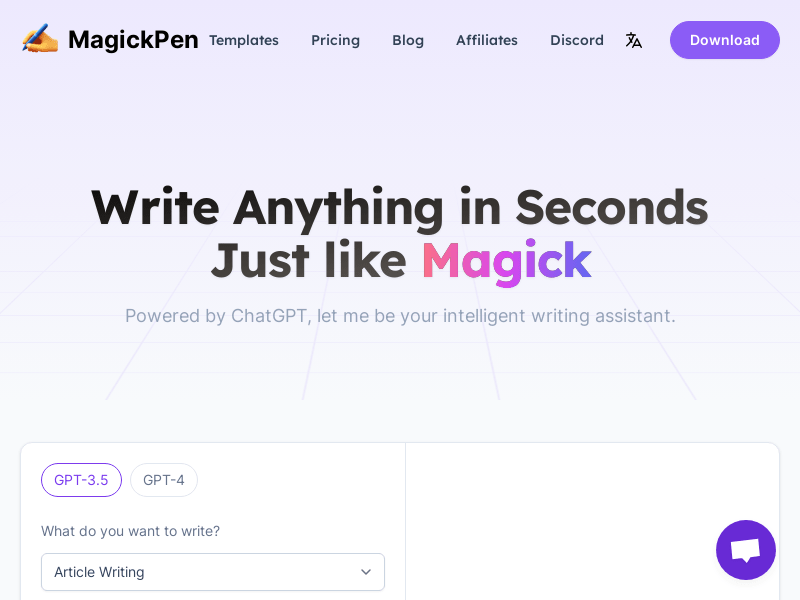
Screenshot archived from the listing page, for preview only.











