
MakeAIVideo
Free AI video and image generatorTurn text or images into videos, with free credits
Highlights
What you can do with it
- Turn a blog article into a video to post on social media
- Make a product promo video from e-commerce images
- Create a course or demonstration video for teaching
How to use it
- 1 Go to the MakeAIVideo site and open the workspace.
- 2 Type a scene prompt and set aspect ratio, duration, and resolution.
- 3 If you want sound, turn on the audio option in the settings.
- 4 Click Generate and wait, as most videos finish in 30 to 90 seconds.
- 5 Download the video when it is ready; subscribers get watermark-free files.
Who it is for
Pros
- Free credits after login let you try it without paying up front
- Text-to-video and image-to-video cover common creative needs
- Platform-specific formats make uploads straightforward
Limitations
- Free credits are limited, and advanced models require a paid plan
- Watermark-free downloads are a subscriber perk, so free output may be marked
- The latest site check returned an access error, so confirm it is reachable
What MakeAIVideo is
MakeAIVideo is an online AI video production and image generation tool. You feed it a text prompt or an image and it returns a short video, and you can set the aspect ratio, duration, and resolution before you start. It includes presets for common platforms such as YouTube, TikTok, Instagram Reels, and the Instagram feed, and it can add synchronized sound like dialogue and ambient noise. After you log in you can collect free monthly credits and use the standard model without a card, while Pro and Ultra plans unlock advanced models, watermark-free downloads, and priority queuing. It is pitched at both individual creators and commercial teams.
What you can do with it
- Turn a written scene description into a finished video clip.
- Animate or build a video from an existing image.
- Add synchronized audio such as dialogue or ambient sound.
- Export in platform-ready formats for YouTube, TikTok, and Instagram.
Who it is for
- Individual creators who want an affordable way to make videos.
- Content marketers who need frequent visuals for campaigns.
- Commercial teams producing promotional and product videos.
What to watch out for
The free plan is built around monthly credits, and those credits are limited, so heavy use pushes you toward a paid plan. Watermark-free downloads are listed as a subscriber benefit, which suggests free output may carry a mark, and advanced models are locked behind paid tiers. Also, the latest automated check of the site returned an access error, so confirm the page is reachable before relying on it. As with any free service, credit amounts and plan terms can change over time.
FAQ
Do I have to pay to use MakeAIVideo?
No, there is a free plan with monthly credits after you log in; paid Pro and Ultra plans add more.
What formats can I export for social media?
It supports YouTube widescreen, TikTok and Reels portrait, and Instagram square formats.
How long does a video take to generate?
The site says most videos finish in roughly 30 to 90 seconds.
Why it is free
What the official page says: free planfree credits
Free limits, trial length and features are decided by the official site and can change at any time.
Product preview
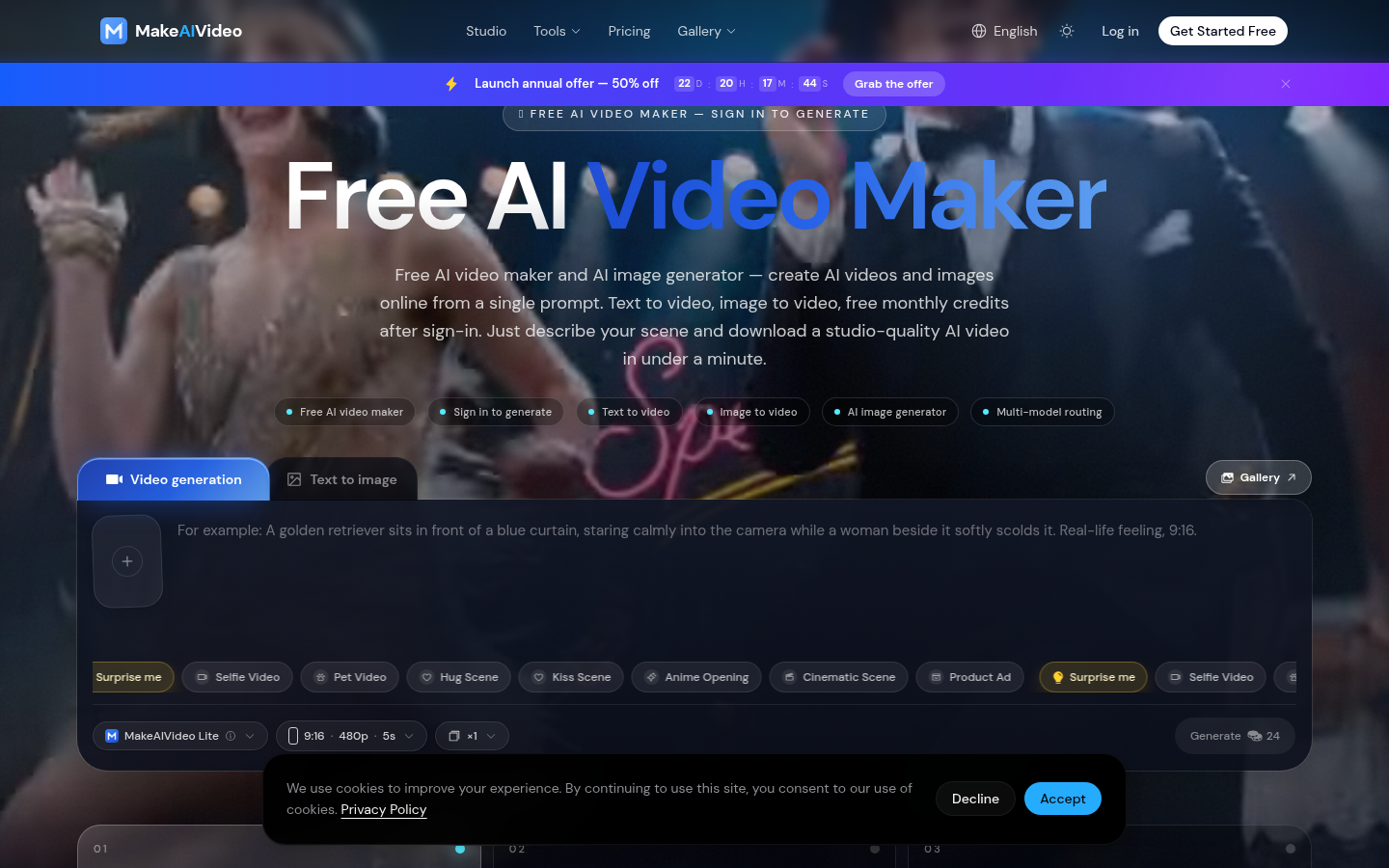
Screenshot archived from the listing page, for preview only.











