
Makefun AI
AI video and swap toolkitFree AI video, image and voice tools
Highlights
What you can do with it
- Create product videos for launches, updates and explanations.
- Produce training and educational videos with AI avatars in several languages.
- Translate a video into other languages while keeping the same voice tone.
How to use it
- 1 Go to https://makefun.ai and register an account.
- 2 Pick the function you need, such as text to image or image to video.
- 3 Enter the prompt or upload the image or video it asks for.
- 4 Wait for the AI to process the job and check the progress.
- 5 Preview the result and adjust it if needed.
- 6 Download the finished content once you are happy.
Who it is for
Pros
- Many media functions behind one account and one API.
- A free version is offered alongside the paid plans.
- Voice cloning covers around 50 languages.
- Documented API for developers who want to integrate it.
Limitations
- Face swap and voice cloning can breach platform rules, school policies and consent laws; using someone's face or voice without permission can carry legal, academic and reputational consequences, and responsibility sits with the user.
- Free unlimited generation is a claim that can change, and paid plans are usage based from 9.9 dollars.
- Output quality varies with the source material and the prompt.
- Synthetic faces and voices can be detected, flagged or removed by platforms.
- Heavy video jobs are slow and depend on queue and server load.
What Makefun AI is
Makefun AI is a collection of AI media tools. It converts images into video, swaps faces and avatars, generates images from text, clones voices across roughly 50 languages, turns silent video into a soundtrack, animates still photos into dance clips and offers real time AI avatars. The listing presents it as a free and unlimited AI video generator with a free version and usage based paid subscriptions starting at 9.9 dollars, and it mentions an API with documentation for developers. The pitch is that everything sits in one place so you do not need a stack of separate services.
What you can do with it
- Turn a still image into a short video with consistent faces.
- Generate images from text prompts for design and marketing work.
- Clone a voice and translate speech into other languages.
- Add a generated soundtrack to a silent video.
- Animate a photo or talk to a real time AI avatar.
Who it is for
- Developers who want to integrate media generation through an API.
- Marketers and product teams who need video at volume.
- Educators building training material without a crew.
- Content creators experimenting with video and animation.
What to watch out for
Some of these functions are high risk. Face swapping and voice cloning can breach platform rules, school policies and consent laws, and using a real person's face or voice without clear permission can carry legal, academic and reputational consequences. The responsibility for that sits entirely with the user, and nothing here should be read as encouragement to impersonate anyone. Beyond that, treat the free and unlimited claim as a marketing position rather than a guarantee: paid plans are usage based from 9.9 dollars, quotas can change, and free terms can be withdrawn. Output quality depends heavily on the source material and prompt, synthetic faces and voices can be detected or removed by platforms, and heavy video jobs are slow. Keep a record of the rights you hold for any material you upload, and check the terms of any platform you publish to.
FAQ
Is Makefun AI free?
There is a free version, and paid subscriptions are based on usage, starting at 9.9 dollars.
Can I swap any face into a video?
Only use faces and voices you have the right to use. Unauthorised swaps can break platform rules and laws, and the consequences fall on you.
How many languages does voice cloning support?
Around 50, with cross language translation support.
Is there an API?
Yes, the listing mentions an easy to integrate API with clear documentation for developers.
Why it is free
What the official page says: free version
Free limits, trial length and features are decided by the official site and can change at any time.
Product preview
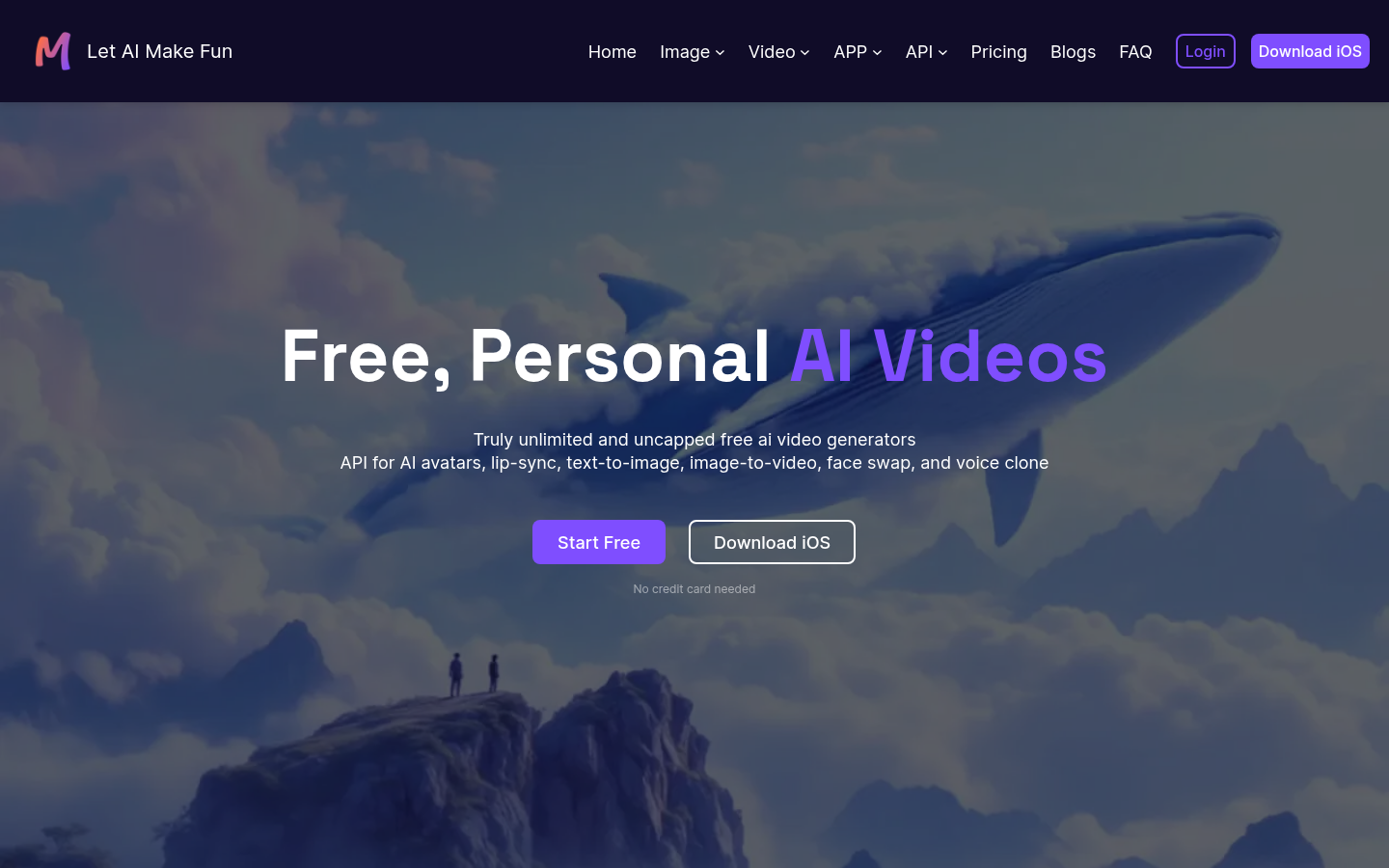
Screenshot archived from the listing page, for preview only.











