
Mappie
AI project planning from messy requirementsTurn chaotic requirements into dev ready stories
Highlights
What you can do with it
- A project manager turns a client's vague brief into concrete tasks
- A product manager sharpens a product document with AI suggestions
- A dev team breaks an epic into stories to speed up delivery
How to use it
- 1 Sign up as a Beta user on the Mappie website.
- 2 Create or import your project requirements.
- 3 Use the AI tools to structure ideas into epics and stories.
- 4 Refine documents with the context aware AI assistant.
- 5 Generate a clean, shareable product document for your team.
Who it is for
Pros
- Free access for Beta testers during the testing phase
- Cuts rework caused by unclear requirements
- Clean Markdown output that is easy to share
Limitations
- Beta status means features and free access can change
- Testing slots are limited and may fill up
- AI output still needs human review before it is final
What Mappie is
Mappie is an AI driven project planning tool. It is currently in Beta, and it offers free access to the first batch of testers within a limited number of slots. The core job is to turn vague ideas or chaotic requirements into structured product requirements. With AI help it builds out epics, requirements, features, and stories, and a context aware AI chat assists while you edit work items. Intelligent suggestions improve your documents as you write, and inline AI editing lets you refine epics without leaving the page. It can also quickly convert an epic into stories in clean, professional Markdown, which makes the output easy to share with a team.
What you can do with it
- Turn vague ideas into structured product requirements.
- Convert epics into requirements, features, and stories fast.
- Refine documents with a context aware AI chat and suggestions.
- Generate clean Markdown product docs for sharing.
Who it is for
- Project managers who deal with unclear client briefs.
- Product managers writing and polishing product documents.
- Development teams that need clear, broken down stories to build from.
What to watch out for
Mappie is still in Beta, so features, pricing, and free access can change, and the testing slots are limited and may fill up. The AI is a helper, not a replacement for judgment, so requirements should still be reviewed by a person before the team commits to them. Because it is early software, expect rough edges and shifting behavior between updates. Processing speed depends on file size and network conditions, so retry later if a task stalls during peak hours. Run one full task end to end first, then expand once you are comfortable with the workflow and the result quality.
FAQ
Is Mappie free?
During Beta it offers free access to the first batch of testers, within a limited number of slots.
What does it do?
It turns vague ideas or messy requirements into structured epics, requirements, features, and stories.
Who is it for?
Project managers, product managers, and development teams.
Why it is free
What the official page says: for free
Free limits, trial length and features are decided by the official site and can change at any time.
Product preview
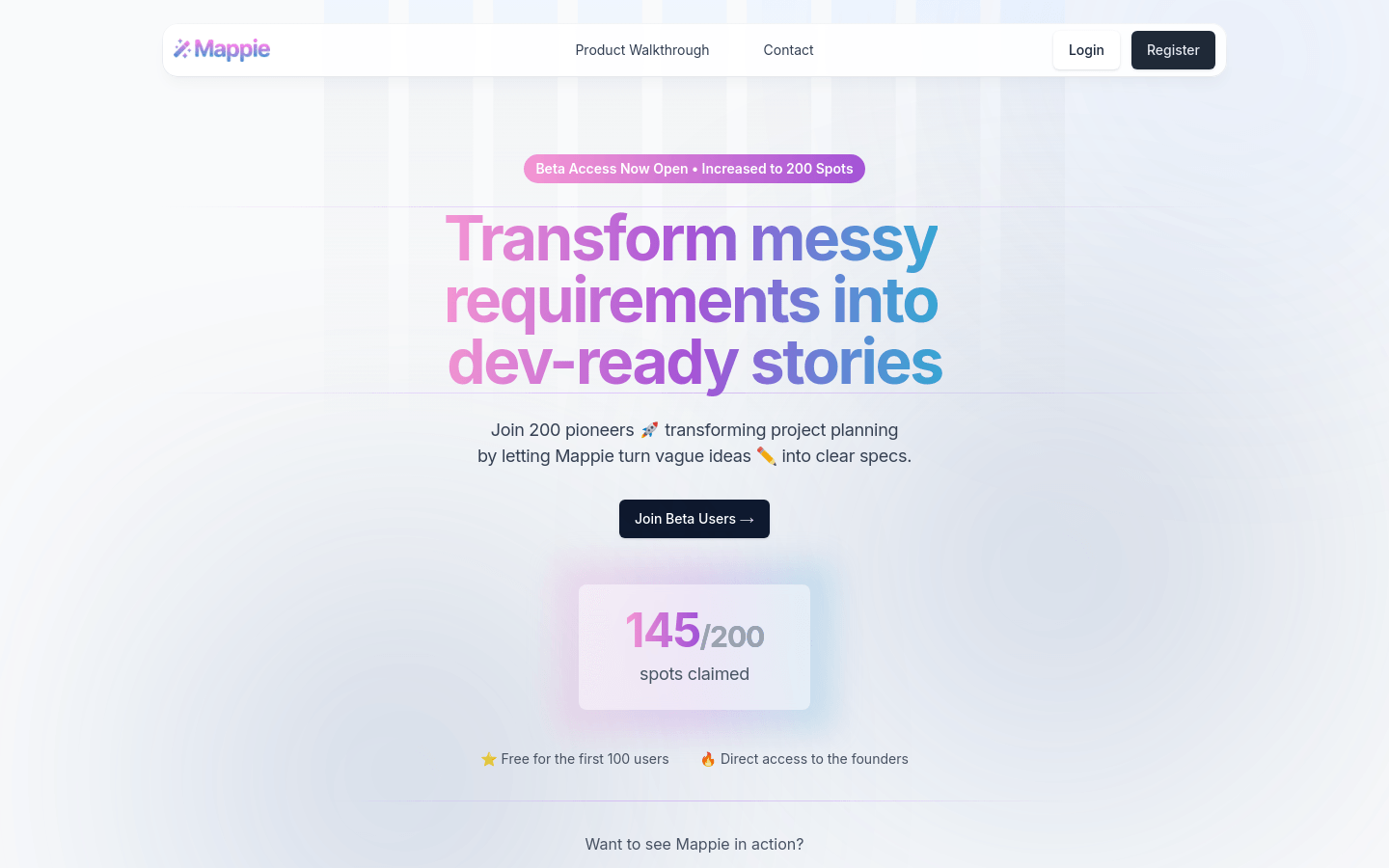
Screenshot archived from the listing page, for preview only.











