
Medeo
AI video maker from text descriptionsType an idea, get a video
Highlights
What you can do with it
- Turning a blog post into a social video
- Making a short ad clip from the material library
- Producing an explanatory video for a course
How to use it
- 1 Register and start a new video project
- 2 Enter a text description of what you want
- 3 Let the AI select material and generate the edit
- 4 Adjust the result and export it
Who it is for
Pros
- No editing interface to learn
- Large material library with automatic selection
- Article to video saves scripting time
- Automatic voiceover and music included
Limitations
- Free trial then paid
- Automatic edits still need manual tuning
- Material licensing for commercial use should be checked
- Animated story output depends on your style references
What Medeo is
Medeo is an AI video production tool that starts from a text description instead of a timeline. You write what you want, and it assembles a video: selecting shots from a large material library, adding a professional voiceover and background music, and handling transitions and pacing. It can also take a webpage or an article and turn it into a video, adapting the written content into visuals and narration. There is a separate mode for animated stories, where you upload style references along with text and the AI produces an animated piece. A free trial is available.
What you can do with it
- Turn a written description into a finished video.
- Convert a webpage or blog article into video form.
- Produce animated stories from style references.
- Get automatic voiceover, music, and pacing without editing.
Who it is for
- Writers and bloggers repurposing articles into video.
- Advertisers who need short promotional clips fast.
- Educators producing explanatory content for a course.
What to watch out for
Automatic editing is a starting point, not a finished cut. Pacing, shot choice, and music rarely land exactly right on the first pass, so plan time to adjust. The material library is large but it is still a library, so your video will look like other videos made from the same footage unless you edit heavily. If you plan commercial use, check the licensing terms for the stock material and the voiceover rather than assuming everything is cleared. The animated story mode depends on the quality of the style references you supply, so weak references give weak results. Start with a small sample to confirm the output meets your expectations before processing the full batch.
FAQ
Is Medeo free?
A free trial is available.
Do I need editing skills?
No, you describe the video in text and the AI assembles it.
Can it use an existing article?
Yes, it converts webpages and articles into video.
Why it is free
What the official page says: free trial
Free limits, trial length and features are decided by the official site and can change at any time.
Product preview
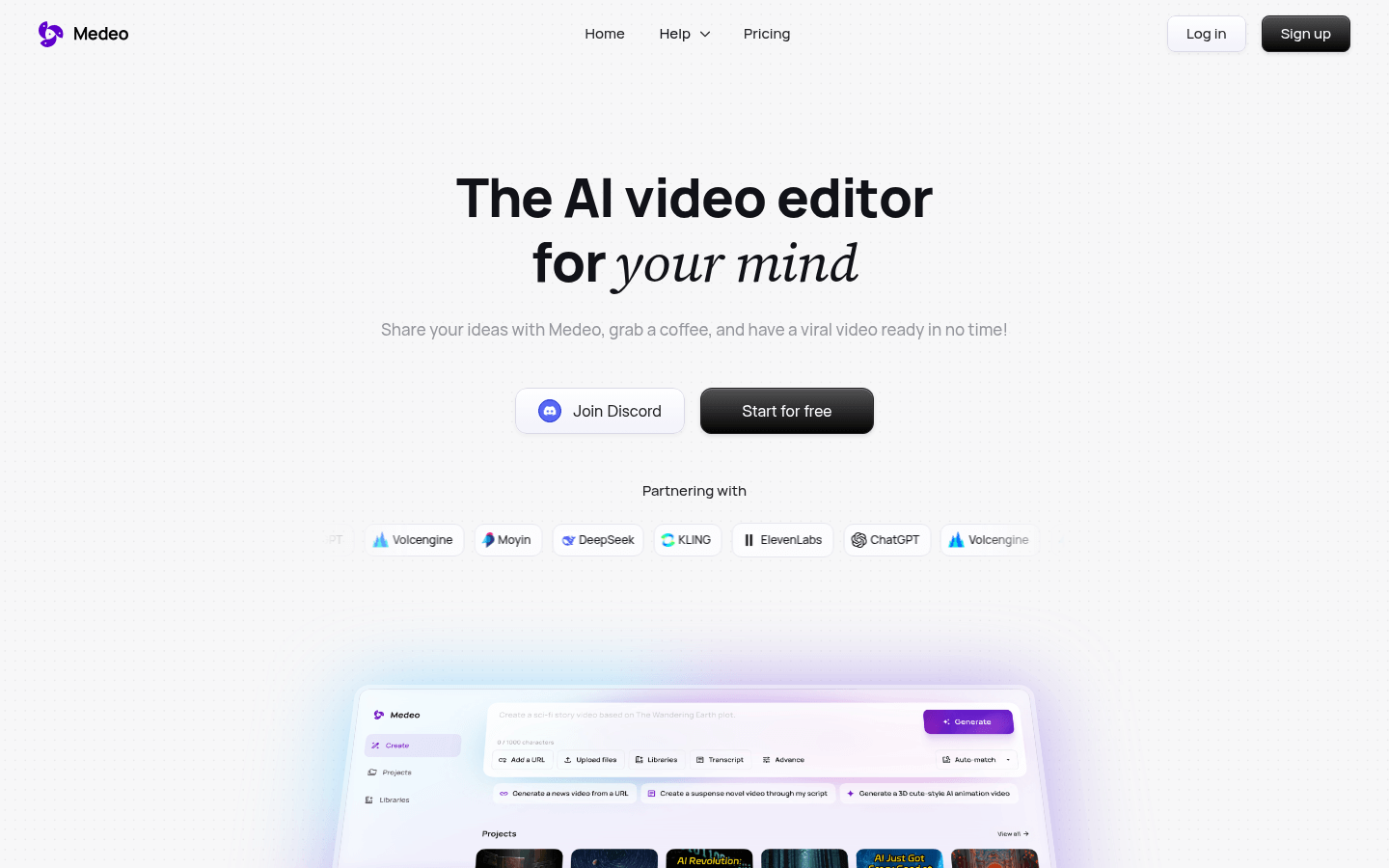
Screenshot archived from the listing page, for preview only.











