
Medio AI
AI video editing for marketing localizationTranslate and voice over product videos with AI
Highlights
What you can do with it
- Localizing a product video for an overseas market
- Cleaning up marketing clips for social media
- Generating explainer videos for e-commerce listings
How to use it
- 1 Register an account on the Medio AI site
- 2 Start the free trial or choose a plan
- 3 Import video by link and remove the watermark
- 4 Translate the content and add subtitles
- 5 Add a voiceover, then publish the video
Who it is for
Pros
- Free trial to test the workflow
- Localization steps handled in one online tool
- No install, so it works on most machines
Limitations
- Full features require a paid plan
- Translation and voiceover quality need review
- Results depend on the quality of the source video
What Medio AI is
Medio AI is a platform of AI editing tools for businesses, focused on video translation and voiceover. You can remove watermarks from short videos, translate product details and videos into other languages with automatic subtitles, and generate voiceover videos from a product link. The site says no download is needed and everything runs online. It is built for companies that want to sell in overseas markets and need localized video marketing without filming new footage. A free trial is offered, with paid versions based on the features you need. Have a native speaker review translations and voiceover before you publish.
What you can do with it
- Remove watermarks from short videos in one click
- Translate product details and videos with subtitles
- Generate voiceover videos from a product link
- Prepare localized marketing clips for overseas platforms
Who it is for
- Cross-border sellers entering new markets
- Marketing teams producing localized video content
- E-commerce operators who need explainer clips fast
What to watch out for
Full features sit behind paid plans, so map out which capabilities you actually need before the trial ends. Translation and voiceover quality vary, and a machine read of your product copy can damage trust if it goes out unreviewed. Output also depends heavily on the source video, so poor footage will not improve much through editing. Free tiers and usage limits can change, so check the current rules on the official page before relying on it long term. Processing speed depends on file size and network conditions, so retry later if a task stalls during peak hours. Start with a small sample to confirm the output meets your expectations before processing the full batch.
FAQ
What is Medio AI?
It is a platform of AI editing tools focused on video translation and voiceover for businesses.
Is there a free trial?
Yes, a free trial is offered, with paid versions based on feature needs.
Do I need to install software?
No, the site says everything runs online.
Can it remove watermarks?
Yes, it offers one-click watermark removal for short videos from major platforms.
Why it is free
What the official page says: free trial
Free limits, trial length and features are decided by the official site and can change at any time.
Product preview
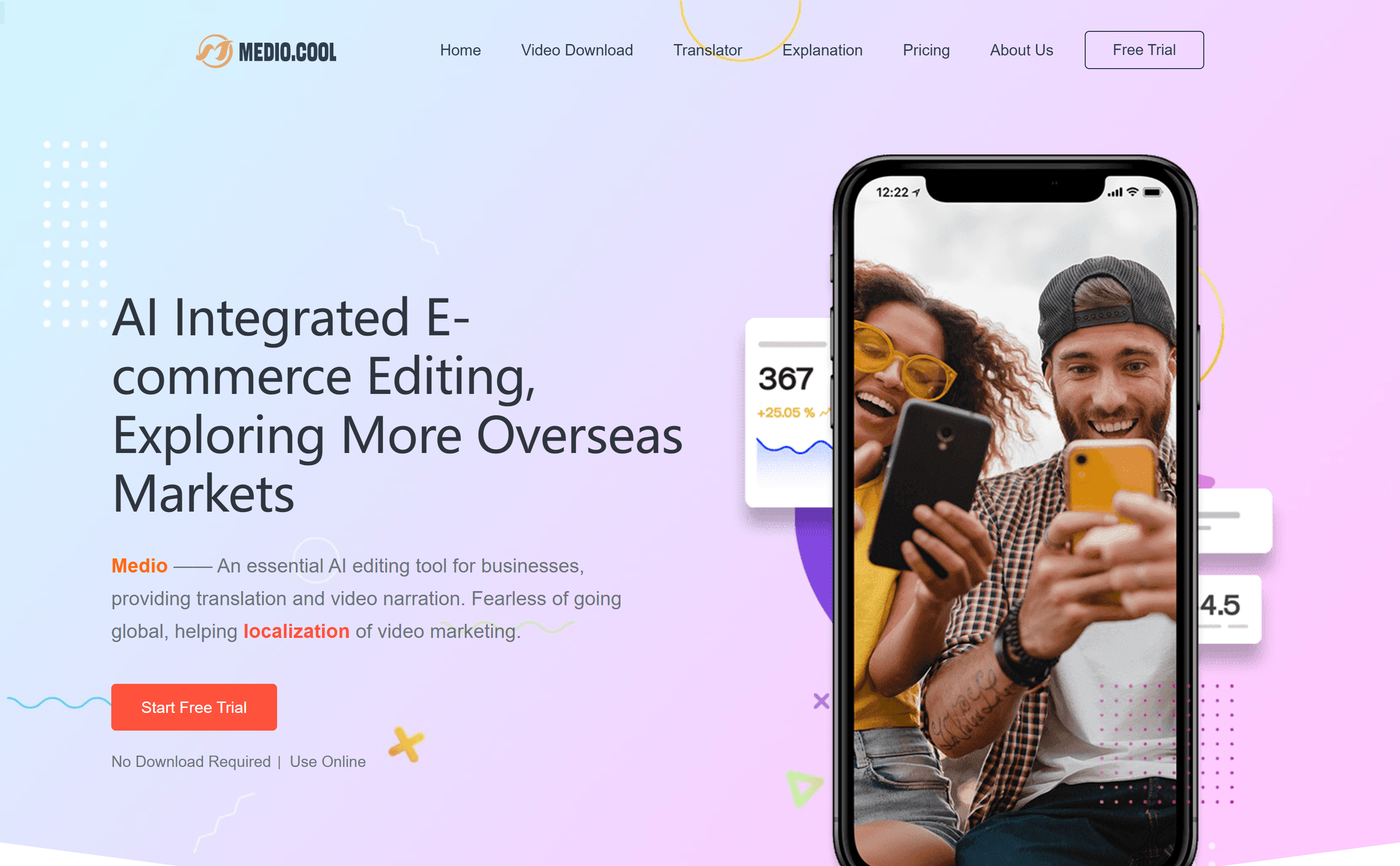
Screenshot archived from the listing page, for preview only.











