Mejorar Imagen
Free online AI image upscalerEnlarge images up to 10x and 12K resolution
Highlights
What you can do with it
- A photographer enlarges and sharpens wedding photos for large display
- A designer builds high-resolution images for billboards and banners
- An influencer upgrades social media images for a sharper feed
How to use it
- 1 Upload the image you want to enhance to Mejorar Imagen.
- 2 Select the enhancement and scaling level you want.
- 3 Let the AI process the image to improve quality and size.
- 4 Download the optimized high-resolution image.
Who it is for
Pros
- Free to use with no software to install
- Large upscaling up to 10x and 12K resolution
- Works across phones and desktop browsers
Limitations
- Free tool, so access and limits can change
- Result quality still depends on the original image
- Very large upscales can take longer to process
What Mejorar Imagen is
Mejorar Imagen is an AI-based website that enhances image quality online for free. Its main claim is upscaling: users can enlarge images up to 10 times and up to 12K resolution, which the tool says improves clarity for large prints, design projects, and social media posts. The workflow is short. You upload an image, choose the enhancement and scaling level, let the AI process it, and download the high-resolution result. Generation is described as quick, and the site works on iPhone and Android as well as desktop browsers, so you can upscale from a phone or a computer. It is aimed at photographers, designers, and social media users who need sharper and larger images.
What you can do with it
- Enlarge an image up to 10 times while keeping clarity
- Push output up to 12K resolution for print or large displays
- Sharpen professional photography for big prints
- Improve social media images for a cleaner, more polished feed
Who it is for
- Photographers who need large, sharp prints from smaller files
- Designers producing high-resolution assets for banners and billboards
- Social media users who want clearer, more polished images
What to watch out for
It is a free tool, so availability and any usage limits can change without notice. The result is still bounded by the quality of the original image, so a low-resolution or blurry source will only improve so much. Very large upscales can take longer to process, and you should review the output before using it in a final print or campaign. Processing speed depends on file size and network conditions, so retry later if a task stalls during peak hours.
FAQ
Is Mejorar Imagen free?
Yes. It provides online image enhancement for free.
How large can images get?
Images can be enlarged up to 10 times and up to 12K resolution.
Does it work on mobile?
Yes. It is compatible with iPhone and Android devices.
Why it is free
What the official page says: for free
Free limits, trial length and features are decided by the official site and can change at any time.
Product preview
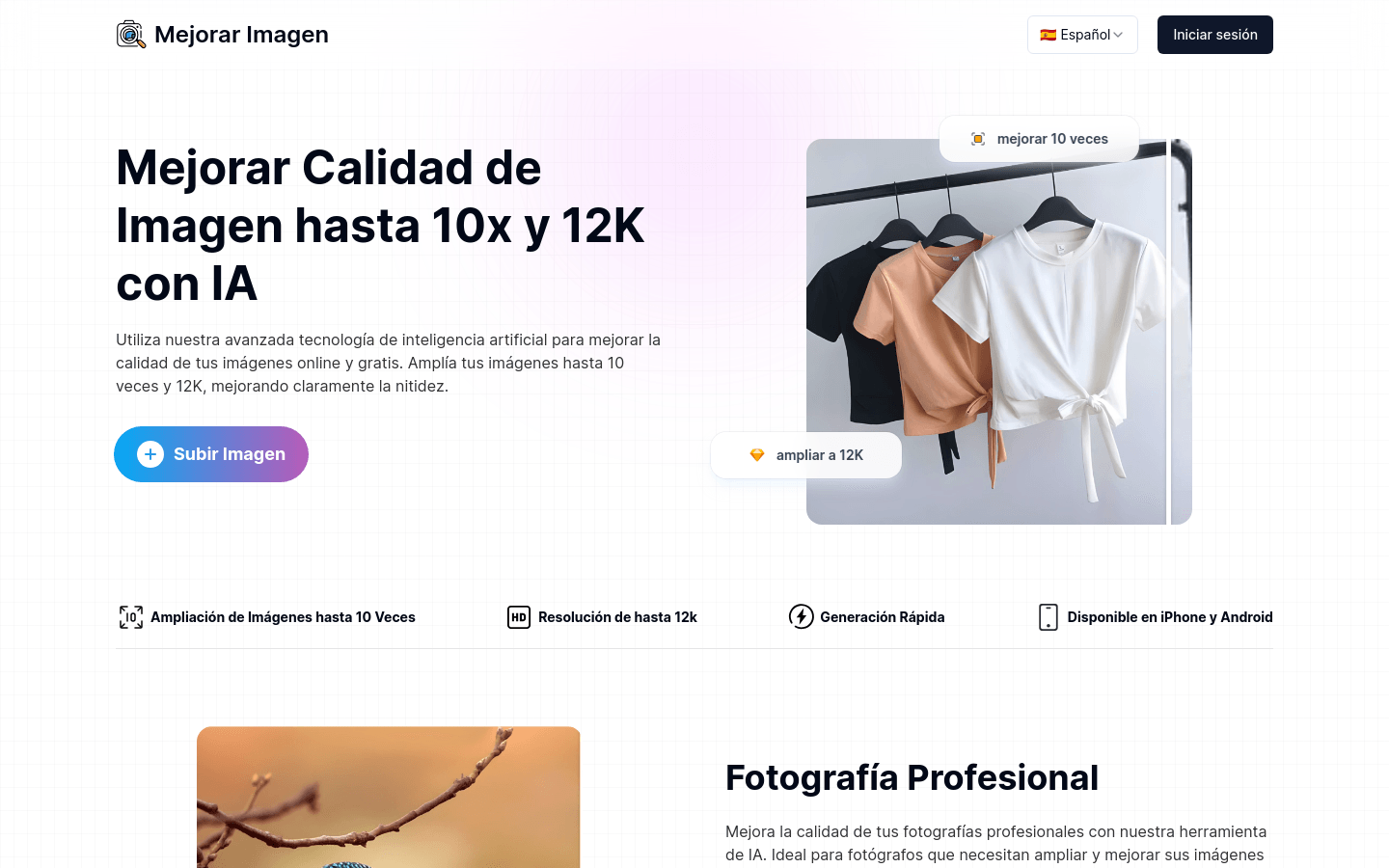
Screenshot archived from the listing page, for preview only.











