Merlin
AI browser extension for daily browsingSummarize and search the web with AI
Highlights
What you can do with it
- Summarize a YouTube video or long article quickly
- Get AI answers next to Google search results
- Draft or reply inside Gmail with AI help
How to use it
- 1 Install the Merlin extension in your browser
- 2 Activate the extension after installing it
- 3 Open Merlin on a page where you want help
- 4 Pick a feature such as summarize, search, or live web data
Who it is for
Pros
- Puts AI summaries and answers next to the page you are on
- Free GPT-4 access and broad language support
- Covers many sites including search, video, and email
Limitations
- Free access and features can change as the product updates
- It depends on upstream AI services, so availability can vary
- Browser extensions request permissions, so review them first
What Merlin is
Merlin is a browser extension powered by ChatGPT that adds AI help directly into the pages you visit. It bundles tools such as a YouTube summarizer, a blog summarizer, ChatGPT on Google, and integrations for Twitter, LinkedIn, and Gmail, along with live web data. The extension offers free access to GPT-4, supports all languages, and the site states it follows security standards including SOC2, GDPR, and ISO 27001. Once installed and activated, you open Merlin wherever you want a summary or an answer. The aim is to cut the time you spend reading and searching by placing AI output next to the page itself.
What you can do with it
- Summarize YouTube videos and long blog posts in a click
- Get AI answers beside Google search results
- Draft, reply, or rewrite inside Gmail with help
- Pull live web data while you browse
Who it is for
- Heavy online readers who want faster summaries
- Professionals moving between search, video, and social platforms
- Anyone who wants GPT-4 help without leaving the tab
What to watch out for
Free access and the exact feature set can change as the product evolves, so confirm current terms on the site. Merlin depends on upstream AI services, so availability and quality can vary. Browser extensions request permissions, so review what access you grant before installing. Treat AI output as a draft to check rather than a final answer, especially for important messages or research. Name and archive exported files consistently so you can find and reuse them, and keep a backup copy of key data. When quality matters, export a small draft first to confirm the result before producing the final file.
FAQ
Is Merlin free?
It offers free access to GPT-4, though terms can change. Check current details on the site.
What does Merlin do?
It adds AI features like YouTube and blog summarizers, ChatGPT on Google, and integrations for Twitter, LinkedIn, and Gmail.
Is it secure?
The site states it follows SOC2, GDPR, and ISO 27001 standards.
Why it is free
What the official page says: 免费
Free limits, trial length and features are decided by the official site and can change at any time.
Product preview
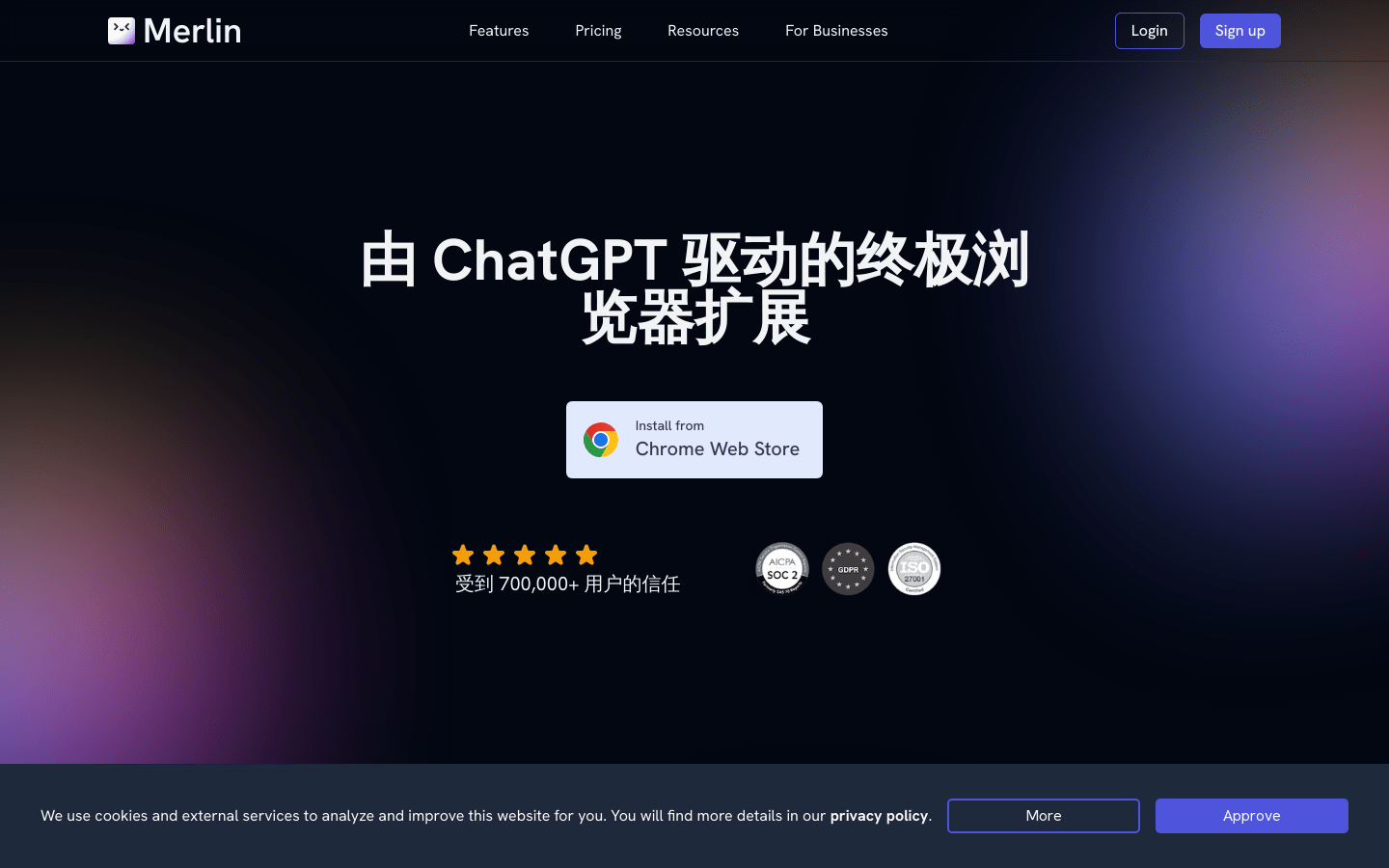
Screenshot archived from the listing page, for preview only.