
Merry Christmas AI video generator
Turn Christmas photos into music backed video clips with AI templates.Pick a template, add photos, get a Christmas video in minutes.
Highlights
What you can do with it
- A family turns holiday photos into a greeting video with music
- A shop creates a Christmas promotion clip for social media
- A teacher builds a short lesson video about Christmas traditions
- A user personalizes a template with their own song
How to use it
- 1 Upload JPG or PNG photos by click, drag, or paste
- 2 Choose a template by music, greeting style, or theme
- 3 Optionally upload MP3 or WAV audio up to 20MB
- 4 Add extra requirements and set resolution such as 480p or 720p
- 5 Click generate, preview in real time, then share
Who it is for
Pros
- Very simple flow, with no editing timeline to learn
- Template library covers different styles and music
- Custom audio supported for personal songs or voice messages
- Free trial available for testing the output
Limitations
- The service is seasonal, so templates and availability may change after the holidays
- Free trial limits are not spelled out and can change
- Output caps at 720p, which is below current 1080p or 4K standards
- Audio files are limited to 20MB and video length to 600 seconds
What the Merry Christmas AI video generator is
The Merry Christmas AI video generator is a Christmas focused video tool from Wan AI. The site says the AI handles scenes, media, voice-over, and sound effects once you pick a template, so the whole job is reduced to choosing a look and adding your own photos. It offers a free trial, and the page states that Christmas video clips with music can be obtained for free. You can also fill in extra requirements in a short text field, and the platform sets the video length based on the audio you choose. The tool is aimed at people who want a festive video in minutes rather than an editing session, and it works entirely in the browser.
What you can do with it
- Upload JPG or PNG photos and place them into designed scenes
- Choose from templates with different styles, themes, and music
- Add your own MP3 or WAV audio, up to 20MB
- Set resolution at 480p or 720p, preview in real time, and share the clip
Who it is for
- Families making personalized Christmas greetings for relatives
- Businesses producing short holiday promotion videos
- Teachers creating seasonal material for classroom use
- Office teams sending holiday messages to clients and partners
- Anyone who wants a festive clip without learning video editing
What to watch out for
This is a seasonal product, so template choices and even site availability can change once the holiday period passes. The free trial is the entry point, but the page does not spell out how much you can generate for free, and trial limits can change without notice. Output resolution tops out at 720p, which is fine for social sharing but not for large screens or projection. Uploads are capped at 20MB for audio and 600 seconds for video length, so long projects need trimming before you start. Results also follow the template design closely, so unusual creative ideas may need more manual work in another editor. Check the current free terms before you plan a campaign around it.
FAQ
How do I make a Christmas video here?
Upload photos, choose a template, optionally add audio, then click generate and preview the result.
What audio formats are supported?
MP3 and WAV files up to 20MB can be uploaded.
How long can the video be?
Length follows your audio and can reach 600 seconds.
Is it free?
The site offers a free trial and says Christmas video clips with music can be obtained for free.
Why it is free
What the official page says: for freefree trial
Free limits, trial length and features are decided by the official site and can change at any time.
Product preview
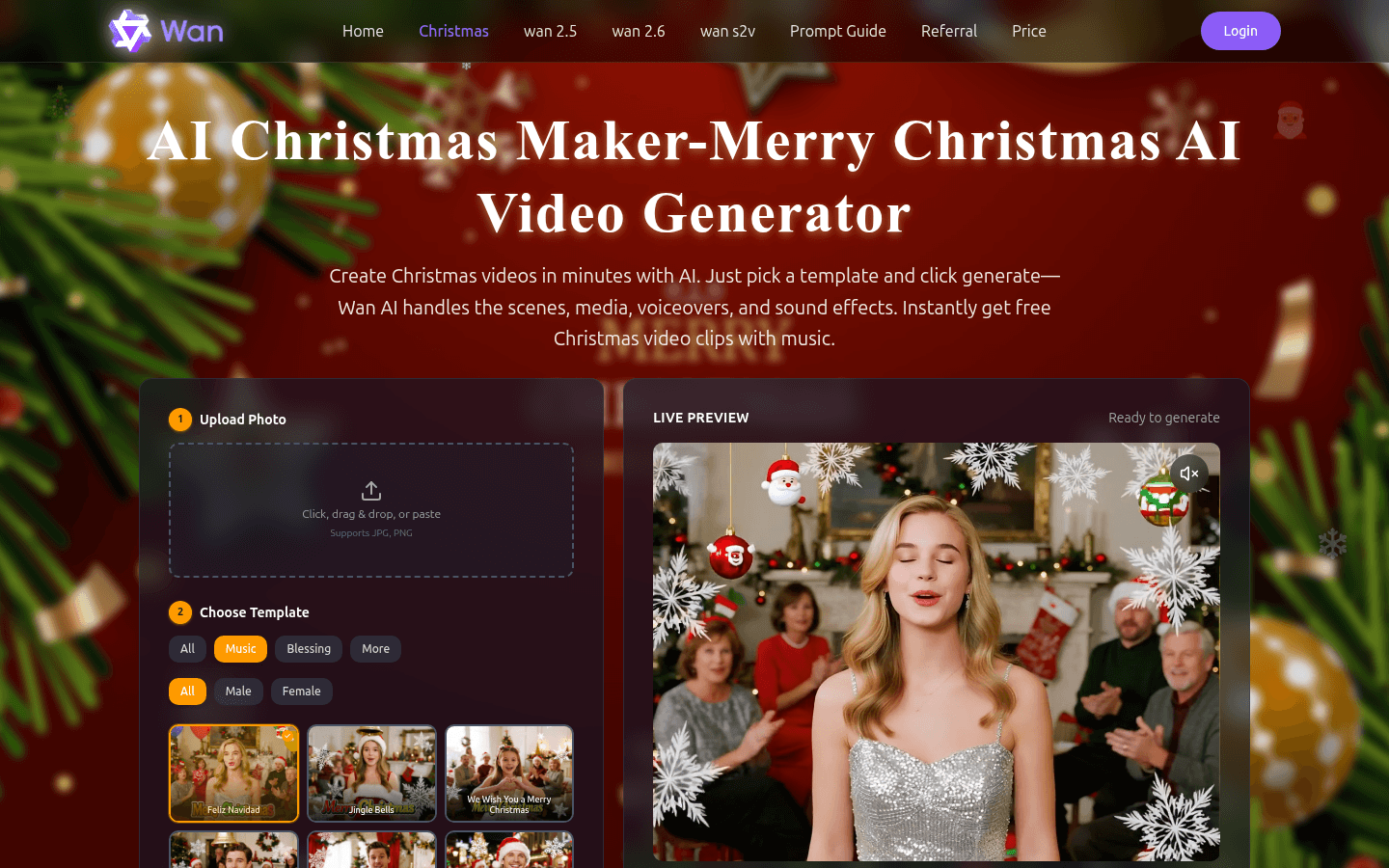
Screenshot archived from the listing page, for preview only.











