
Highlights
What you can do with it
- Turn a text idea into a 3D asset for a game or scene
- Convert a reference image into a 3D model
- Prototype props and characters quickly without a modeler
How to use it
- 1 Open MeshGPT in your browser
- 2 Enter a text description or upload a reference image
- 3 Choose the output format you need
- 4 Generate the model and review the mesh, materials, and textures
- 5 Download the result and use it in your project
Who it is for
Pros
- Fast generation from simple inputs
- Free to use with several generations per day
- Automatic materials and textures save cleanup work
Limitations
- Daily free generations are limited
- Complex models may still need manual fixes
- Free usage rules can change over time
What MeshGPT is
MeshGPT is a free AI 3D model generator. It takes text descriptions or images and converts them into 3D models, which means you do not need professional 3D modeling skills to end up with a usable asset. Generation is fast, the tool supports multiple input and output formats, and it can automatically generate materials and textures so the model does not arrive as a bare grey mesh. The site presents it as free to use, with multiple generations allowed per day, and positions it as a convenient option for creators, designers, and developers who need 3D content quickly.
What you can do with it
- Turn a written description into a 3D model.
- Convert a reference image into a 3D asset.
- Get automatic materials and textures with the generated mesh.
- Export in a format that fits your existing workflow.
Who it is for
- Game developers who need quick placeholder or final assets.
- Designers prototyping objects without deep modeling skills.
- Developers and hobbyists who want fast 3D iteration.
What to watch out for
Free use comes with a daily generation limit, so production work will reach that ceiling quickly and you will need to plan around it. Complex or precise models can still need manual cleanup after generation, and format support varies by project, so test whether the output imports cleanly into your pipeline before you depend on it. Free usage rules can change, so treat current limits as provisional and keep a local backup of any model you actually use. For best results, start with a small test file and review the output carefully before working on anything important.
FAQ
Is MeshGPT free?
Yes. It is free to use, and the site says you can generate 3D models multiple times a day.
What inputs does it accept?
Text descriptions or images, which are converted into 3D models.
Do I need modeling skills?
No. It is designed to simplify the 3D modeling process for creators, designers, and developers.
Why it is free
What the official page says: 免费使用免费
Free limits, trial length and features are decided by the official site and can change at any time.
Product preview
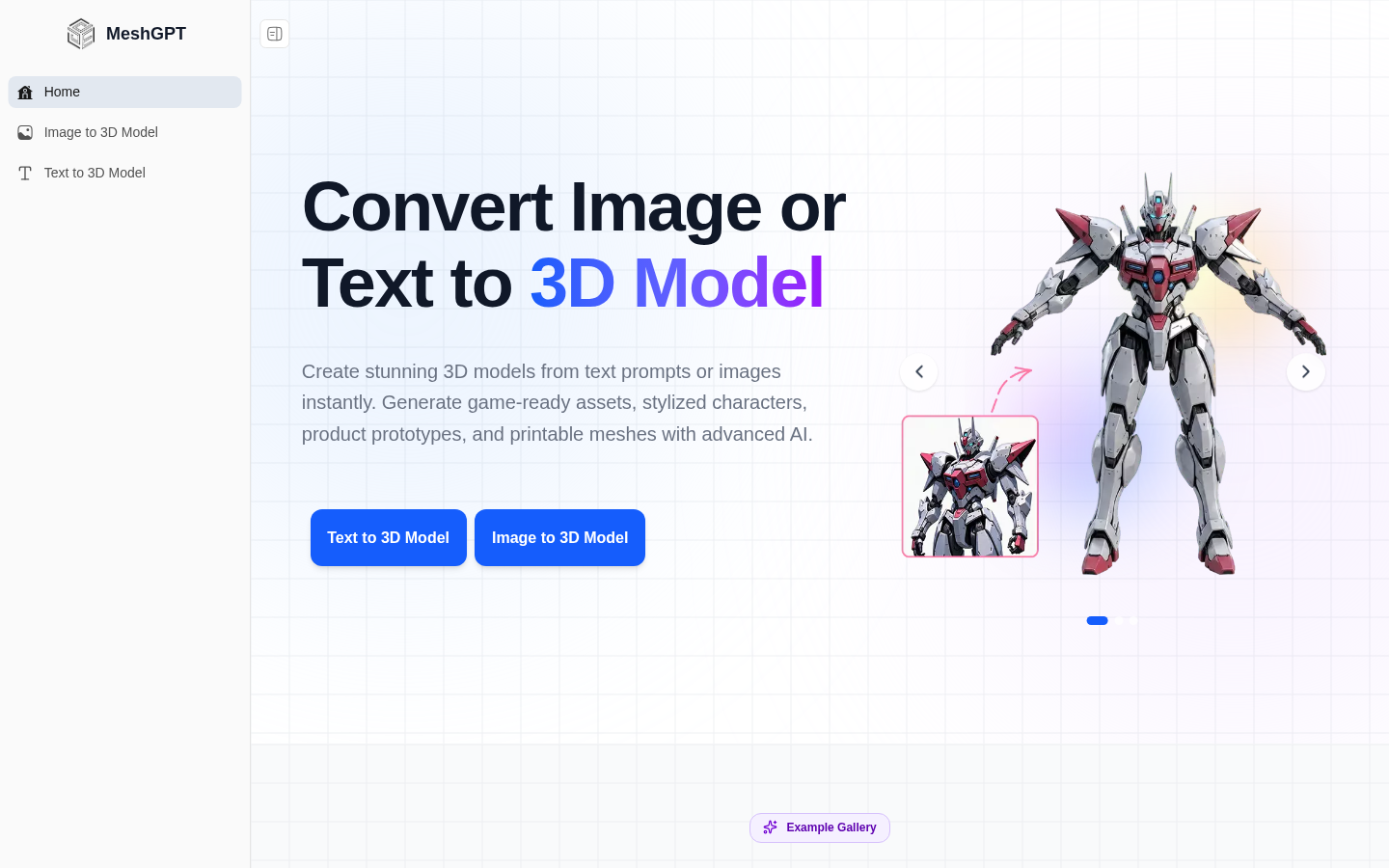
Screenshot archived from the listing page, for preview only.