
MeshGPT
Text and image to 3D models3D models from a prompt or photo
Highlights
What you can do with it
- Turn 2D concept art into game props and weapons
- Convert a character illustration into a 3D base for a VTuber
- Print a personalised figurine from an STL export
How to use it
- 1 Open the MeshGPT website in your browser.
- 2 Choose Text to 3D or Image to 3D.
- 3 Enter an English prompt or upload a JPG, PNG or WebP file.
- 4 Generate, then preview the model from all angles.
- 5 Export in GLB, FBX, OBJ or STL.
Who it is for
Pros
- No modeling experience needed to get a usable mesh
- Standard export formats work with common engines and Blender
- Free trial without a card
Limitations
- Free tier limits mean real projects likely need a paid plan
- Text-to-3D expects an English prompt, which narrows use
- Mesh quality varies with the input and still needs cleanup for production
What MeshGPT is
MeshGPT is an online 3D model generator. You give it either a text prompt in English or an image in JPG, PNG or WebP format, and it returns a textured 3D model. The page says generation takes seconds and that no professional modeling skills are needed. Alongside the mesh it produces clean topology, UV mapping and PBR material textures, and it aims to keep the colors and detail of the source image. Prompt styles listed include realistic, cartoon and low-poly, which gives you some control over the look of the output. Models can be inspected from any angle in the browser before you download them.
What you can do with it
- Generate a model from a written description
- Convert a photo, sketch or illustration into 3D
- Export in GLB, FBX, OBJ or STL
- Preview the result in the browser before downloading
Who it is for
- Game developers producing props, weapons and scene pieces
- Anime and VTuber creators building a 3D version of a character
- Makers who want an STL file for 3D printing
What to watch out for
The free trial is a starting point, and sustained work will probably need a paid plan. Text-to-3D is described as taking an English prompt, so other languages may not work as expected. Generated meshes still need retopology or cleanup for tight production budgets, and results depend heavily on how clear your input is. Model scale and detail also vary, so measure and test before you commit to a print. Free trial terms and credit limits can change at any time. For best results, start with a small test file and review the output carefully before working on anything important.
FAQ
Do I need modeling skills?
The page states that no professional 3D modeling skills are needed, though production use may still require cleanup.
What formats can I export?
GLB, FBX, OBJ and STL, which cover most game engines and 3D printing workflows.
Is there a free option?
A free trial with a free tier is offered, and the page says no credit card is required to start.
Why it is free
What the official page says: free tierfree trialno credit card
Free limits, trial length and features are decided by the official site and can change at any time.
Product preview
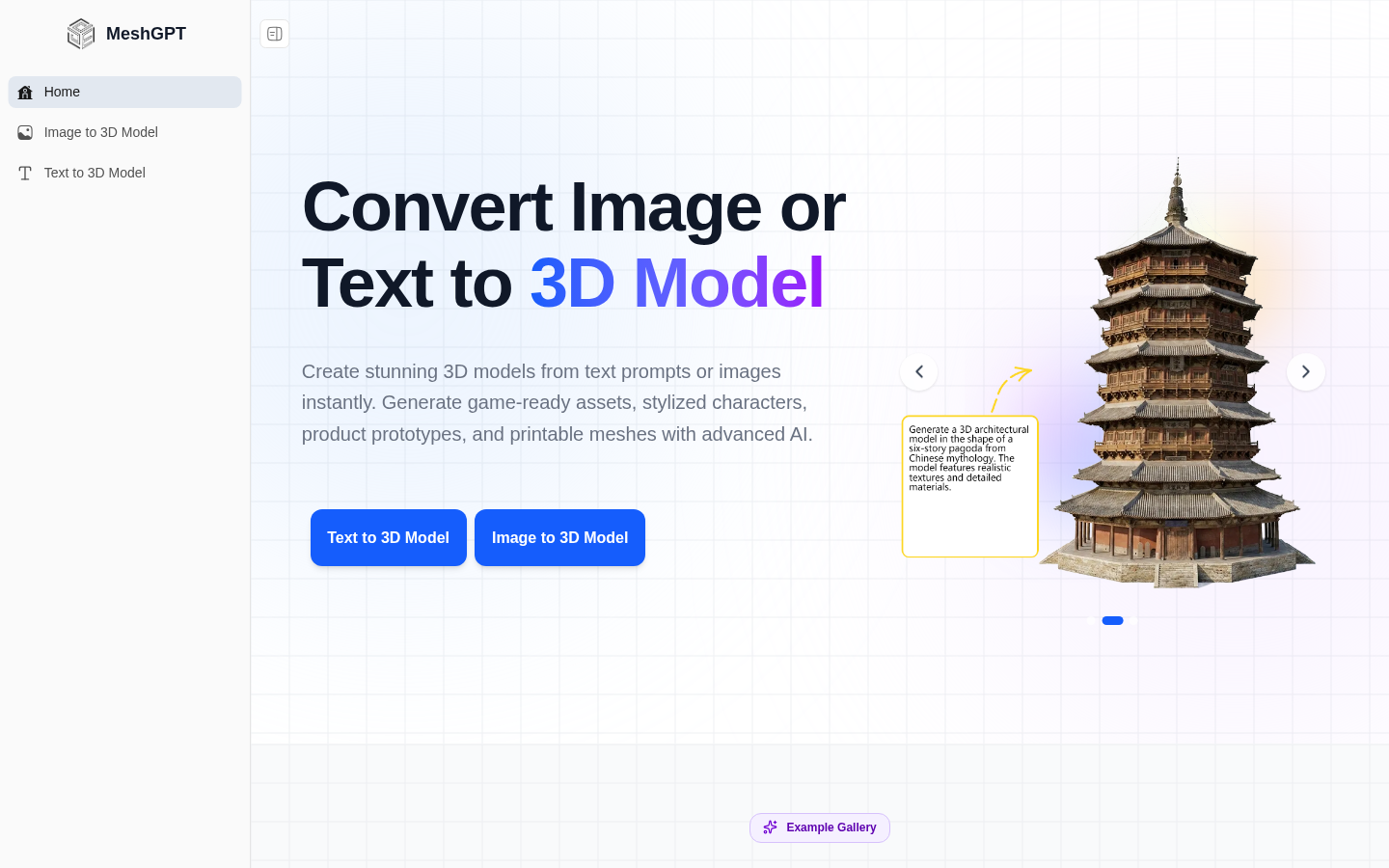
Screenshot archived from the listing page, for preview only.











