
MetaAI
Free Meta AI assistantAsk questions, make images, get things done
Highlights
What you can do with it
- Build a summer travel packing list
- Refine a business email
- Generate a watercolor image of a city scene
How to use it
- 1 Open Meta AI on the web or in a Meta app
- 2 Type your question or request
- 3 Ask it to write, plan, or answer
- 4 Request an image from a text description
Who it is for
Pros
- Free to use
- Handles writing, planning, and questions
- Includes image generation
Limitations
- The site returned an error status when last checked, so access may vary
- Features and availability depend on your region and account
- AI answers and images still need review before you rely on them
What MetaAI is
MetaAI is an AI assistant built on Meta's technology. It can help you with everyday tasks such as creating to-do lists, refining email writing, and answering questions. It also includes image generation, so you can describe a scene in text and get a matching image back. Meta AI is free to use and is positioned as an efficient, intelligent, and multifunctional assistant for a wide range of needs. Because it comes from Meta, it is also reaching users through Meta's apps in supported regions.
What you can do with it
- Create lists and plan tasks
- Refine and rewrite emails and other text
- Ask questions and get answers
- Generate images from a text description
Who it is for
- People who want a free general assistant
- Anyone refining emails and everyday writing
- Users who want quick AI-generated images
What to watch out for
The site returned an error status when it was last checked, so access may vary by region and over time, and some features depend on your account and location. AI answers and generated images are a starting point, so review them before you rely on them for work or important messages. Image results can differ from your description, so expect to refine your prompt. As with any assistant, do not share private or sensitive details you would not want stored. For team use, agree on naming and editing conventions in advance to avoid version conflicts or duplicated work. Name and archive exported files consistently so you can find and reuse them, and keep a backup copy of key data. Save a backup of the original file before large batch jobs, and keep an exported copy of key results in case the page or service becomes temporarily unavailable.
FAQ
Is Meta AI free?
Yes, Meta AI is described as free to use.
What can it do?
It helps with tasks and writing, answers questions, and generates images from text.
Where can I use it?
It is available through Meta's products and the Meta AI site, depending on your region.
Why it is free
What the official page says: free to use
Free limits, trial length and features are decided by the official site and can change at any time.
Product preview
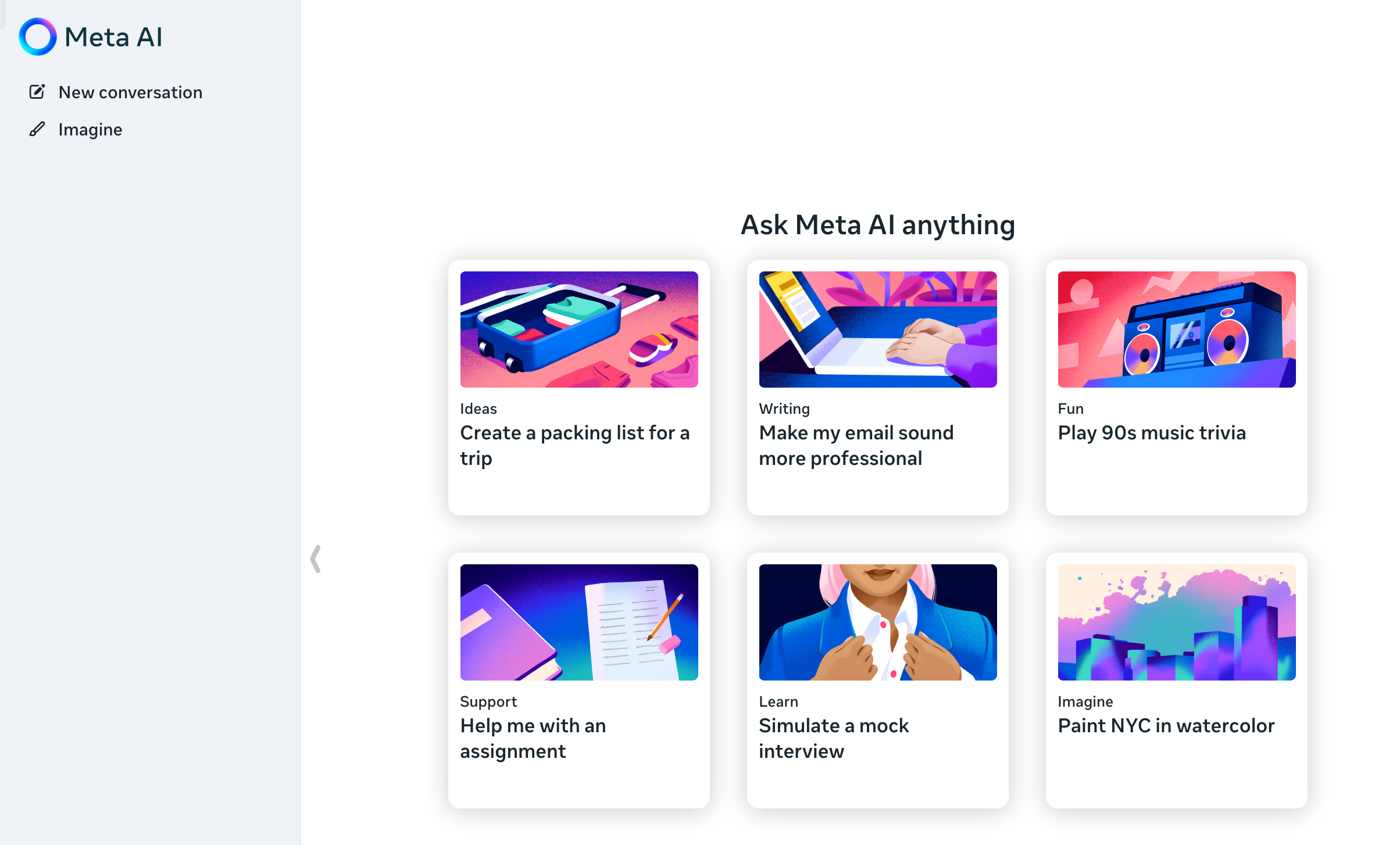
Screenshot archived from the listing page, for preview only.











