
Metaphor
AI powered web searchSearch the web with an API
Highlights
What you can do with it
- Finding the latest technology news in one place
- Locating discussions about a topic on Twitter
- Filtering out unwanted sites from search results
- Adding search to a product through the API
How to use it
- 1 Open the Metaphor site
- 2 Enter a query or use autocomplete to refine it
- 3 Apply website filtering to narrow the results
- 4 Browse the results across the sources
- 5 Sign up for API access if you want to build with it
Who it is for
Pros
- Covers several content types in one search box
- Filtering and autocomplete speed up refinement
- API makes it easy to build search into a product
- Free to try before paying
Limitations
- Coverage depends on what the index includes
- A search API has rate limits and usage costs
- Free access is an entry point, not an unlimited plan
- Third party search can change or shut down
What Metaphor is
Metaphor is a website built around a simple pitch: helping users rediscover the internet. Rather than returning the same handful of ranked pages, it is described as a search surface that reaches across different kinds of content, including Twitter, Wikipedia, news, and papers. That spread is the appeal, because a question that needs discussion, a reference, and a recent article can often be answered inside one search instead of three. Two features support refinement directly: website filtering, which lets you exclude sources you do not want, and autocomplete suggestions, which help you shape a query as you type. The listing also puts weight on the API, describing it as powerful enough that a developer can add web search to an application with only a few lines of code.
What you can do with it
- Search across Twitter, Wikipedia, news, and papers at once.
- Use website filtering to cut sources you do not want.
- Rely on autocomplete suggestions to tighten a query.
- Add search to your own product through the API.
Who it is for
- Researchers gathering material across several content types.
- Developers who need a search feature inside an application.
- Readers who want discussion and context, not just official pages.
- Anyone frustrated by repetitive results on a general engine.
What to watch out for
Any search service is only as good as its index, and coverage of a given topic can be thin, especially for niche or non English material. If you are building on the API, expect rate limits, usage based costs, and the possibility that endpoints change, so design your application to degrade gracefully when search is unavailable. The description says users can try it for free, but free access is an entry point rather than an unlimited plan, so read the current pricing before you depend on it for a product. Third party search platforms can also be acquired, repositioned, or shut down, which means anything you build on one should have a fallback. Finally, verify important claims against primary sources rather than trusting a results page.
FAQ
What can I search with Metaphor?
The feature list covers Twitter, Wikipedia, news, and papers.
Is there an API?
Yes, the description says the API lets users build web search with a few lines of code.
Can I filter results?
Yes, website filtering and autocomplete suggestions are listed features.
Is it free to try?
The description says pricing is reasonable and users can try it for free.
Why it is free
What the official page says: for free
Free limits, trial length and features are decided by the official site and can change at any time.
Product preview
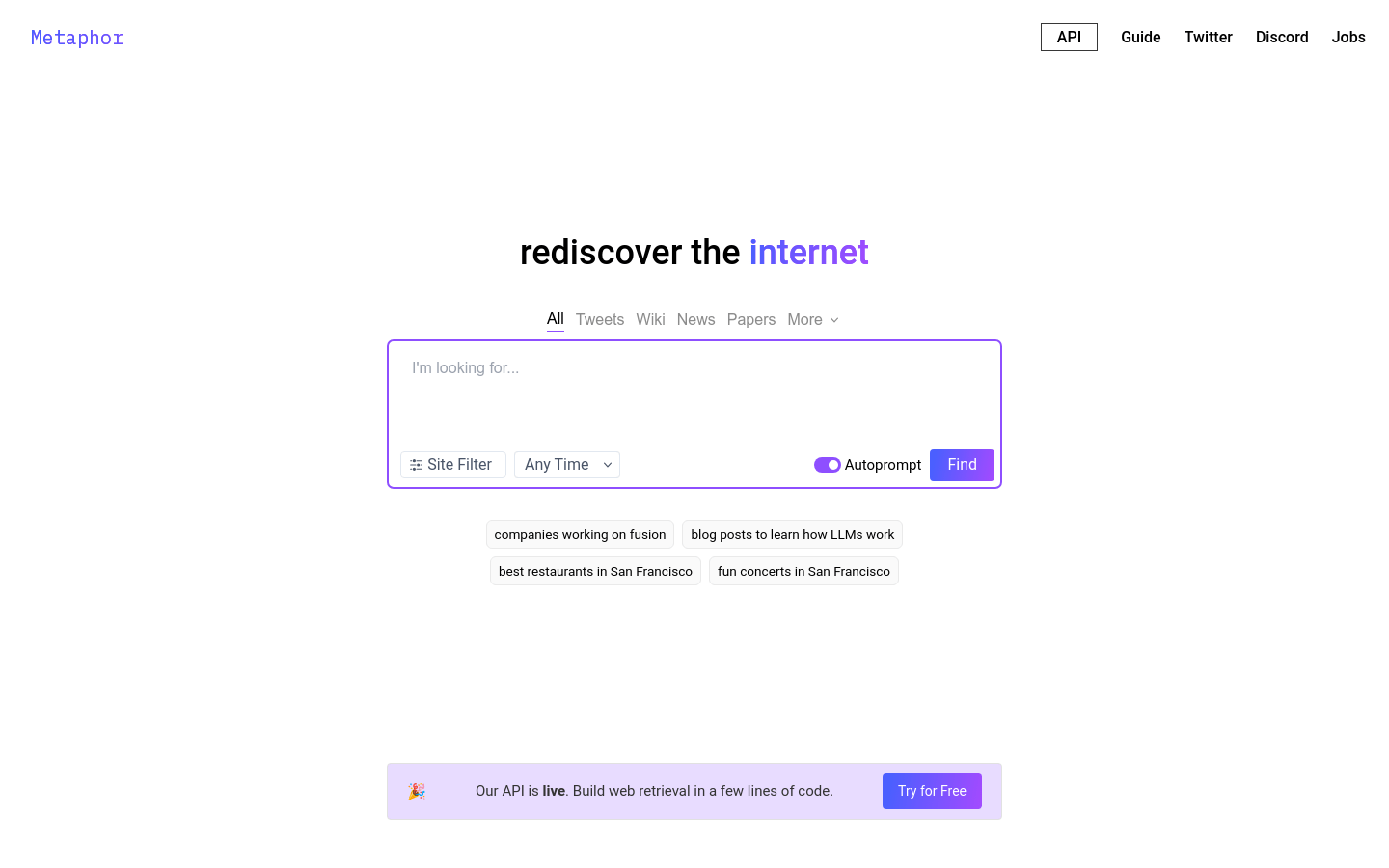
Screenshot archived from the listing page, for preview only.











