
MidiMusic
AI music generator from text or lyricsText in, complete song out
Highlights
What you can do with it
- A short video creator generates background music for a travel vlog.
- A songwriter builds a demo from original lyrics and section tags.
- A podcast host strips vocals from an old track for intro music.
How to use it
- 1 Open the site and log in; free registration grants daily credits.
- 2 Choose Simple Mode or Custom Mode.
- 3 Pick vocals or instrumentals and select a model.
- 4 Generate, then compare the two versions in your library.
- 5 Download, or apply extend, restyle, stem separation, or music video.
Who it is for
Pros
- No music theory or recording knowledge is required.
- Two versions are generated so you can pick the stronger take.
- Free daily credits let you test the workflow.
Limitations
- Credit limits and pricing rules may change; commercial licensing depends on the plan active at generation time.
- Output quality varies by model and prompt detail.
- Post-processing steps add time for users who want polished results.
What MidiMusic is
MidiMusic is an online AI music generator that creates complete songs from text. In Simple Mode you write one sentence about mood, genre, instruments, or theme, and the system generates a song with vocals or a pure instrumental, usually producing two versions to compare. Custom Mode accepts your own lyrics up to 5,000 characters with section tags such as verse, chorus, and bridge, plus a title and style. Four models cover balanced quality, fast generation, freer interpretation, and longer songs. Free accounts receive daily credits, and paid plans add credits, longer lengths, and fuller commercial licensing.
What you can do with it
- Generate a full song from a single description.
- Sing your own lyrics with section control.
- Extend, restyle, or split stems after generation.
- Use free tools such as vocal remover, BPM detection, and MIDI conversion.
Who it is for
- Songwriters who need a quick demo of an idea.
- Video creators and podcast hosts who need original audio.
- Producers who want stem separation and MIDI output.
What to watch out for
Credits limit how much you can generate for free, and pricing or credit rules can change. Commercial use such as streaming distribution depends on the paid plan that was active when the song was created, so read the licensing terms before you publish. Output quality varies by model and by how detailed your prompt is, and a usable track often needs the extend, restyle, or stem tools, which adds time. For best results, start with a small test file and review the output carefully before working on anything important. Free tiers can change over time, so it is worth checking the current limits on the official page before you rely on the tool daily.
FAQ
Can I use my own lyrics?
Yes, Custom Mode accepts lyrics up to 5,000 characters with section tags such as verse, chorus, and bridge.
What does the free account include?
Free registration grants daily credits and access to several online audio tools.
Can I use the songs commercially?
Commercial use such as streaming distribution depends on the paid plan active when the song was generated.
Why it is free
What the official page says: for freefree trialfree account
Free limits, trial length and features are decided by the official site and can change at any time.
Product preview
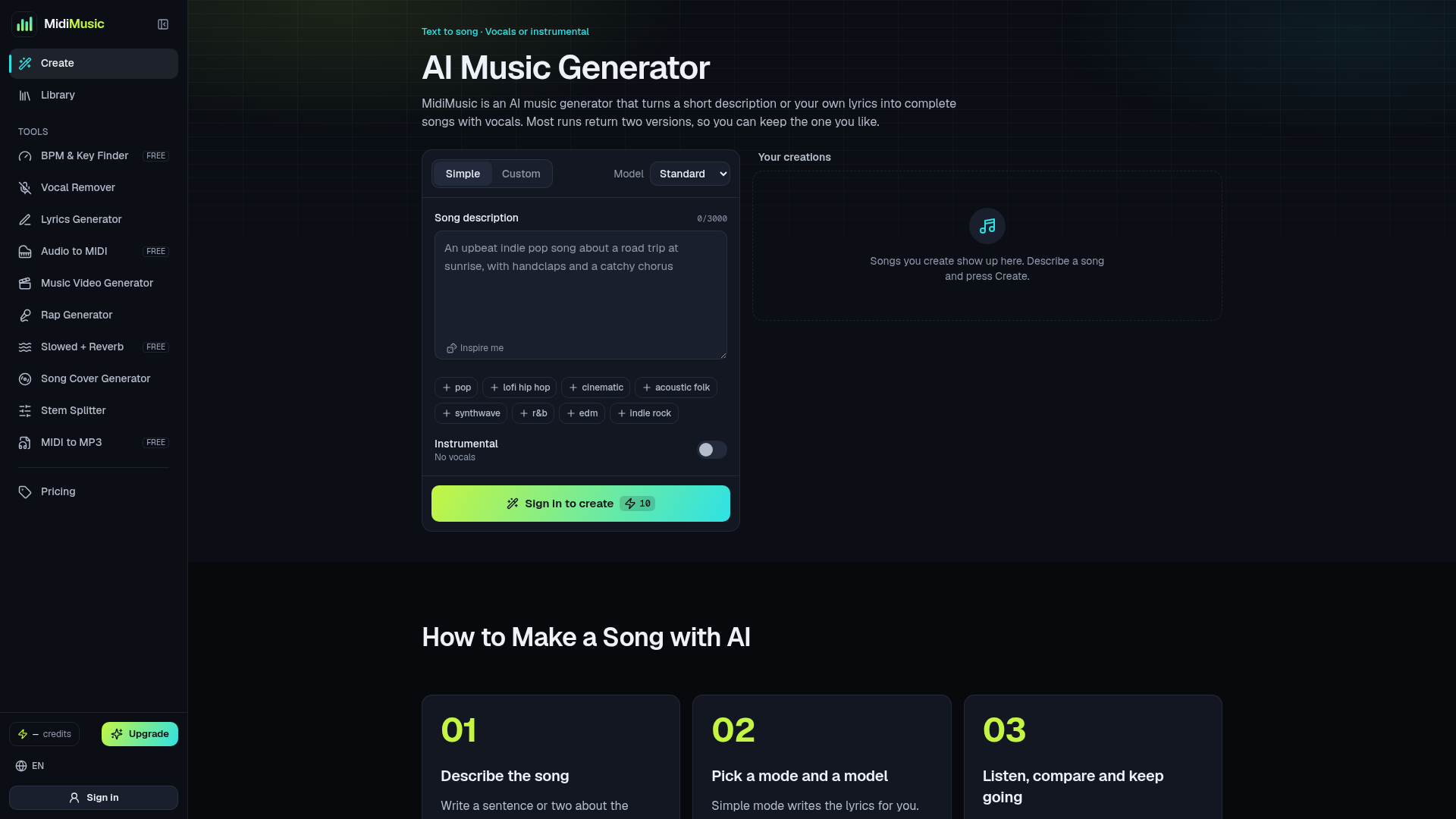
Screenshot archived from the listing page, for preview only.










