
Miguo AI
AI layered painting assistant for illustratorsLine drawing, coloring, shadows, PSD export
Highlights
What you can do with it
- A junior art student using shadow generation to learn lighting
- A painting enthusiast laying down rough colors from a reference image
- A comic artist generating a line drawing first, then refining it by hand
How to use it
- 1 Open the Miguo Painting website in your browser
- 2 Register and log in, or log in if you already have an account
- 3 Choose the function you need, such as line drawing generation or coloring
- 4 Upload your sketch or reference material and follow the prompts
- 5 Adjust the generated result and export layers as a PSD file
Who it is for
Pros
- Layered output and PSD export keep control with the artist
- Covers line drawing, coloring, shadow, highlight, and pose steps
- Free trial is available before you pay for a subscription
Limitations
- It is a subscription product after the trial, and free rules can change
- Some source material is truncated in the description, so details may be incomplete
- Domain redirects and site status have shifted, so check the current address before starting
What Miguo AI is
Miguo AI is a progressive layered painting assistant made for people who draw. Instead of generating a finished image in one step, it breaks the process into pieces: it cleans up a messy sketch into a proper line drawing, extracts lines from an existing image, lays down colors, then adds shadows and highlights that follow the lighting direction you choose. It can also generate character poses when a figure is hard to place.
The important part is that each step comes out in layers and can be saved as a PSD file, so the result drops into a normal painting workflow instead of locking you in. The company positions the product as an assistant to painters rather than a replacement for them, and it describes the goal as saving time on the mechanical parts of a piece so the artist can focus on decisions. Access is trial based, with a subscription option afterwards, so the free arrangement may change over time.
What you can do with it
- Turn a rough sketch into a clean line drawing while keeping the detail you want
- Extract line drawings from an image to use as a base for coloring
- Block in colors on a line drawing, then refine them with detailed coloring
- Set a lighting direction and generate shadows and highlights to add depth
- Generate character poses and export the whole stack as an editable PSD
Who it is for
- Art students who want help with lighting, shadows, and clean line work
- Painting enthusiasts who want to see a color scheme before committing to it
- Comic artists, illustrators, and freelance painters who need layered, editable output
What to watch out for
The product sits behind a subscription once the trial ends, and pricing details are not clearly stated, so confirm current terms before relying on it. The website has redirected and its status has shifted, meaning the URL you try today may not be the one that works tomorrow. Some feature descriptions are truncated in the source material, so read the on-site documentation for full capability. As with any AI art tool, results still need a human pass to reach professional quality, and the quality of the input sketch affects everything downstream.
FAQ
Does Miguo AI replace the artist?
No. It is positioned as an assistant that returns control of the work to the creator.
Can I export editable files?
Yes, steps can be output in layers and saved as a PSD file.
Is there a free trial?
Yes, the site offers a trial, with a subscription option for continued use.
Why it is free
What the official page says: 免费试用免费
Free limits, trial length and features are decided by the official site and can change at any time.
Product preview
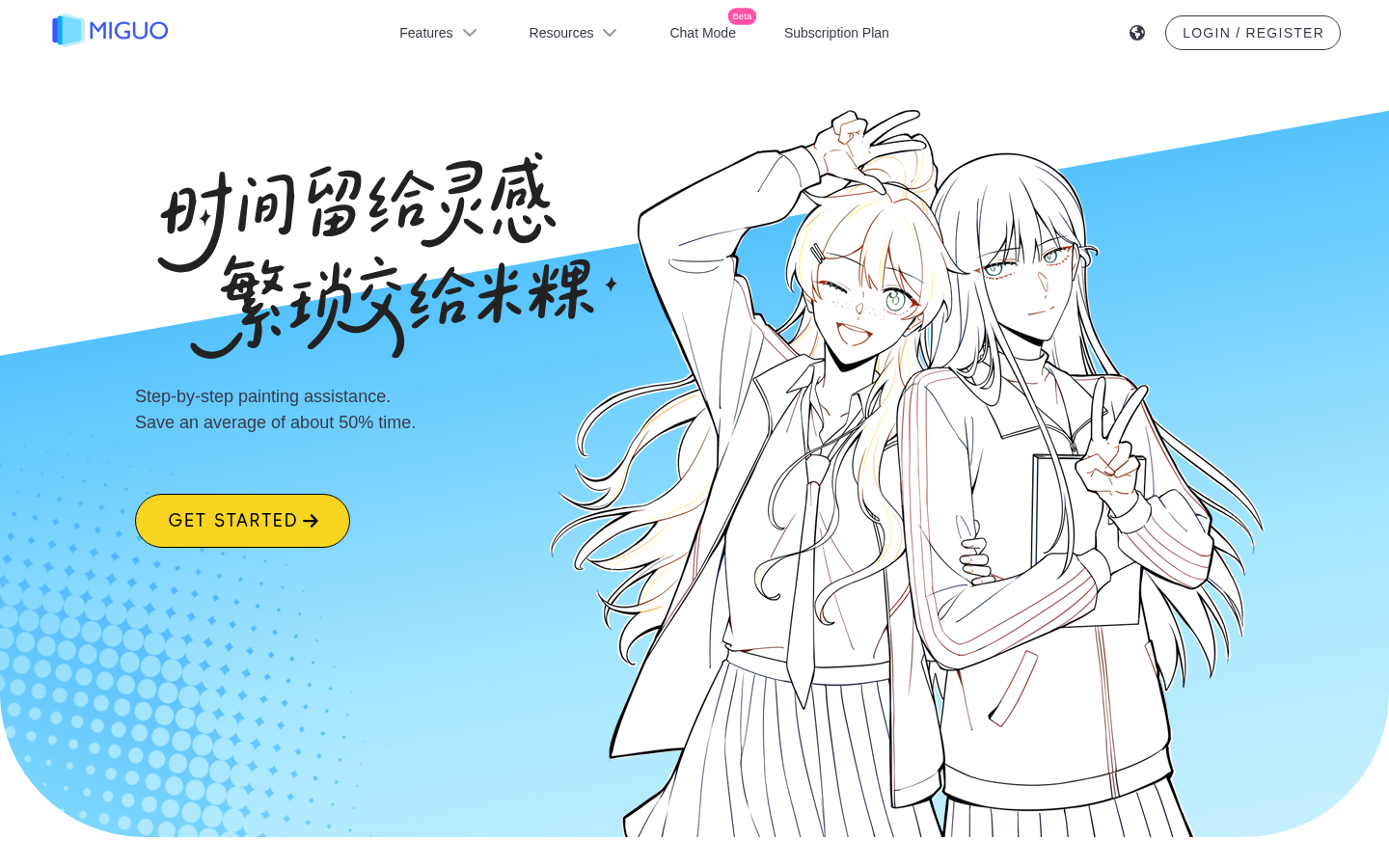
Screenshot archived from the listing page, for preview only.











