
MindOS
AI work platform with custom assistantsBuild and use AI assistants to boost productivity
Highlights
What you can do with it
- A schedule assistant planned time and reminded tasks
- A meeting assistant recorded highlights automatically
- A copywriting assistant generated product descriptions
How to use it
- 1 Open the MindOS marketplace
- 2 Start the free trial or create an account
- 3 Pick a pre-set AI model or build your own assistant
- 4 Connect it to your workflow
- 5 Use it to handle tasks and save time
Who it is for
Pros
- Mix of pre-set and custom assistants
- Can fit into existing workflows
- Free trial to explore before subscribing
Limitations
- Free trial only, full use needs a subscription
- Assistant quality depends on setup and data
- The site returned a redirect during review, so confirm it loads
What MindOS is
MindOS is an AI-powered online work platform that lets users create and use a variety of AI assistants to boost work efficiency. The platform offers a wealth of customizable AI models, so you can select the assistant that suits your needs or build your own for a specific task. These assistants can be integrated into your workflows, helping with jobs like schedule management, meeting notes, and copywriting. The idea is to hand repetitive or routine work to an assistant so you can spend more time on the parts that need your judgment. MindOS runs on a free trial and subscription-based pricing, and its stated aim is to truly put AI to work for users and raise productivity.
What you can do with it
- Create a custom AI assistant for a specific task
- Choose from pre-set AI models instead of starting from scratch
- Integrate assistants into your daily workflows
- Use them for scheduling, meeting notes, and copywriting
- Hand routine work to an assistant to save time
Who it is for
- Professionals who want AI help in their daily work
- Teams that need task-specific assistants
- People exploring AI productivity tools
- Anyone who wants to automate small, repeated work tasks
What to watch out for
MindOS is a paid platform with a free trial, so full use requires a subscription, and the trial terms and pricing can change. The quality of an assistant depends on how you set it up and the information you give it, so expect to spend time tuning it for real tasks rather than getting perfect results at once. The site returned a redirect status during review, so confirm it loads, and treat AI output as a draft that you review rather than a final answer, especially for anything customer-facing.
FAQ
Is there a free trial?
Yes. MindOS operates on a free trial and subscription-based pricing model.
What can I build?
You can create custom AI assistants or choose from pre-set AI models for tasks like scheduling, meetings, and copywriting.
Who is it for?
It is for users and teams who want to use AI assistants to enhance productivity at work.
Why it is free
What the official page says: free trial
Free limits, trial length and features are decided by the official site and can change at any time.
Product preview
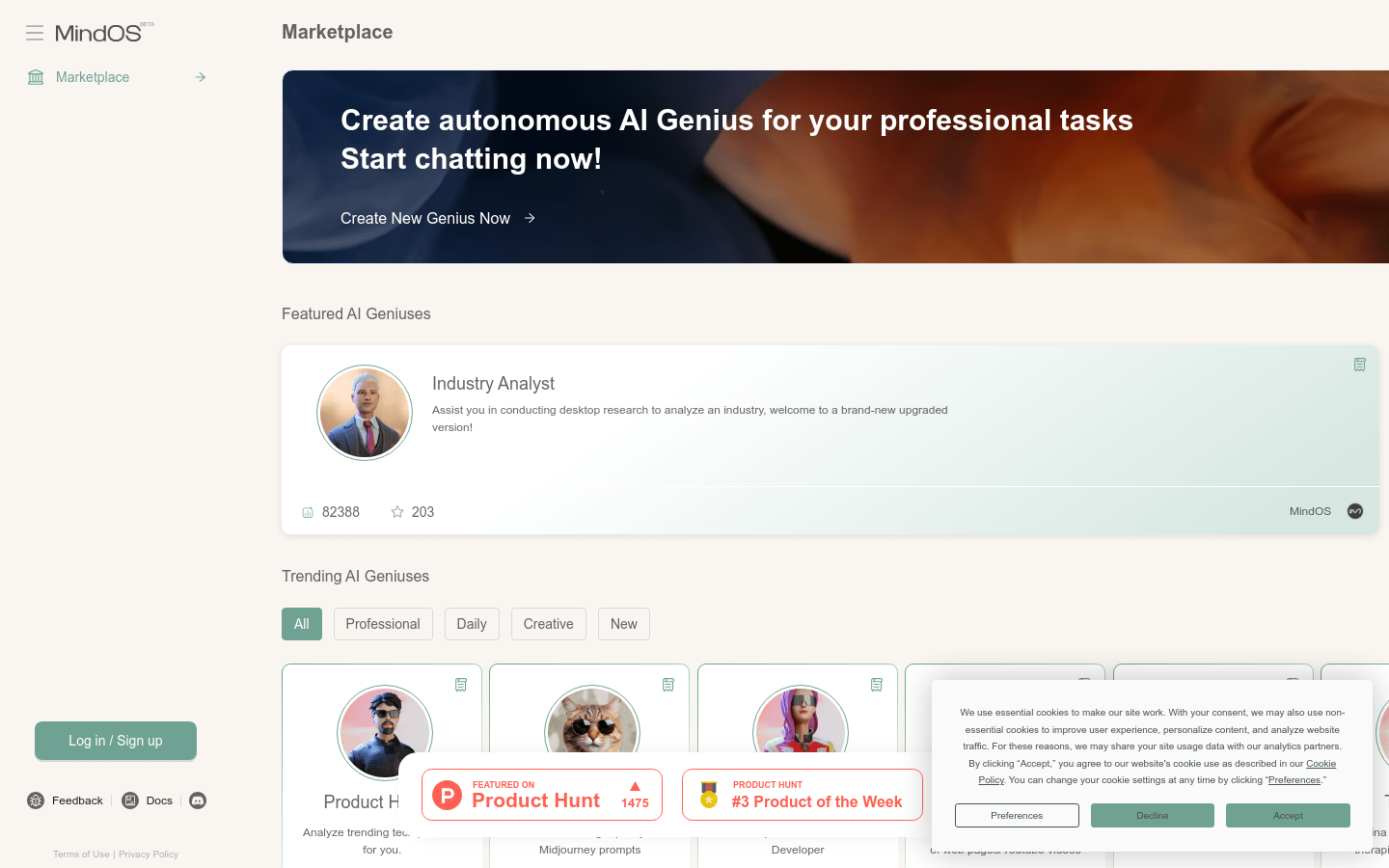
Screenshot archived from the listing page, for preview only.











