
Minimax H3
Multi-modal AI video generator with native audioTurn text, images, and audio into short videos
Highlights
What you can do with it
- A game developer builds a character promo video in one afternoon
- An e-commerce manager turns product photos into a shelf-ready video
- A social manager drafts five vertical videos in under an hour
How to use it
- 1 Describe the video or upload references, up to 9 images, 3 videos, and 3 audio tracks
- 2 Pick an aspect ratio from 21:9 to 9:16 or let it choose
- 3 Click generate to make a 5 to 15 second video
- 4 Tell it in plain language what to change, then download
Who it is for
Pros
- Reads text, image, audio, and video references at once
- Native stereo sound and voice cloning come with each generation
- Instruction-based editing keeps the rest of the shot stable
- Clear 1440p output in many aspect ratios
Limitations
- It is a free trial, so regular use needs a paid plan and terms could change
- Voice cloning can be misused to impersonate people, which may break platform rules or laws, and the user carries that risk
- Clips are short, about 5 to 15 seconds, so long videos need stitching
- Complex prompts may need several tries, and AI video can show artifacts
What MiniMax H3 is
MiniMax H3 is a multi-modal AI video generator built for actual production work. It turns text, pictures, audio, and video clips into movie-grade videos, reading all of your reference material at once and blending it into a single shot. You can prompt with up to 7000 characters, animate a photo by setting its first and last frames, keep a face consistent across shots, and edit the result with a single natural-language instruction. Each generation comes with native stereo sound, and the tool outputs clear 1440p video in ratios from 21:9 to 9:16, with clips running about 5 to 15 seconds. It supports free trials, and paid plans offer a discount on the annual option.
What you can do with it
- Turn a written prompt into a video with picture, animation, and sound
- Animate a still by setting the first and last frames
- Blend character, action, and style references while keeping a face consistent
- Add ambient sound, effects, music, dialogue, and cloned voices
- Edit a shot with one instruction, such as swapping a subject or changing the background
Who it is for
- Content creators producing short vertical video for social platforms
- Marketers and agencies that want to test many ad ideas quickly
- E-commerce sellers turning flat product photos into promo clips
- Film, game, and app teams previewing scenes, CGs, and interface demos
What to watch out for
It runs as a free trial, so steady use means a paid plan, and the trial or pricing terms could change over time. Clips are short, about 5 to 15 seconds, so longer pieces have to be stitched together, and complex prompts may take several attempts with some visual artifacts such as warped text or hands. The voice cloning feature is sensitive: using it to imitate a real person without consent may break platform rules or laws and could cause real harm, and any such misuse is the user's own responsibility, so get clear permission before you clone a voice. Check the license before you use clips commercially.
FAQ
Is MiniMax H3 free?
It supports free trials. Paid plans are available, with a discount on the annual option.
How long can a video be?
Each generation is about 5 to 15 seconds, and longer videos need to be combined.
What resolution does it output?
It outputs commercial-grade video in clear 1440p with native stereo sound.
Can I edit a video after it is made?
Yes. You give a single instruction to swap a subject, remove an object, change a background, or adjust dialogue, and the rest stays stable.
Why it is free
What the official page says: for freefree trial
Free limits, trial length and features are decided by the official site and can change at any time.
Product preview
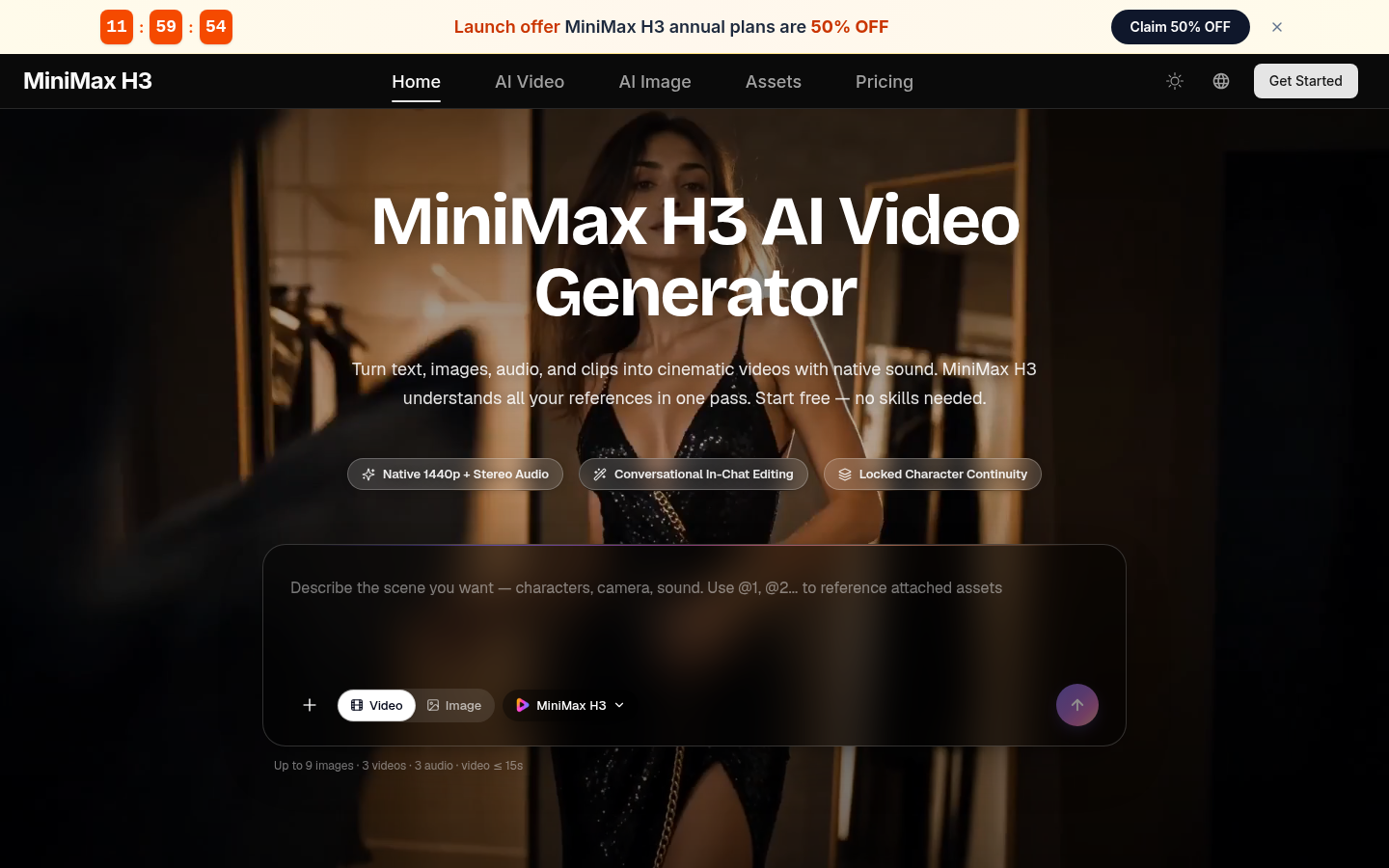
Screenshot archived from the listing page, for preview only.











