
MixVio AI
Video, image, and audio generation in one workspaceFailed runs cost you nothing
Highlights
What you can do with it
- Generate art-style images for exhibitions or collaborations
- Create promotional videos for new products
- Batch social media images, video, and audio content
How to use it
- 1 Visit mixvio.ai and register to claim 20 welcome credits
- 2 Choose a video, image, or audio generation function
- 3 Pick a model by recommendation or manually
- 4 Enter prompts or upload reference material
- 5 Confirm the displayed cost, generate, then download
Who it is for
Pros
- No credit charged when a generation fails
- Free welcome credits to test the workspace
- Video, image, and audio in one place
Limitations
- Welcome credits expire after 7 days
- Watermark removal and commercial use require payment
- Credit cost varies by model and output settings
What MixVio AI is
MixVio AI is an online creative workspace that combines video, image, and audio generation in one place. Creators can turn text into short film-style videos, animate static images with camera motion, enhance clips to 1080p, 2K, or 4K, remove backgrounds, and sharpen stills. Models can be chosen automatically or by hand depending on the task. The platform's distinguishing promise is cost transparency: if a run fails, no credit is consumed. A free plan provides 20 welcome credits valid for 7 days with no credit card, and upgrading removes watermarks and permits commercial use.
What you can do with it
- Turn text prompts into short video clips
- Animate static images for advertising or storytelling
- Enhance video resolution up to 4K
- Remove backgrounds and sharpen still images
- Manage credits and subscriptions from the pricing page
Who it is for
- Content creators producing video, image, and audio together
- Marketing teams building campaign assets quickly
- Educators creating teaching visuals and materials
What to watch out for
Welcome credits expire after 7 days, so the free trial is a short window rather than an ongoing allowance. Watermark removal and commercial rights sit behind the paid plan, which matters if the output is for client work. Credit consumption varies by model and resolution, so check the displayed cost before each run. As with any generation platform, results need review, and free plan terms can change. For team use, agree on naming and editing conventions in advance to avoid version conflicts or duplicated work. Name and archive exported files consistently so you can find and reuse them, and keep a backup copy of key data.
FAQ
What can MixVio AI generate?
Videos, images, and audio, including text-to-video, image-to-video animation, super-resolution, background removal, and sharpening.
What happens if a generation fails?
No credit is consumed for failed runs, which is the platform's stated cost guarantee.
Is there a free plan?
Yes. New users get 20 welcome credits valid for 7 days without a credit card.
Do paid plans allow commercial use?
The paid plan removes watermarks and enables commercial use of the output.
Why it is free
What the official page says: free plan
Free limits, trial length and features are decided by the official site and can change at any time.
Product preview
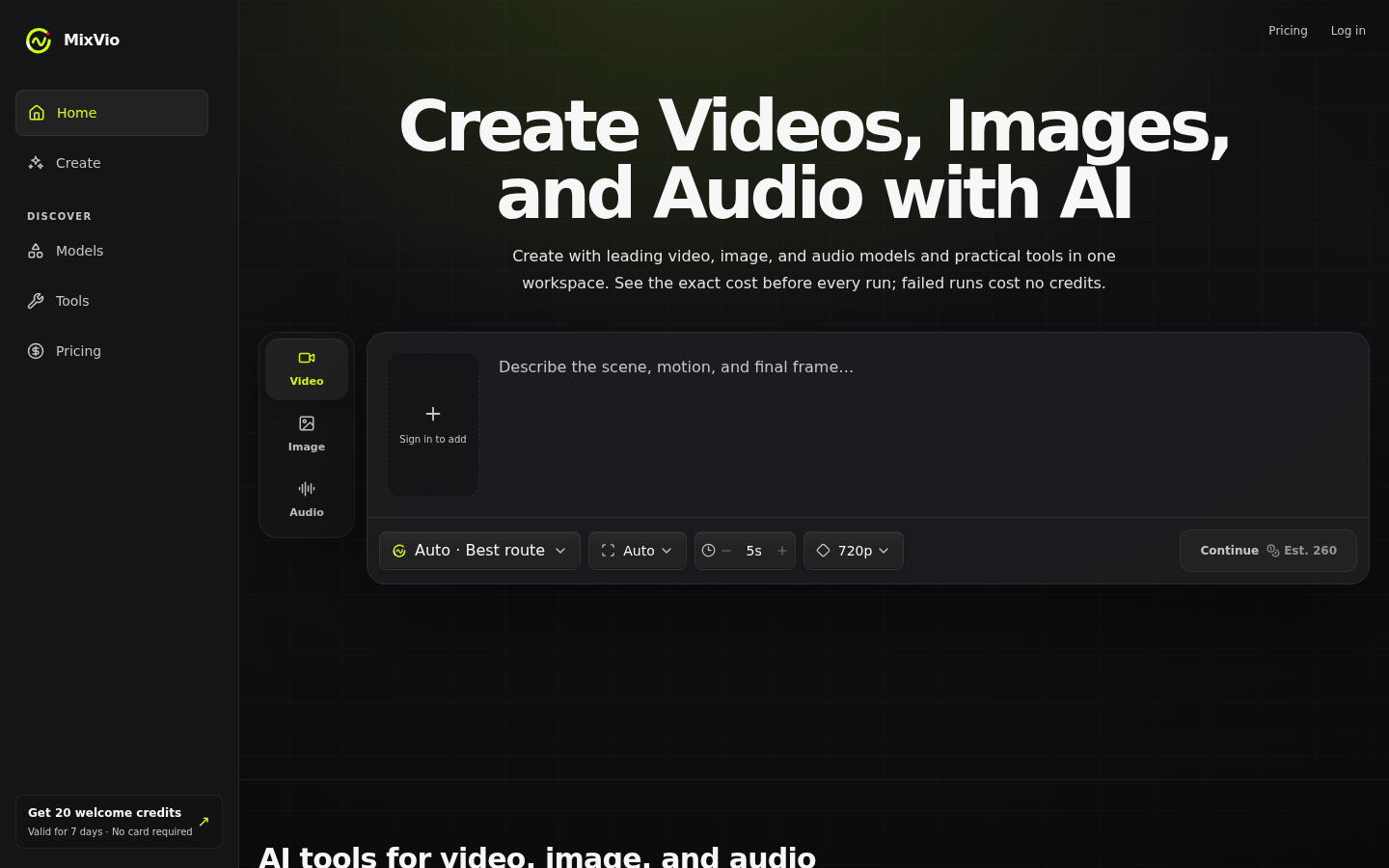
Screenshot archived from the listing page, for preview only.











