
ML Blocks
No-code visual AI builderBuild visual AI like LEGO blocks
Highlights
What you can do with it
- Set up an AI image generation workflow for art and creative projects
- Build an image analysis pipeline for medical image recognition
- Automate photo repair for restoring historical or damaged images
- Combine generative modules with editing steps in one automated flow
How to use it
- 1 Sign up for a free account on the ML Blocks website, no credit card needed
- 2 Pick the AI models you want, such as Stable Diffusion for generation
- 3 Add editing blocks like crop or resize to shape the output
- 4 Connect the blocks into a multi-step workflow and run it
- 5 Review the results and adjust the pipeline as needed
Who it is for
Pros
- No coding required, everything is built from visual blocks
- Free to start with no credit card required
- Covers both generation and analysis in one place
- Flexible automation by chaining multiple steps together
Limitations
- Free access rules could change over time, so check current terms
- Results depend on the underlying AI models you choose
- Building complex multi-step pipelines still takes some learning
What ML Blocks is
ML Blocks is a no-code platform for building image generation and analysis workflows. It is made for people who want to work with AI models but do not write code. The tagline 'build visual AI like LEGOs' captures the idea: you connect ready-made blocks, and each block handles one job, such as generating an image, repairing an old photo, or reading information out of a picture. You can sign up for free, and the site states that no credit card is required to start. This lowers the barrier for anyone curious about visual AI but not ready to learn programming, and it turns what would be a coding project into a set of simple visual choices.
What you can do with it
- Use AI models like Stable Diffusion to generate new images or repair damaged ones
- Extract data from images using detection or segmentation models
- Modify images with editing features such as cropping and resizing
- Build multi-step automation workflows that combine generative and editing steps
Who it is for
- Creators and hobbyists who want AI image tools without learning to code
- Small teams that need repeatable pipelines for image analysis or generation
- Researchers and tinkerers exploring visual AI automation for creative or study projects
What to watch out for
ML Blocks leans on outside AI models, so the quality and style of your output will follow whichever model you choose, and results can vary between models and inputs. Assembling long, multi-step workflows still takes some learning, especially when you are new to automation. Also, the free sign-up with no credit card reflects the current offer, and access rules can change over time, so check the site for the latest terms before you depend on it for important work.
FAQ
Do I need to code to use ML Blocks?
No. ML Blocks is built for people without coding experience, so you assemble workflows from visual blocks instead of writing scripts.
Is ML Blocks free to use?
You can sign up for free and the site states that no credit card is required to start building your workflows.
What kinds of models can I use?
You can use AI models such as Stable Diffusion to generate or repair images, and detection or segmentation models to extract data from images.
Can I automate several steps at once?
Yes. ML Blocks supports multi-step image automation, letting you combine generative modules with editing features like cropping and resizing.
Why it is free
What the official page says: for freeno credit card
Free limits, trial length and features are decided by the official site and can change at any time.
Product preview
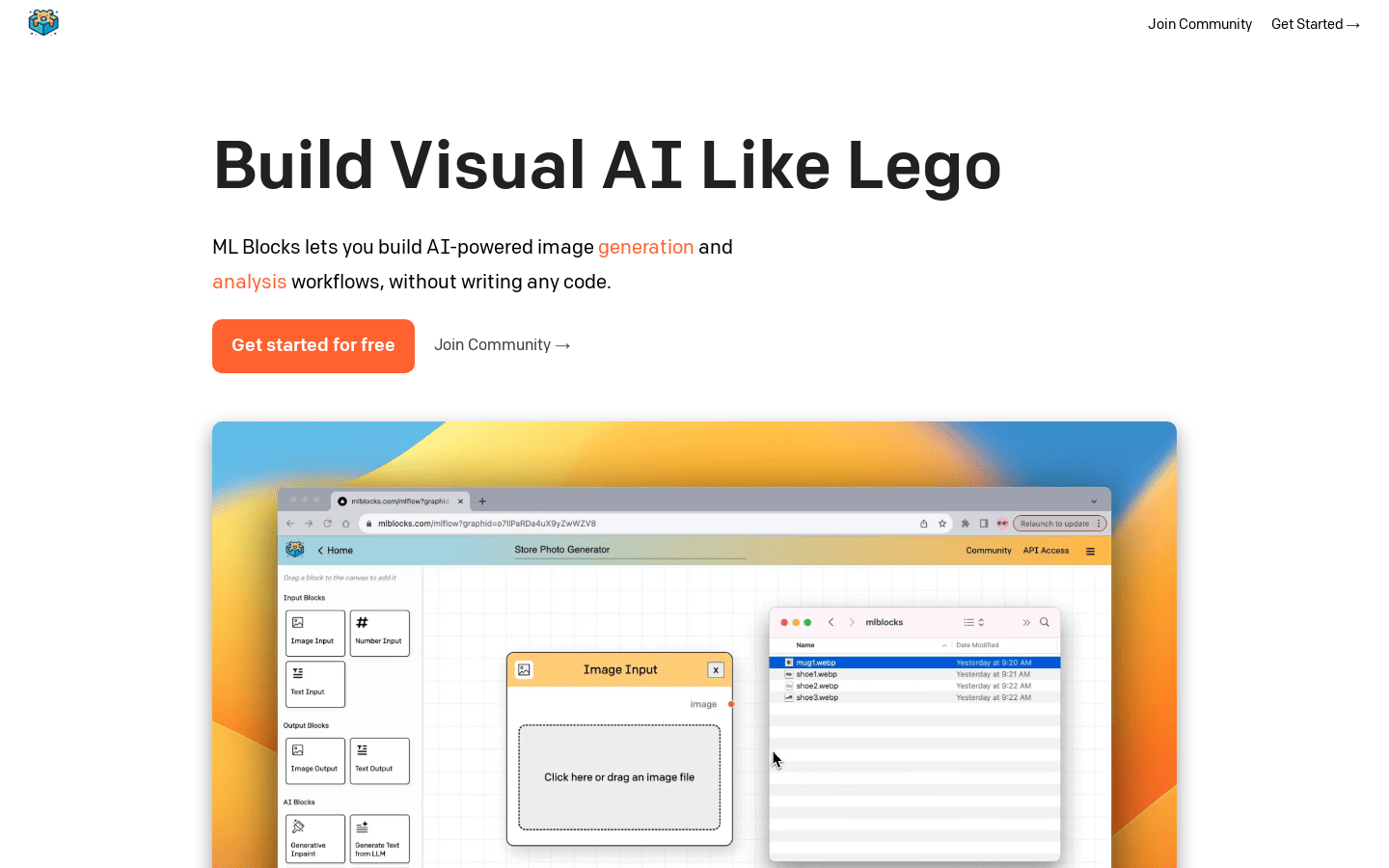
Screenshot archived from the listing page, for preview only.











