
MockAnything AI
AI product mockup makerTurn product ideas into scene mockups
Highlights
What you can do with it
- An online seller builds T-shirt mockups in different colours for a product page.
- An independent designer turns a phone case concept into a realistic mockup for social posts.
- A startup prepares product visuals for a pitch and roadshow.
How to use it
- 1 Open the MockAnything AI page and sign up or log in.
- 2 Describe the product scene you want, including colour and setting.
- 3 Generate the mockup from your description.
- 4 Edit and customise colours, background, and elements.
- 5 Export the mockup in the format you need.
Who it is for
Pros
- Free usage is available to start with.
- No Photoshop skills or professional photography required.
- Batch generation and variations save repetitive work.
Limitations
- Advanced features and packages may sit behind a paid plan.
- Realism still depends on the product image you upload.
- It is a presentation tool, not a replacement for real photography.
What MockAnything AI is
MockAnything AI is an online product design tool. Its job is to turn a product idea into a realistic lifestyle scene mockup without the usual cost of a photo shoot, a designer, or a long Photoshop session. You describe what you want, including the product type, colour, background, and setting, and the tool returns a mockup you can edit and export. Feature wise it can wrap any product image into a lifestyle scene, generate AI backgrounds, produce several mockups at once with the batch generator, create colour and design variations in one pass, and embed a mockup configurator into your own website. There are free usage opportunities, and paid advanced features or packages may be offered.
What you can do with it
- Turn a plain product photo into a styled lifestyle scene.
- Generate AI backgrounds for a mockup.
- Produce multiple mockups in one batch run.
- Create colour and design variations without manual editing.
- Embed a configurator on your site so customers customise the product.
Who it is for
- E-commerce sellers who need product visuals for listings.
- Designers who want to present concepts without a shoot.
- Entrepreneurs preparing product images for a pitch or roadshow.
What to watch out for
The free path is a starting point, and advanced features or higher volume may require a paid package, with those rules subject to change. The realism of the final image still depends on the quality and angle of the product photo you upload; a low resolution or heavily cropped source will limit the result. A mockup is a presentation aid, not a substitute for real product photography, and buyers can tell the difference on close inspection. For a store, check how the embedded configurator behaves on mobile before you rely on it.
FAQ
What does MockAnything AI do?
It turns product ideas and images into realistic lifestyle scene mockups that you can edit and export.
Is it free?
The description mentions free usage opportunities, with possible paid advanced features or packages for heavier needs.
Do I need design skills?
No. The tool is pitched as removing the need for complex Photoshop work, expensive designers, or professional photography.
Why it is free
What the official page says: 免费使用免费
Free limits, trial length and features are decided by the official site and can change at any time.
Product preview
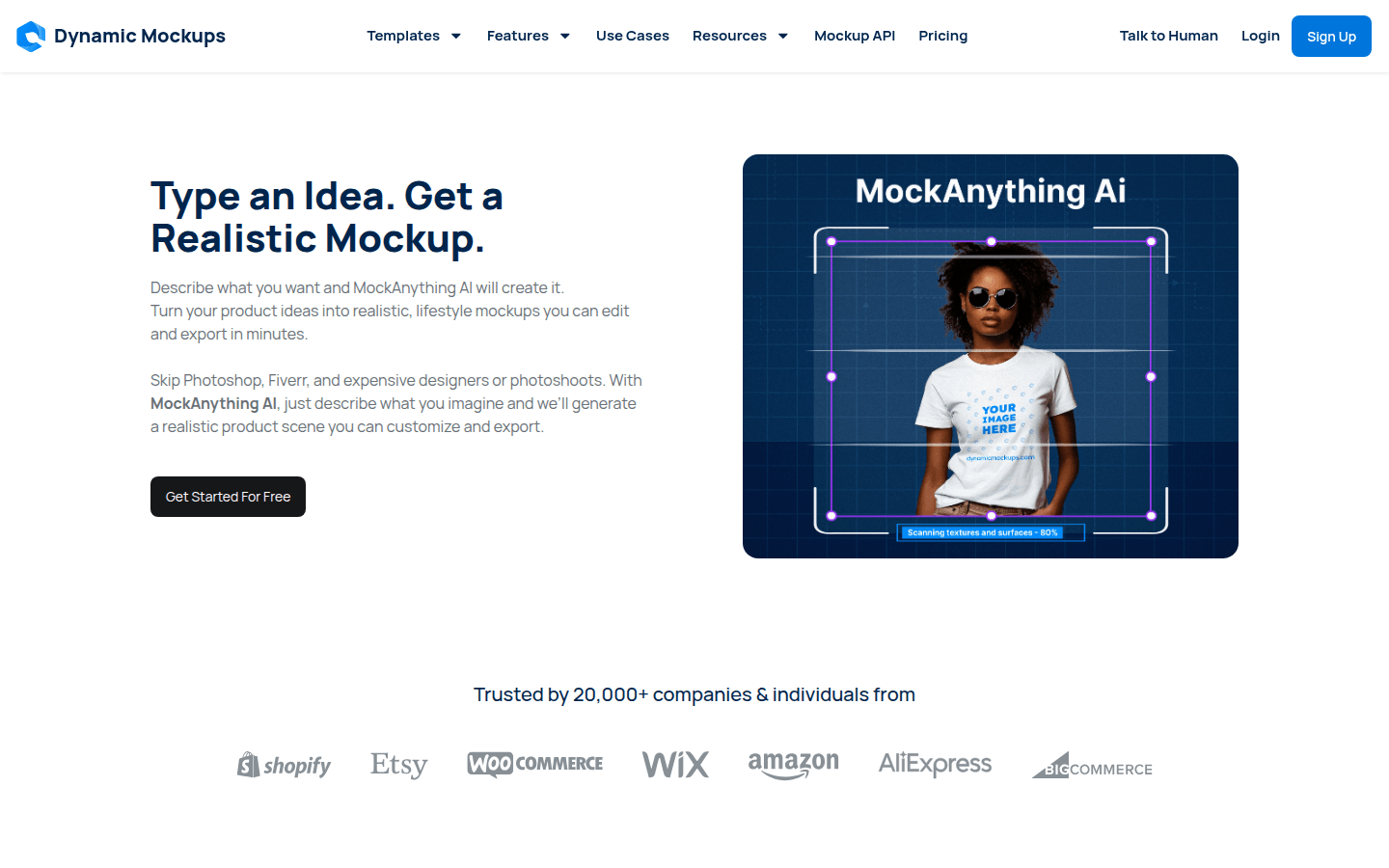
Screenshot archived from the listing page, for preview only.











