
Monica Code
AI coding assistant inside VS CodeComplete, edit, and chat with your codebase
Highlights
What you can do with it
- Generate code snippets faster during development
- Refactor a function or class with a prompt
- Debug by sending screenshots into chat
How to use it
- 1 Install the Monica Code extension in VS Code
- 2 Open Monica Code from the editor
- 3 Choose completion, editing, or multimodal chat
- 4 Use Composer for multi-file changes and switch versions
Who it is for
Pros
- Works inside VS Code where you already work
- Strong model choices for code tasks
- Multi-language coverage beyond web stacks
Limitations
- The free version has limits on features and queries
- Depends on external model availability and pricing
- The extension page was not responding when checked
What Monica Code is
Monica Code is an AI coding assistant delivered as a VS Code extension. It combines several workflows in one place: code completion based on cursor position and comments, prompt-based editing that can rewrite a function or an entire class, and multimodal chat with your active files or an indexed codebase, where you can even send screenshots to help debugging. An integrated Composer handles multi-file creation and modification.
What you can do with it
- Get code completion suggestions as you type
- Select code and rewrite it with a prompt
- Chat with an indexed codebase for context
- Send screenshots to assist debugging
- Create or modify multiple files with Composer
- Work across more than 20 languages
Who it is for
- Professional developers who live in VS Code
- Beginners learning language patterns and best practices
- Teams refactoring shared code with AI help
- Anyone who wants model choice in one extension
What to watch out for
The free version limits features and query volume, so heavy daily use will point toward payment. Because the assistant depends on external models, upstream availability and pricing changes affect you directly. The extension page was not responding when checked, so verify it is live before building your setup around it. As with any AI code tool, review generated code rather than accepting it blindly, especially in security-sensitive paths. For team use, agree on naming and editing conventions in advance to avoid version conflicts or duplicated work. Name and archive exported files consistently so you can find and reuse them, and keep a backup copy of key data. Save a backup of the original file before large batch jobs, and keep an exported copy of key results in case the page or service becomes temporarily unavailable.
FAQ
Which models does it use?
GPT-4o and Claude 3.5 Sonnet.
Which editor does it support?
VS Code, through an extension.
Can it chat with my whole codebase?
Yes, it supports multimodal dialogue with active files or an indexed codebase, including screenshots.
Why it is free
What the official page says: free version
Free limits, trial length and features are decided by the official site and can change at any time.
Product preview
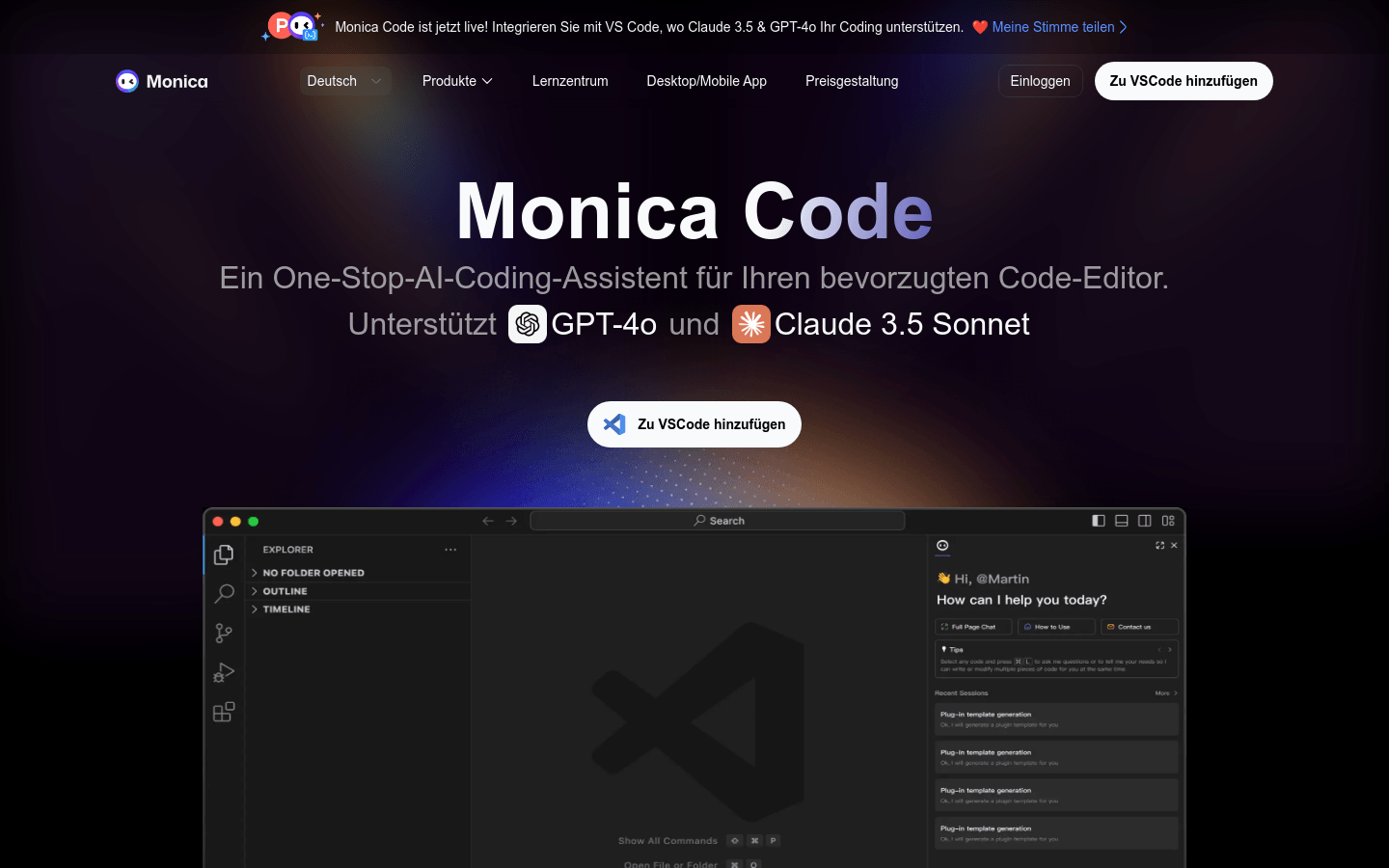
Screenshot archived from the listing page, for preview only.











