
Motionshift
AI video and ad template editorCreate converting videos and ads in minutes
Highlights
What you can do with it
- A restaurant generating optimized ad templates
- An e-commerce site turning links into videos for traffic
- A gym building ads from free video and music
How to use it
- 1 Visit motionshift.io and open the editor.
- 2 Pick an optimized template for your industry.
- 3 Add your content or convert a website link into a video.
- 4 Use the free media library for video, 3D, text, and music.
- 5 Generate and export your video or ad.
Who it is for
Pros
- Bulk video and ad generation
- Industry-ready templates
- Large free media library included
Limitations
- Advanced or high-volume use may need paid plans
- Template-based output can look similar across users
- Editing quality depends on your source material
What Motionshift is
Motionshift is an easy-to-use AI template editor with a rich media library. It is built to help you generate high-converting videos and ads in bulk, using optimized templates that suit all industries. One notable feature is turning website links into videos, which saves time when you want to promote a page. The platform also gives you access to a large set of free resources, including videos, 3D models, animation text libraries, and copyright-free music, so you can assemble ads without sourcing assets elsewhere. The AI editor handles video editing, template creation, and media generation.
What you can do with it
- Generate batches of videos and ads from templates
- Convert a website link into a video
- Use free video, 3D, text, and music assets
- Edit and create templates for different industries
Who it is for
- Businesses that need ads and videos quickly
- E-commerce teams turning product links into video
- Marketers producing video content at volume
What to watch out for
Template-based output can look similar across users, so you may want to customize heavily to stand out. While many assets are free, advanced or high-volume use may sit behind paid plans, so check what your workload needs. Final quality also depends on the content and images you provide, so weak source material limits the result. Features and free asset libraries can change, so confirm current details on the site. Generated suggestions are for reference only, so verify anything that affects professional judgment or important data. Start with a small sample to confirm the output meets your expectations before processing the full batch. Run one full task end to end first, then expand once you are comfortable with the workflow and the result quality.
FAQ
What is Motionshift?
It is an AI template editor for generating high-converting videos and ads in bulk.
Does it include free media?
Yes, it offers free videos, 3D models, animation text libraries, and copyright-free music.
Can it turn a link into a video?
Yes, you can convert website links into videos.
Why it is free
What the official page says: 免费
Free limits, trial length and features are decided by the official site and can change at any time.
Product preview
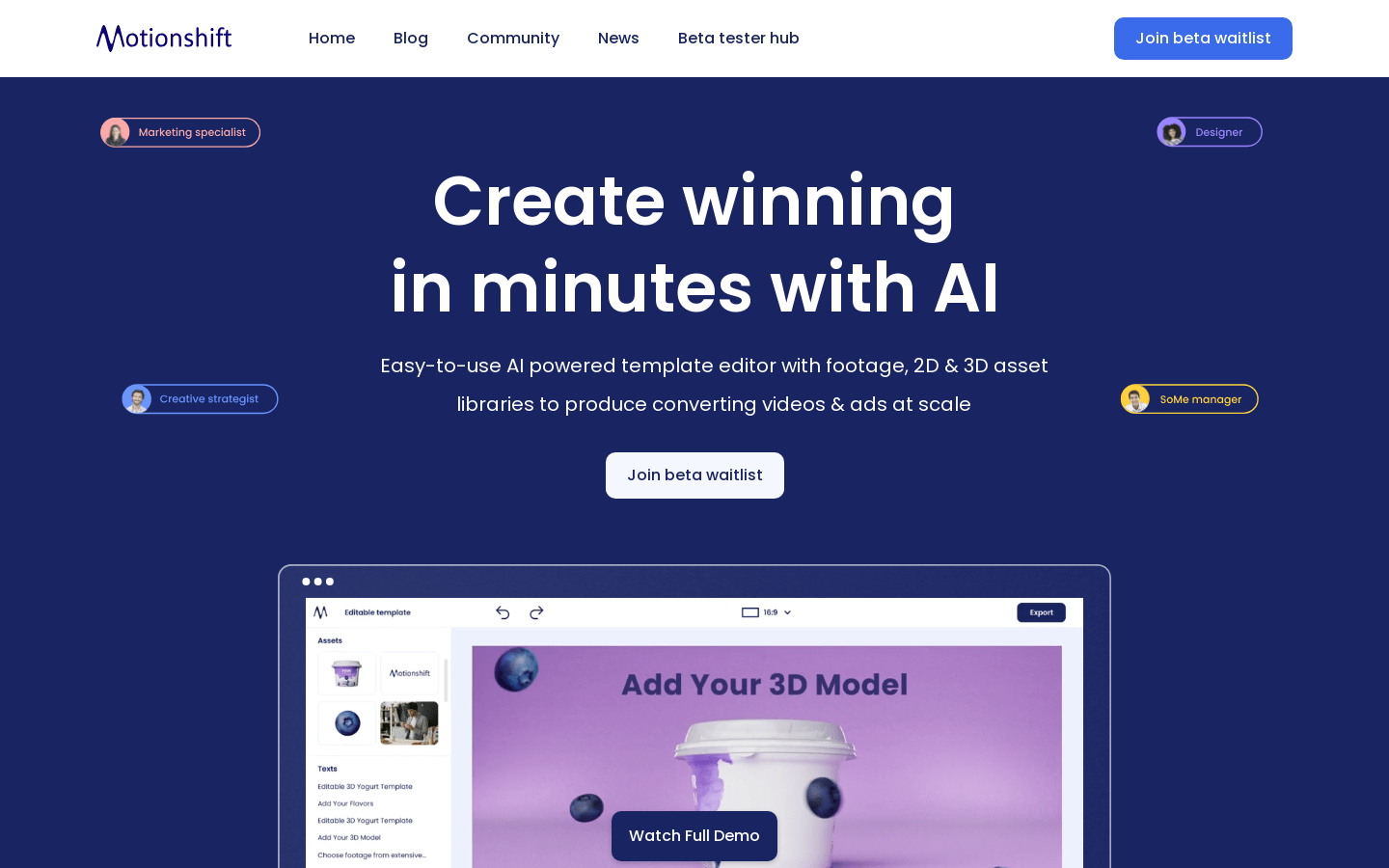
Screenshot archived from the listing page, for preview only.











