
Mubert AI Music Generator
AI music generator for royalty-free tracksTurn text or lyrics into original music, free to try
Highlights
What you can do with it
- Short-video creators generate music that fits a video's mood
- Content producers add royalty-free background music to promo videos
- Music makers draft and publish original tracks fast
How to use it
- 1 Visit mubert.ai and pick a generation method.
- 2 Enter a prompt such as mood, style, scene, or lyrics.
- 3 Adjust settings like BPM, mood, and style.
- 4 Generate the track and preview it.
- 5 Download the music once you are happy with it.
Who it is for
Pros
- Original tracks in seconds from a simple prompt
- Royalty-free music usable for commercial projects
- Covers text, lyrics, vocals, remix, and extension
- No instruments or theory needed to start
Limitations
- Free trial is limited, and pro pricing can change
- AI vocals and covers can raise voice and likeness consent issues
- Prompt results vary, so you may regenerate several times
- Editing control is lighter than a full music studio
What Mubert AI Music Generator is
Mubert is an online AI music generator built for speed. You describe a mood, a style, or a scene, or you paste lyrics, and it returns an original royalty-free track within seconds. You do not need instruments or music theory to get a result, which opens music making to people who can describe what they want but cannot play it. Beyond text to music, the tool can add AI vocals to a beat, extend a favorite track by 30 seconds or more, remix a song into styles like house, EDM, hip-hop, or lo-fi, and build a cover using AI voices. The generated music can be used commercially, which removes a common copyright worry for creators. A free trial lets you explore the tools, and the professional version adds more for heavier use.
What you can do with it
- Turn a text prompt about mood, style, or scene into a full track.
- Turn written lyrics into a song with music.
- Add AI vocals to a beat you already have.
- Extend a track or remix it into another genre.
- Create a cover version using AI voices.
Who it is for
- Music creators who want quick original tracks.
- Content producers who need royalty-free background music.
- Short-video creators looking for music that matches a clip.
- Anyone without music theory background who wants to make a song.
What to watch out for
The free trial is limited, and pricing for the professional version can change, so check current terms before you rely on it. The AI vocals and cover features work with voices, which raises consent and likeness questions: only use voices you have the right to use, and avoid cloning a real person's voice in a way that could mislead or break platform rules, since any consequences fall on you. Results can differ from prompt to prompt, so expect to regenerate and adjust settings like BPM and style. It is a fast drafting tool rather than a full studio, so fine control over a mix is limited.
FAQ
Can I use the music commercially?
The generated music is described as usable commercially, which helps with copyright, but check the current license for your plan.
Do I need to know music theory?
No. You describe a mood, style, or scene, or paste lyrics, and the tool builds the track.
Can it add vocals?
Yes. You can upload a beat and provide lyrics, and the AI can sing them, and it can also build covers.
Is it free?
There is a free trial to explore the tools, with the professional version available for heavier use.
Why it is free
What the official page says: for freefree trial
Free limits, trial length and features are decided by the official site and can change at any time.
Product preview
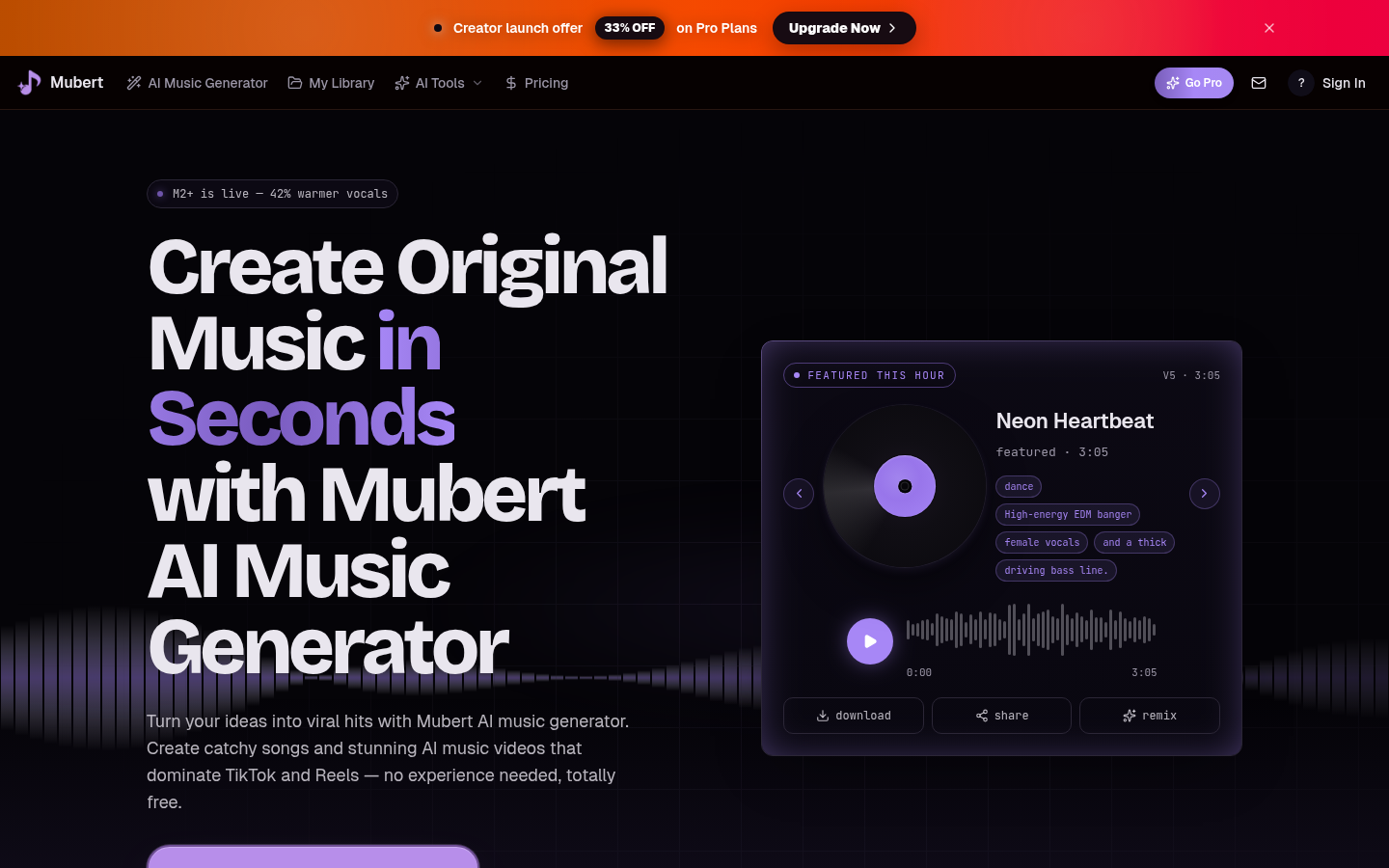
Screenshot archived from the listing page, for preview only.











