
MusicArt AI
Free AI music generator that turns text and lyrics into original songs.Turn a line of text into a finished song, free to use.
Highlights
What you can do with it
- An independent musician turns personal lyrics into a finished track for release
- A film producer generates background music that matches the plot and mood
- A YouTube creator makes royalty-free background music for a video
- A songwriter tests different style directions for the same set of lyrics
How to use it
- 1 Open the MusicArt AI website and register or use it directly
- 2 Pick a creation mode such as text-to-music or lyrics-to-music
- 3 Enter your text or paste your lyrics and let the tool generate music
- 4 Use the arrangement and refinement tools to adjust rhythm, harmony, and tone
- 5 Preview the result, then save and download the finished song
Who it is for
Pros
- Free to use, with no fee stated for each work created
- Works are described as royalty-free and usable on any media channel
- Simple input flow: text or lyrics in, music out
- Style controls cover moods from lo-fi to cinematic
Limitations
- The site says the service is free today, but free rules can change at any time
- Quality depends on how clearly you describe the mood and genre you want
- Complex arrangements still need manual refinement with the built-in tools
- It is aimed at music creation only, so it does not replace a full DAW
What MusicArt AI is
MusicArt AI is a free AI music production tool aimed at creators who want to turn ideas into finished songs. According to the site, each work created with the tool is completely free, and you can either register an account or start generating directly. The workflow is simple: you type a short idea or paste full lyrics, and the AI turns the words into a melody with rhythm and harmony shaped around what you wrote. The product is positioned as an all-in-one music creation platform for musicians, film producers, and content creators who need original audio fast.
What you can do with it
- Turn plain text or complete lyrics into emotional, finished songs
- Adjust timbre and style so the track moves from soft lo-fi to cinematic sound
- Use arrangement and refinement tools to polish rhythm, harmony, and tone
- Save and download the result for use in videos, films, or personal releases
Who it is for
- Independent musicians who want to test lyrics as real songs without a studio
- Film and video producers who need background music that fits a scene
- Content creators and video bloggers who want royalty-free audio for uploads
- Beginners who have ideas but no instrument skills or mixing experience
What to watch out for
The main thing to keep in mind is that the free promise is a snapshot, not a guarantee. The site says the service is free today, but free tiers and access rules change often, so check the current terms before you build a project around it. Output quality also depends heavily on how clearly you describe the mood, tempo, and genre you want; vague prompts tend to produce vague tracks. For complex songs you will still need to work with the arrangement tools and edit by ear, which means the result is a strong starting point rather than a release-ready master. Finally, the platform is focused on music generation, so tasks such as detailed mixing, mastering, and stem export are outside its scope.
FAQ
Is MusicArt AI free to use?
The site describes each work created with the tool as completely free, with no fee mentioned for generating songs.
Can I use the songs commercially?
The page states that works are royalty-free and can be used on any media or publishing channel, with full commercial ownership.
Do I need to know music theory?
No. You can enter text or lyrics in plain language and the tool turns them into melodies and arrangements.
What styles can it produce?
The style evolution feature is described as adjusting timbre from soft lo-fi to grand cinematic sound, based on the atmosphere and genre you ask for.
Why it is free
What the official page says: completely free
Free limits, trial length and features are decided by the official site and can change at any time.
Product preview
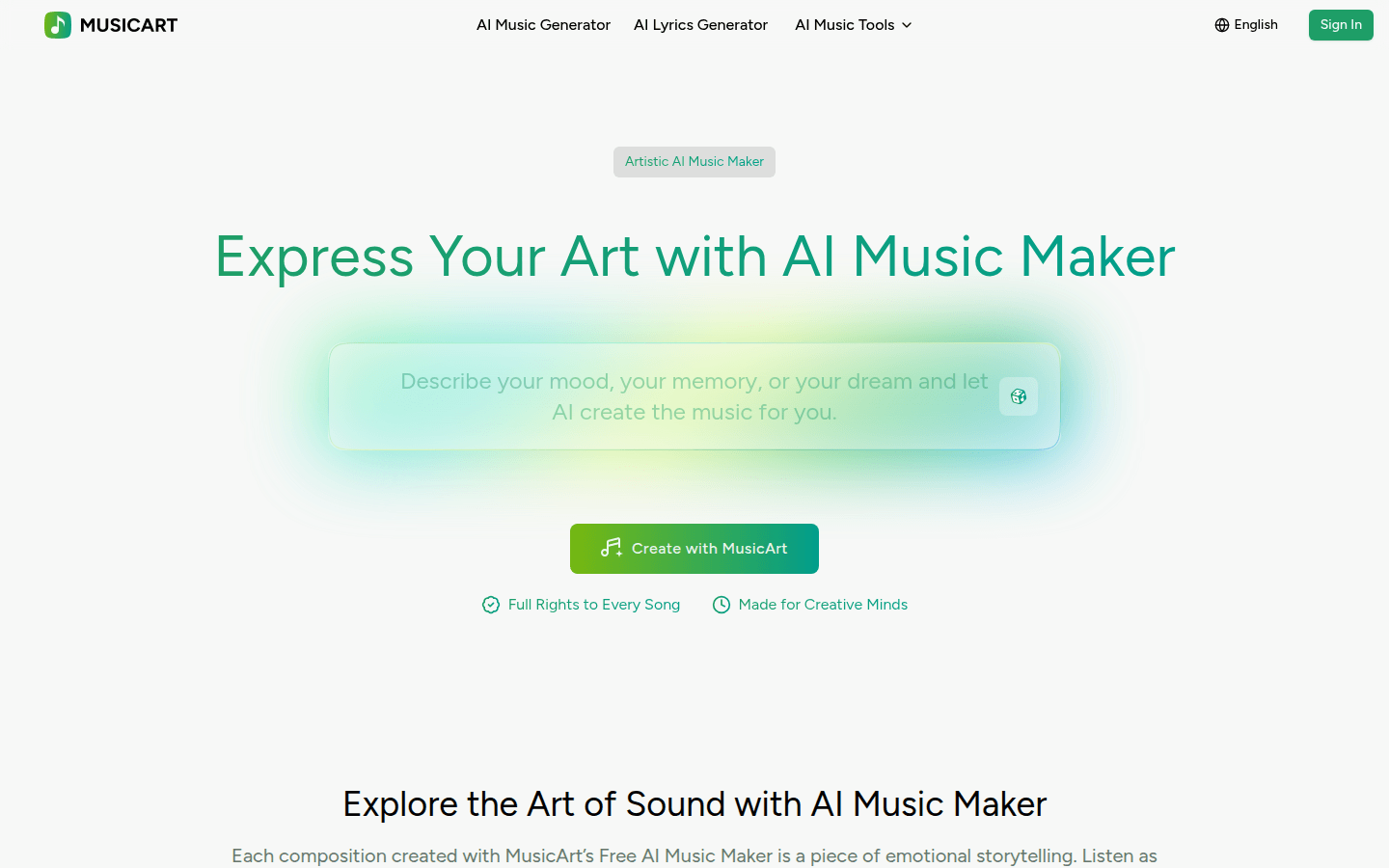
Screenshot archived from the listing page, for preview only.











