
MusicCreator AI
Free AI music generator with royalty-free outputTurn lyrics or an idea into a track in seconds
Highlights
What you can do with it
- Score a video with original background music
- Create intro and outro music for a podcast episode
- Add a custom track to a YouTube upload without licensing worries
How to use it
- 1 Visit the MusicCreator AI website.
- 2 Choose a creation method, such as lyrics to music.
- 3 Enter your text or lyrics.
- 4 Adjust parameters such as effects and length.
- 5 Download or share the generated track.
Who it is for
Pros
- No musical background needed to get a usable track
- Royalty-free output removes a common licensing headache
- Free to use and fast, with generation in seconds
Limitations
- Generated tracks may sound similar across prompts
- Fine control over arrangement is limited compared with a DAW
- Free terms and the royalty-free promise come from the operator and can change
What MusicCreator AI is
MusicCreator AI is a creative tool that uses AI to generate original music quickly. You type text or lyrics and the system turns that into a complete track, so you do not need a professional music background to get a result. The product is free to use, and all generated music is described as 100 percent royalty-free, which means it can be used commercially. That combination is why it is pitched at creators, YouTubers, and podcast producers rather than at studio musicians.
The workflow is deliberately short. You pick a creation method, enter your text, and the system returns a finished piece rather than a set of stems. You can adjust simple parameters such as effects and length, then download or share the result. There is no timeline editor, no mixer, and no plugin chain, which keeps the tool fast and also limits how far you can shape the sound.
What you can do with it
- Turn lyrics or a written idea into a finished track
- Generate background music for a video in seconds
- Build intro and outro music for a podcast
- Add a custom track to an upload without a licensing fee
- Adjust simple parameters such as effects and length
Who it is for
- Video creators who need fresh music on a schedule
- YouTubers who want audio under their edits
- Podcast producers who need short musical elements
- Small teams producing content without a composer
What to watch out for
Royalty-free status is a promise from the operator, so read the site terms before you put a track into a client project or a monetized channel. Control over arrangement is limited compared with a digital audio workstation, so producers who need exact stems or edits will find it thin. Generation speed is fast, but the musical range is narrower than a human composer, and repeated prompts can yield similar-sounding results. Free access and feature sets can change, so save the tracks you like rather than relying on the site to keep them.
FAQ
Do I need to know music to use it?
No, the tool is built for users without a professional music background.
Can I use the music commercially?
The listing says all generated music is 100 percent royalty-free and can be used commercially.
How long does generation take?
The product claims professional-quality music within seconds.
Why it is free
What the official page says: free to use
Free limits, trial length and features are decided by the official site and can change at any time.
Product preview
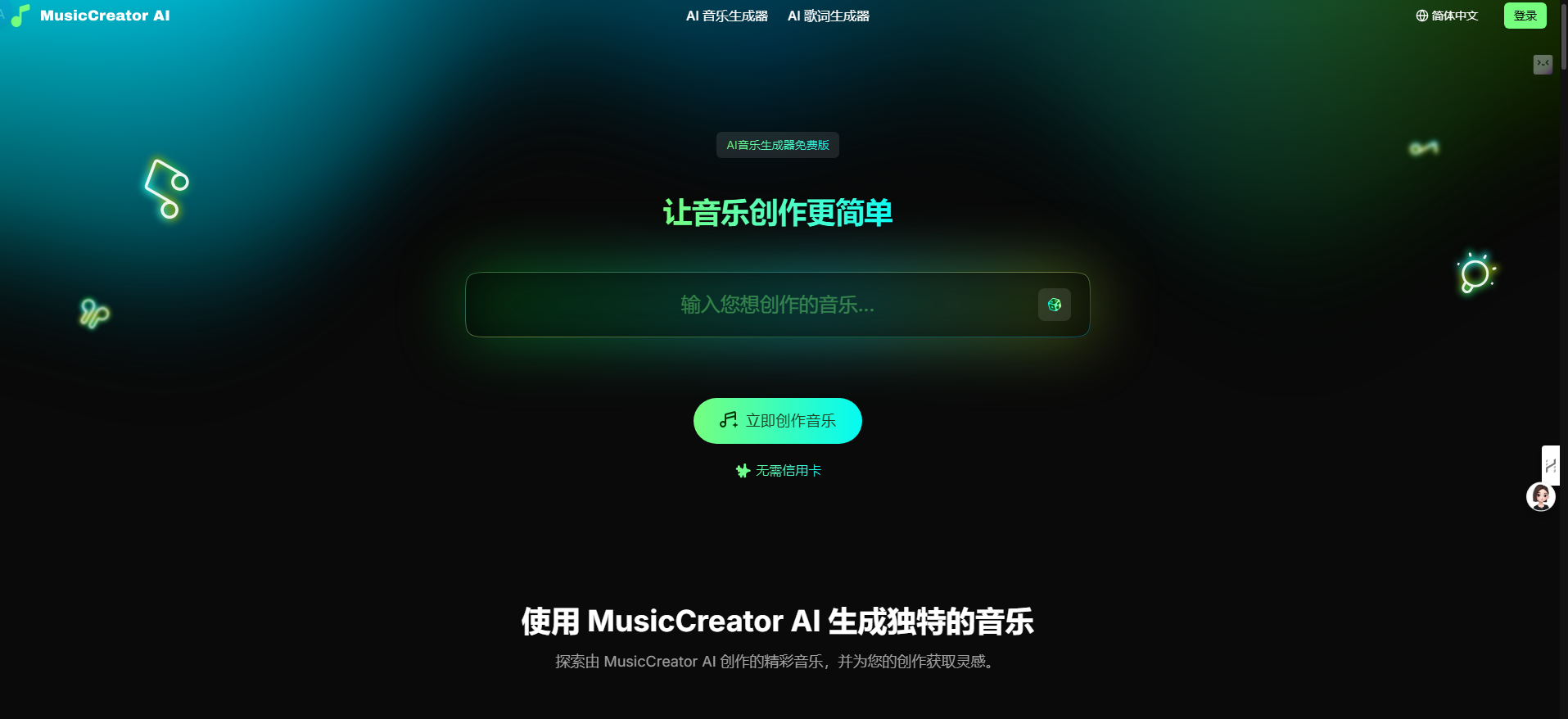
Screenshot archived from the listing page, for preview only.











