MusiCraft AI
AI music agent that builds tracks from plain textDescribe an idea and get studio-ready music
Highlights
What you can do with it
- A student types a prompt for a warm lo-fi study beat and gets a finished track
- A YouTuber uploads a video still and uses image-to-music for a matching soundtrack
- A producer separates a song into stems, then remixes it into a new style
How to use it
- 1 Open https://www.musicraft.ai/ in your browser
- 2 Register and log in if you want to use specific features
- 3 Pick a feature such as text-to-music, track separation, or image-to-music
- 4 Enter a prompt or upload a song or image as the tool asks
- 5 Wait for processing, then listen, edit, or download the result
- 6 Regenerate or adjust your input if the output is not what you wanted
Who it is for
Pros
- Plain-language control lowers the barrier to producing a full track
- Track separation and remixing hand producers usable raw material
- Cover art, lyrics, and music analysis all live in one workspace
- A free tier lets you try the tools before paying for the professional version
Limitations
- Only part of the service is free; the professional version is paid and the free rules may change
- Some features require an account, so it is not fully no-signup
- Output quality and how well a track fits your intent can vary with each prompt
- Ownership of AI-generated music is not spelled out clearly, so check the terms before commercial release
What MusiCraft AI is
MusiCraft AI is an AI-based music creation platform that behaves like a single agent coordinating several professional models. You drive the whole process in natural language, describing the style, mood, and instruments you want, and it returns a complete, studio-quality track without a digital audio workstation. Part of the service is free to use, there is a free trial, and the professional version is paid. The team frames it as a one-stop music workspace for people who would rather describe an idea than learn a complex production suite. Beyond generating music, it also separates uploaded songs, writes lyrics, designs album art, and analyzes a track, so a single idea can grow into a finished package from first note to cover image.
What you can do with it
- Turn a text prompt into a finished song, from a quiet study beat to a full arrangement
- Upload any track and split it into vocals, drums, bass, and melody stems
- Remix a track into a new style while keeping its tempo and melodic character
- Write lyrics in many languages and make 3000x3000 Spotify-style album covers
- Upload an image and let the tool read its palette, lighting, and composition to set emotion, key, and rhythm
- Analyze tonality, BPM, chords, and structure to understand how a piece of music is built
Who it is for
- Hobbyists and music lovers who want to make songs without formal training
- YouTube and TikTok creators who need original background music for videos
- Producers who want quick stems and remix starting points
- Independent artists who must handle both the music and its cover art on their own
What to watch out for
Only part of the service is free, and the professional version is paid, so the free rules and pricing can change over time and the current free trial may not last. Some features ask you to register, so it is not a fully no-signup tool. Output quality and how closely a track follows your intent can vary from prompt to prompt, and you may need several attempts before you are happy with the result. The site does not state clearly who owns AI-generated music, so review the terms before you use any track in commercial work, and treat generated audio as a starting point rather than a final master.
FAQ
Is MusiCraft AI free?
Part of it is free to use and there is a free trial. The professional version is paid, so check the site for current terms.
Do I need to know music theory?
No. You describe the style, mood, and instruments in plain language and the agent builds the track for you.
Can it split a song into separate parts?
Yes. Track separation pulls vocals, drums, bass, and melody into clean, usable stems.
Can I make cover art too?
Yes. It generates 3000x3000 Spotify-style album covers that reflect the music's style and energy.
Why it is free
What the official page says: 免费使用免费试用免费
Free limits, trial length and features are decided by the official site and can change at any time.
Product preview
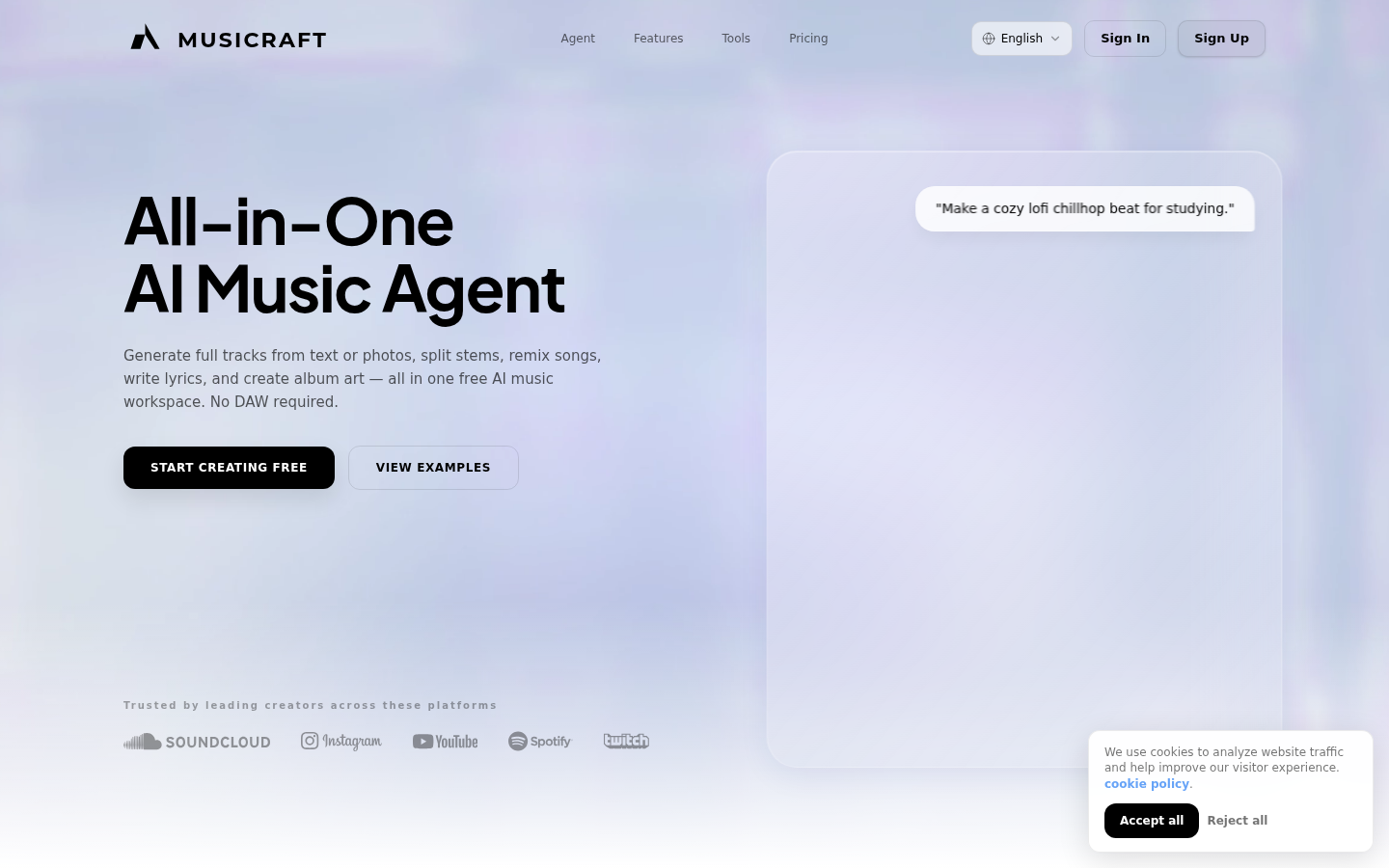
Screenshot archived from the listing page, for preview only.











