
Musiv
AI music videos, music, and lyrics in one placeYour track, turned into a video
Highlights
What you can do with it
- Make a promotional video for a new single.
- Produce a client promo quickly with AI music and video.
- Create royalty free background music for a podcast.
How to use it
- 1 Open musiv.ai and start for free.
- 2 Choose AI Music Video, AI Music Generator, or lyrics.
- 3 Upload your MP3 or describe the track you want.
- 4 Preview, adjust, and download the result.
Who it is for
Pros
- Free start with no credit card required.
- Music, lyrics, and video in a single platform.
- Generated music is described as royalty free.
Limitations
- Free tier limits and paid plans are not detailed on the site.
- AI video output will need trimming to match your edit.
- Check the licence before using generated music commercially.
What Musiv is
Musiv is an AI platform for making music videos. Upload an MP3 and it analyses the track, then generates a storyboard and video clips in several styles, turning a song into something that looks like a finished video rather than a static audio file. The AI reads the rhythm and mood of the music to shape the visual sequence, and it can add smooth transition effects between scenes so the cuts feel intentional instead of arbitrary. Beyond video, Musiv generates original royalty free music tracks for use in videos and podcasts, and it writes lyrics from a rough idea, which means it covers the whole chain from concept to finished clip rather than just one step of it. The platform is aimed at creators worldwide, offers free usage, and says you can start without a credit card, which keeps the first experiment low commitment.
What you can do with it
- Turn an uploaded MP3 into a multi style music video in one go.
- Generate a storyboard that follows the mood and rhythm of the track.
- Create royalty free music for a video, podcast, or project.
- Draft or refine lyrics from a short idea or theme.
Who it is for
- Musicians who need a video to support a release and cannot fund a shoot.
- Video and podcast creators who need background music that clears licensing.
- Independent artists working with a small budget and a short timeline.
What to watch out for
Free usage is offered, but the limits of the free tier and the shape of the paid plans are not detailed on the site, so check current terms before you plan a release schedule around it. AI generated video is also unlikely to match a hand edited cut frame for frame, so expect to trim, reorder, and adjust scenes to fit your own taste and the structure of the track. Generated music is described as royalty free, but read the licence terms before you use a track in anything commercial, because royalty free wording covers a range of conditions. Free terms can change over time, so confirm them at the point you need them.
FAQ
What does Musiv make?
AI music videos from an uploaded MP3, plus royalty free music generation and AI lyric writing.
How does the video match the song?
The AI analyses the rhythm and emotion of the music and generates a matching storyboard and scene sequence.
Can I start for free?
The platform offers free usage and says you can begin without a credit card, though the free limits are not detailed.
Why it is free
What the official page says: 免费使用免费
Free limits, trial length and features are decided by the official site and can change at any time.
Product preview
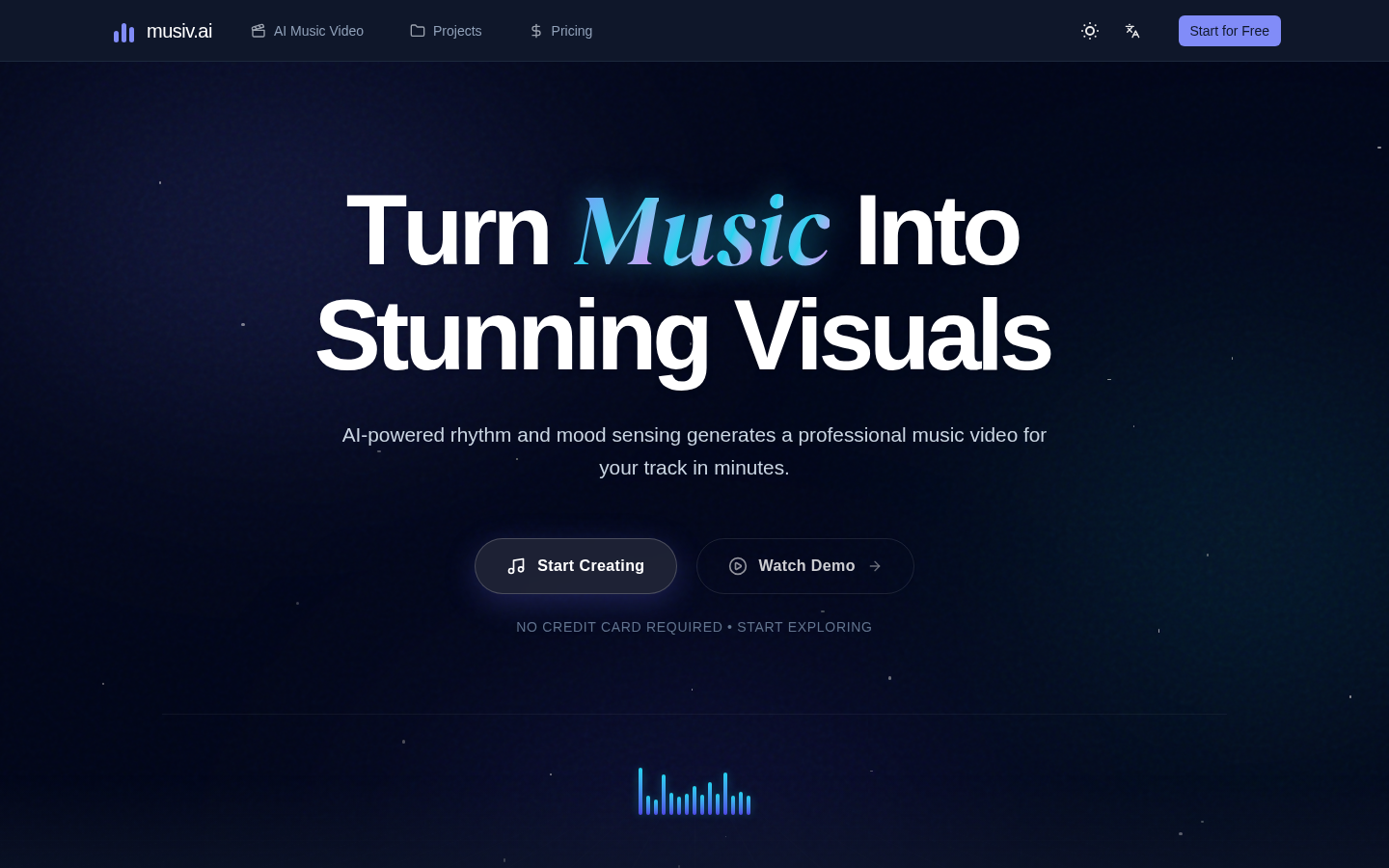
Screenshot archived from the listing page, for preview only.











