
MyNewLook
Free AI photo tool for professional-grade portraitsUpload a photo, get a professional-grade result
Highlights
What you can do with it
- Cleaning up profile photos for social media accounts
- Building a consistent look for a personal brand
- Producing quick headshot-style images without a studio
How to use it
- 1 Go to the MyNewLook website and create an account
- 2 Select the pricing plan that fits your needs
- 3 Upload the photos you want the AI to process
- 4 Wait for the AI to generate the professional-grade photo
- 5 Download the finished image and use it
Who it is for
Pros
- No subscription or credit card needed to start
- Three free credits each month for light use
- Simple upload and wait workflow
Limitations
- Free credits are limited to three per month
- Paid pricing and free rules can change over time
- Photos are processed by an external online service
What MyNewLook is
MyNewLook is an online service that uses artificial intelligence to generate professional-grade photos from images you upload. The site states that it is free to use, with no subscription and no credit card information required, and it gives each user three free image processing credits per month. There is no complicated registration process, so the main task is uploading a photo and waiting for the result. The site also lists several pricing plans for people who need more volume, plus enterprise-level custom services that include API access and unlimited image processing. It is aimed at people who want better photos for social media and personal branding without hiring a photographer or learning editing software. The pitch is speed and low cost: you upload, the AI processes, and you download.
What you can do with it
- Turn ordinary photos into professional-grade images
- Use three free image processing credits each month
- Improve social media content without editing skills
- Scale up through paid plans or enterprise API access
Who it is for
- Social media users who want stronger profile and post images
- Small teams that need quick image upgrades on a budget
- People who do not want to pay for subscriptions or editing software
What to watch out for
The free allowance is capped at three credits per month, so heavier users will need a paid plan. Because the tool processes photos through a remote service, avoid uploading sensitive images. Free rules, credit counts, and paid pricing can all change, so check the current terms on the site before you rely on them. The page also shows that the service has had availability problems, which means it may not always be reachable when you need it. Results can vary with the source photo, so try a few uploads and review the final image before publishing it anywhere public.
FAQ
Is MyNewLook free to use?
The site says basic use is free, with three image processing credits per month and no credit card required.
Do I need to install anything?
No, it runs online through the website.
What happens after the free credits run out?
You can choose one of the paid plans for more processing volume.
Why it is free
What the official page says: completely free
Free limits, trial length and features are decided by the official site and can change at any time.
Product preview
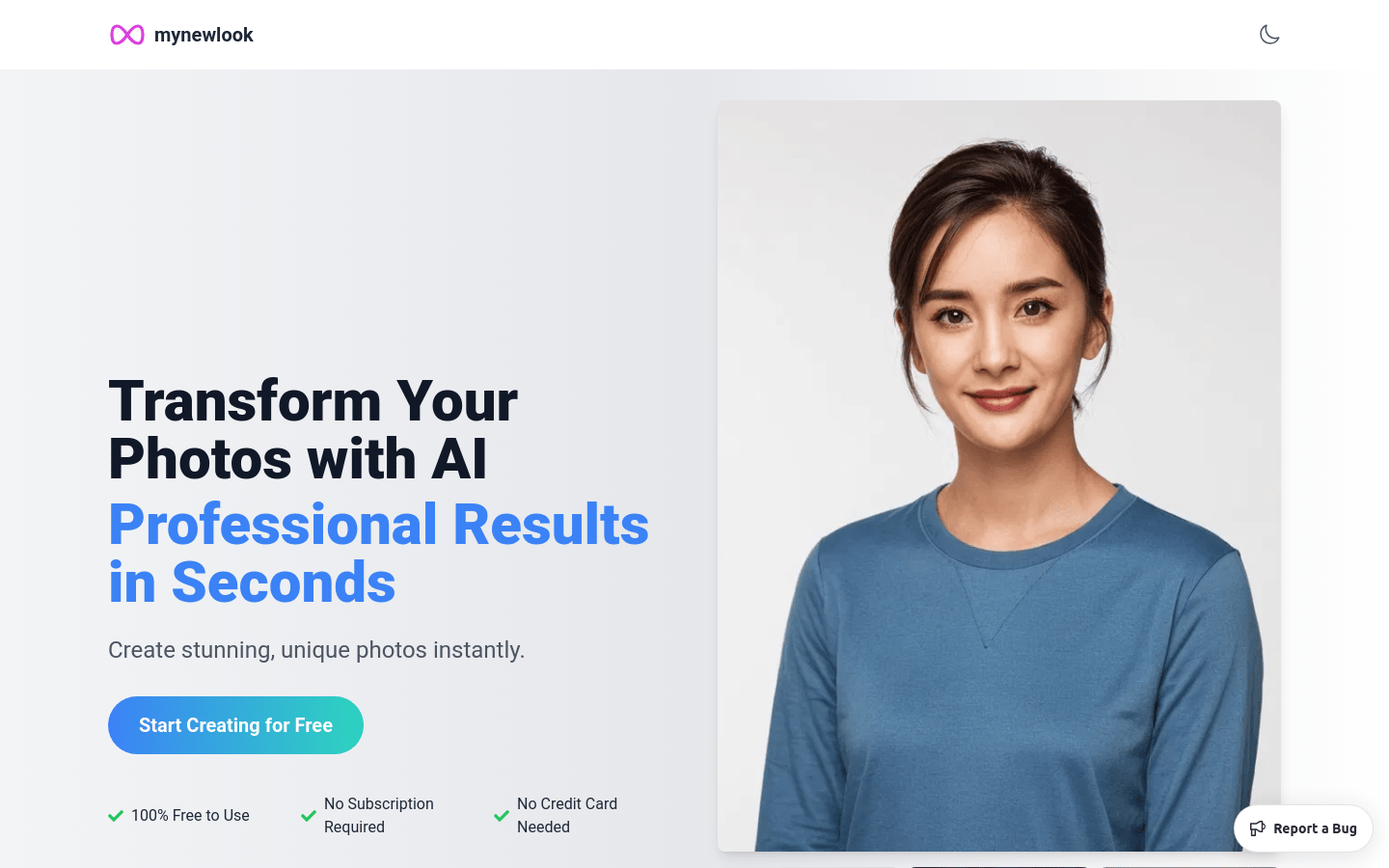
Screenshot archived from the listing page, for preview only.











