Nano Banana AI Image Generator
Free text to image generator with 4K outputText to image, 4K, no watermark
Highlights
What you can do with it
- Generate a consistent set of anime character images for a serialized comic
- Produce posters and brochures with readable text for a product campaign
- Illustrate scientific concepts such as molecular structures for papers and reports
How to use it
- 1 Sign in with Google to create a free account and collect 8 free image credits, no credit card needed
- 2 Describe the image you want and optionally upload up to 10 reference images
- 3 Pick resolution, aspect ratio, and style preferences
- 4 Send the request and wait for the image to come back
- 5 Refine the result by telling the AI what to change, then download it
Who it is for
Pros
- 8 free image credits on signup with no credit card
- 4K output and clean text rendering in a single tool
- Reference image upload and conversational editing give you real control
Limitations
- Free credits are finite and the rules around them can change
- The site returned an access error when we last checked it, so availability may be inconsistent
- It depends on Google's models, so limits and output behavior follow upstream changes
What Nano Banana AI Image Generator is
Nano Banana AI, also called BanaGen, is a text to image generator powered by Google Gemini 3.0 Pro. You describe an image and the model returns it, with the site listing native 4K resolution, clean text rendering for items like infographics, menus, and posters, and consistent anime or game character appearance across a batch of images. You can upload reference images to steer the result, and once an image comes back you can keep chatting with the AI to adjust lighting, add text, or change the framing. Signing in with Google gives you 8 free image credits and no credit card is required, so the free version is usable immediately. Pro and Agency plans are mentioned for more features and commercial usage rights. The generator also works alongside Google AI Studio and the Gemini App.
What you can do with it
- Turn a text prompt into a high-resolution image at up to 4K.
- Render readable, stylized text inside posters, menus, and infographics.
- Keep an anime or game character looking the same across many images, using reference uploads.
- Edit a finished image by describing the change you want in plain language.
Who it is for
- Anime and game creators who need a character to look identical across a series.
- Marketers producing campaign visuals where the text has to be legible.
- Researchers who need a specific concept illustrated for a paper or a report.
What to watch out for
Free credits are finite and the rules around them can change, so do not assume the free tier will always be there at the same level. The site also returned an access error when we last checked it, which means availability may be inconsistent and you should confirm the page loads before you plan work around it. Because the generator runs on Google's models, limits, output behavior, and pricing follow whatever the upstream service does. Finally, commercial usage rights are tied to the paid tiers, so read the terms before you put generated images into client work.
FAQ
Is Nano Banana AI free?
There is a free version with credits. Signing in with Google gives you 8 free image generations and no credit card is required.
What resolution does it support?
Native 4K, with 4K super-resolution available for lower resolution inputs.
Can I keep a character consistent across images?
Yes. The tool maintains anime and game character appearance across multiple generations, and you can upload reference images to lock the look.
Why it is free
What the official page says: for freefree version
Free limits, trial length and features are decided by the official site and can change at any time.
Product preview
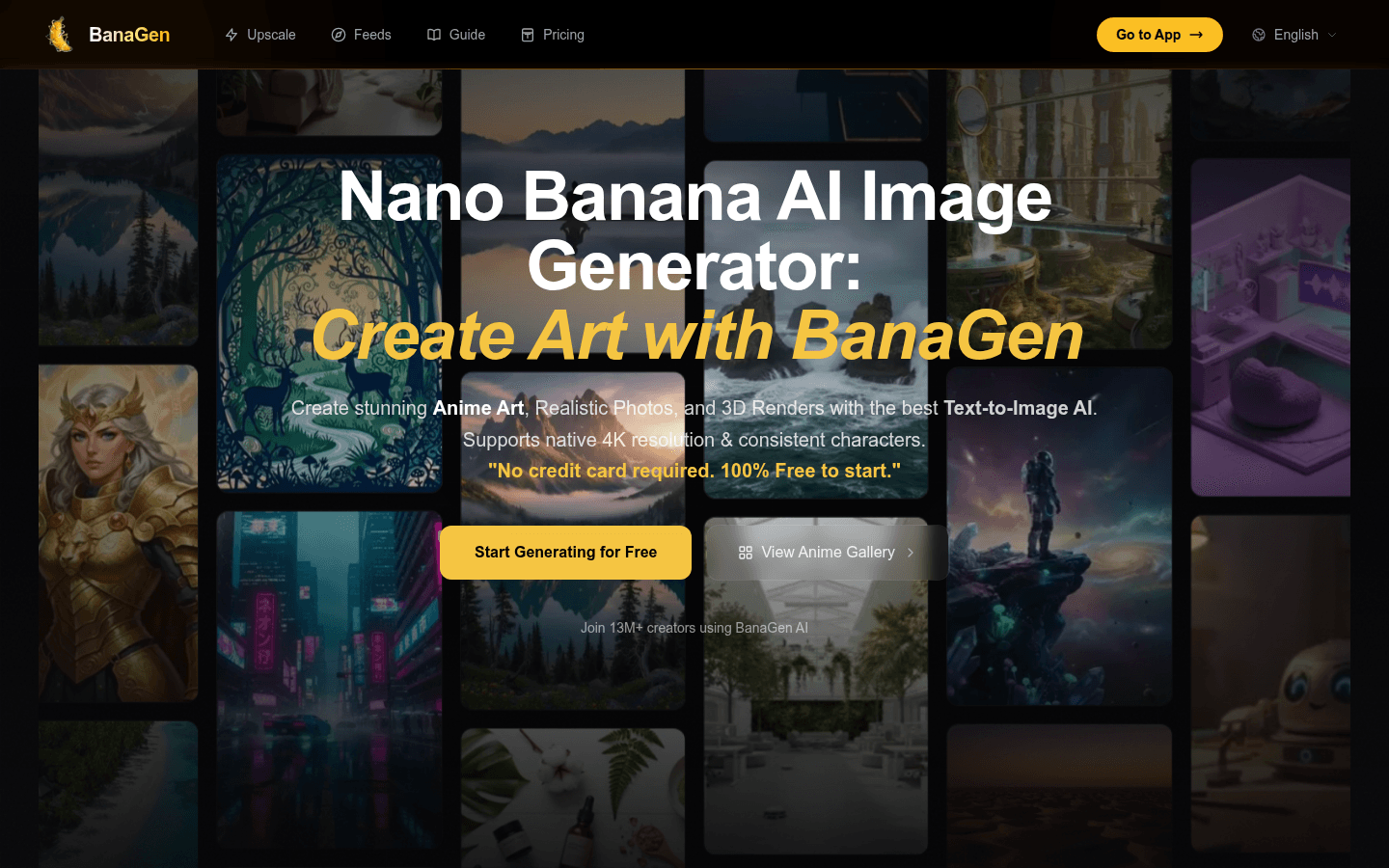
Screenshot archived from the listing page, for preview only.











