
Highlights
What you can do with it
- Fast visual drafts from text prompts
- Image to image variations from a reference
- Managing and downloading generation history
How to use it
- 1 Open nanobanana-flash.com in your browser
- 2 Type a prompt or upload a reference image
- 3 Choose text to image or image to image
- 4 Generate, then download from your history
- 5 Purchase credits only when the free quota runs low
Who it is for
Pros
- Simple operation without editing expertise
- Fast turnaround on text to image and image to image
- Free quota to start, with history management
Limitations
- Free quota is limited and credits cost extra
- Free rules can change without notice
- Built for quick drafts rather than deep editing work
What Nano Banana Flash is
Nano Banana Flash is a lightweight AI image generator and editor built on a model of the same name. You type a prompt or upload a reference image, and the tool returns results quickly, with both text to image and image to image supported. The interface is deliberately simple, so no complex editing knowledge is needed to get a usable result. Free quotas are available, and credits can be purchased when you need more capacity. Beyond generation, the tool covers editing and history management, including downloads of earlier work. It is positioned for creative teams and general users who want fast visual drafts without a heavy editing suite. The goal is to lower the threshold for image creation and let ideas move quickly. For people who only need images now and then, that simplicity matters more than a deep feature list.
What you can do with it
- Create images from a text prompt
- Turn a reference image into new variations
- Edit results and manage your history
- Download earlier versions instead of recreating them
Who it is for
- Creative teams that need fast visual drafts
- General users who are new to AI image tools
- Anyone who wants a simple browser based editor
What to watch out for
Free quotas are limited, so active days may run out and push you toward credit purchases. The free rules and quota size can change without notice, so do not build a daily habit around the current limits. The tool is designed for quick turnaround rather than deep compositing or retouching work, so complex jobs may still need a full editor. Output quality follows the prompt and the reference image, and results vary by input. Test it on your own files to see whether the speed fits your workflow before buying credits. As with any AI tool, keep expectations realistic on detailed requests. If your work depends on exact brand colors or fine detail, plan to review outputs carefully before publishing.
FAQ
Is Nano Banana Flash free?
There are free quotas available, and credits can be purchased when you need more.
What inputs does it accept?
You can type a prompt or upload a reference image.
Does it keep a history of my work?
Yes, it covers generation, editing, and history management with downloads.
Why it is free
What the official page says: 免费额度免费
Free limits, trial length and features are decided by the official site and can change at any time.
Product preview
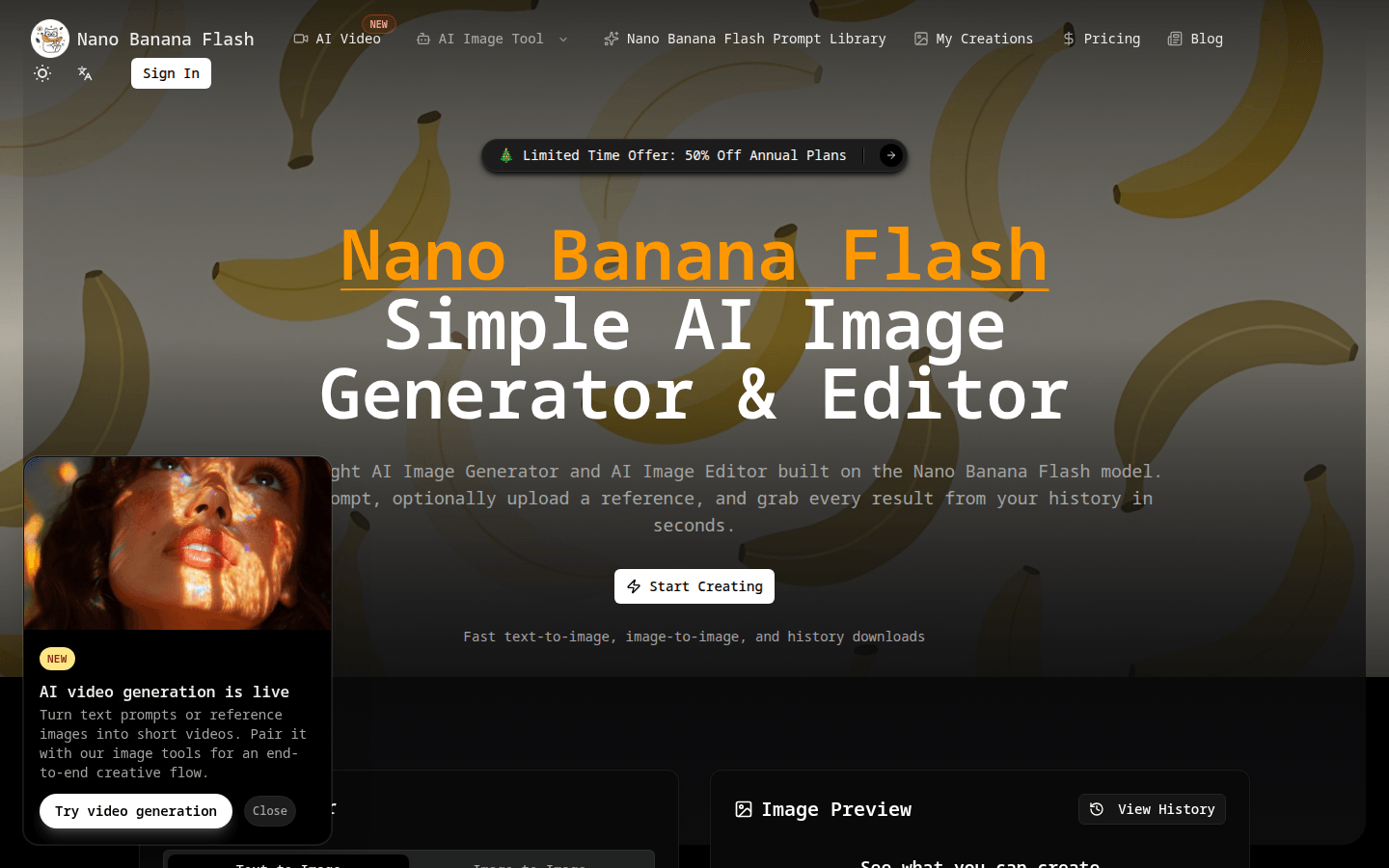
Screenshot archived from the listing page, for preview only.