Nano Banana Pro & 2.0 AI | Google's Image Editor by Gemini 3 Pro
AI image generator and editor for 2K/4K visualsTurn text into high-resolution images in seconds
Highlights
What you can do with it
- Advertising teams create eye-catching posters and ad creatives.
- Game developers generate concept art for characters and scenes.
- Photographers edit and enhance photos for better quality.
How to use it
- 1 Open the Nano Banana Pro website and register or log in to get free credits.
- 2 Upload an image if you want to edit, or skip to typing a prompt.
- 3 Enter a detailed text prompt covering color, lighting, style, and mood.
- 4 Set the aspect ratio, then click generate and wait a few seconds.
- 5 Refine the result with natural-language edits, then download it.
Who it is for
Pros
- Fast generation, with 2K/4K output ready in a few seconds.
- Natural-language editing lowers the need for complex software.
- A free trial with free credits lets you test before paying.
Limitations
- The free trial only includes a small number of credits, so heavy use requires payment.
- It depends on Google's Gemini 3 Pro model, so service can change with upstream updates.
- Detailed prompts and parameter tuning take some practice to get strong results.
What Nano Banana Pro is
Nano Banana Pro is an AI image generator and editor powered by Google's Gemini 3 Pro model. You type a description and it produces 2K or 4K images, usually within a few seconds. It also edits and blends uploaded pictures, so the same tool covers creation and touch-up in one place. New users can try it through a free trial that includes a couple of free credits, with paid packages for heavier use. The service is built for both professionals and everyday users who want strong visuals without a long learning curve. You can start from a blank prompt or upload a reference picture, then guide the model with instructions about what you want to see. Whether you are building an ad, a game asset, or a personal project, the workflow stays the same: describe, generate, then refine.
What you can do with it
- Turn text prompts into high-resolution 2K and 4K images ready for print or screen
- Edit and enhance uploaded photos using simple natural-language commands
- Blend several images together to build new composite visuals
- Keep a character's face, hair, clothing, and expression consistent across a whole series, and switch cultural styles when needed
Who it is for
- Designers and marketers making posters, ads, and social media visuals
- Game developers who need fast concept art for characters and environments
- Photographers, content creators, and casual users who want polished images without deep design skills
What to watch out for
The free trial gives you only a small number of credits, so testing is possible but long projects push you toward a paid package. Because it runs on Google's Gemini 3 Pro model, features and availability can change when the upstream model updates. Getting strong output also takes practice: short prompts tend to give plain results, while detailed prompts that describe color, lighting, composition, and mood produce better images. Plan your credits, save your favorite outputs, and expect to iterate before you land on a final image you like. Treat the trial as a way to judge quality, not as unlimited free production.
FAQ
Is there a free way to try it?
Yes. New users get a small number of free credits during the free trial, and paid packages are available after that.
How fast is image generation?
The service typically produces an image in about two to five seconds.
Can I edit an existing photo?
Yes. You can upload an image and use natural-language instructions to edit, enhance, or blend it.
Why it is free
What the official page says: free creditsfree trial
Free limits, trial length and features are decided by the official site and can change at any time.
Product preview
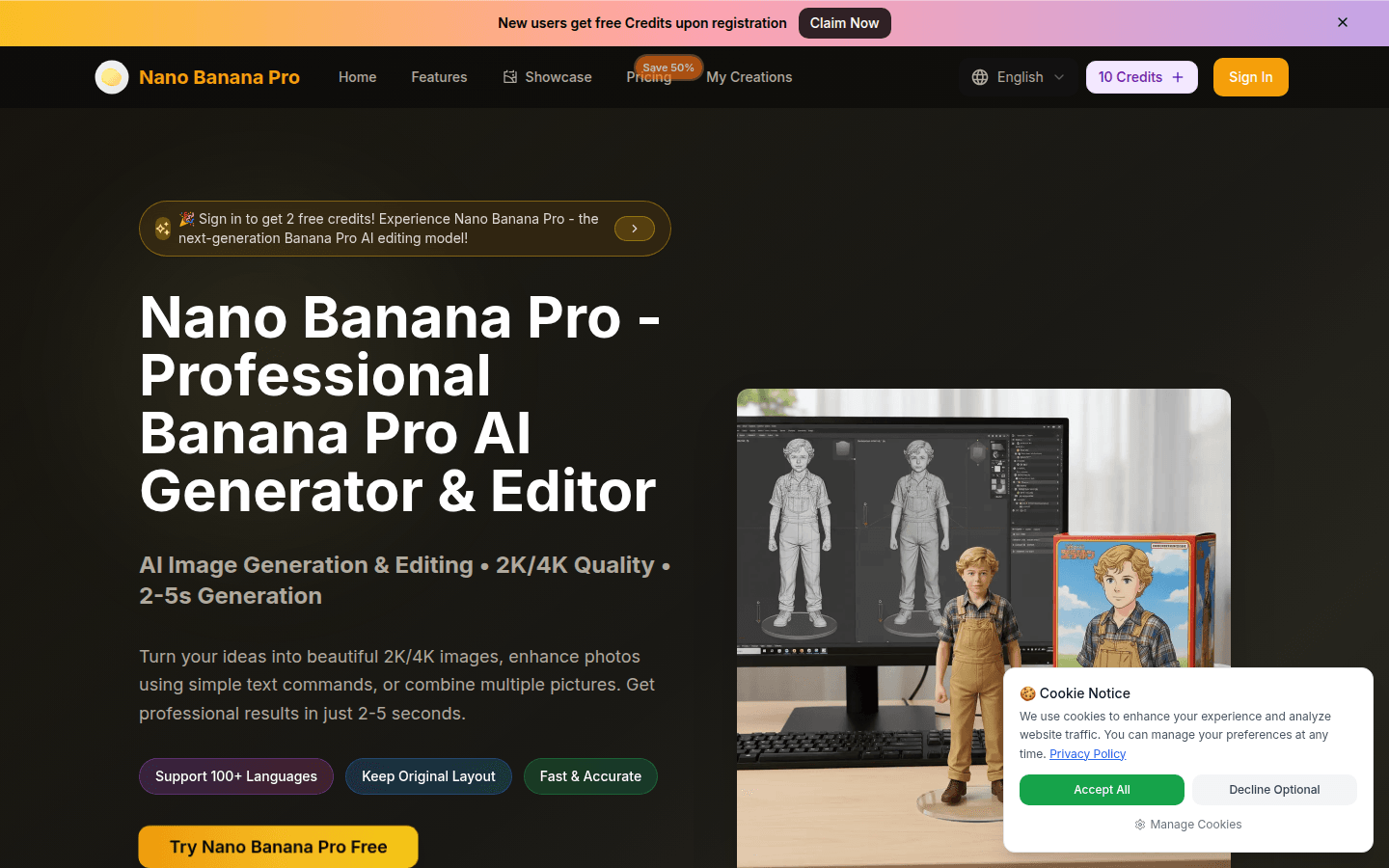
Screenshot archived from the listing page, for preview only.











