
Highlights
What you can do with it
- Production assets that need transparent backgrounds
- Large 4K files for print or layout work
- Complex creative edits that demand precision
How to use it
- 1 Open nanobanapro.com in your browser
- 2 Start a new project or upload an image
- 3 Edit at 4K and keep transparency where needed
- 4 Export the PNG and check the file size
- 5 Repeat for each asset in the set
Who it is for
Pros
- Lossless 4K output at production quality
- Transparent PNG files with large file sizes
- Free to use, with no upfront charge
Limitations
- Free status and rules can change without notice
- Large 4K files need storage and transfer room
- Focused on team production rather than casual edits
What Nano Banana Pro is
Nano Banana Pro is a free AI image editor based on nanobanana 2 technology. It is designed for creative teams and supports lossless 4K visual creation, so exports stay at production quality instead of being downgraded. The tool outputs transparent PNG files in the 15 to 20 MB range, which matters when assets are dropped into layouts or video timelines that need clean edges. Complex creative tasks that require precision are the stated focus. Because it is free to use, teams can run real project files through it before committing budget anywhere else, and small studios can evaluate output quality with no upfront charge. For creative teams, that combination of size, transparency, and resolution targets the files that usually cause trouble in production handoffs. The positioning is professional output for teams rather than casual editing.
What you can do with it
- Edit images at lossless 4K quality
- Export transparent PNG files
- Handle complex creative tasks that need precision
- Test production files before buying other software
Who it is for
- Creative teams producing visual assets
- Designers who need transparent backgrounds
- Studios comparing tools before a purchase
What to watch out for
The free status can change, and the current terms may not hold over time, so confirm them before relying on the tool for client work. Large 4K files with transparency take real storage and transfer space, so plan your pipeline around file size rather than expecting lightweight exports. The tool is positioned for team production work, so casual one off edits may be more than it needs to do. Quality still depends on your input files and instructions, and complex jobs may need several passes. Transparency handling varies by image, so check edges before export. Export size also affects email and upload limits, so check what your client or platform accepts before sending large files. Keep a fallback editor ready for deadlines. Small test projects are the safest way to judge fit before a deadline.
FAQ
Is Nano Banana Pro free?
Yes, the listing says it is free to use.
What output does it support?
It supports lossless 4K creation and transparent PNG files of 15 to 20 MB.
Who is it designed for?
It is aimed at creative teams that need production level image output.
Why it is free
What the official page says: 免费使用免费
Free limits, trial length and features are decided by the official site and can change at any time.
Product preview
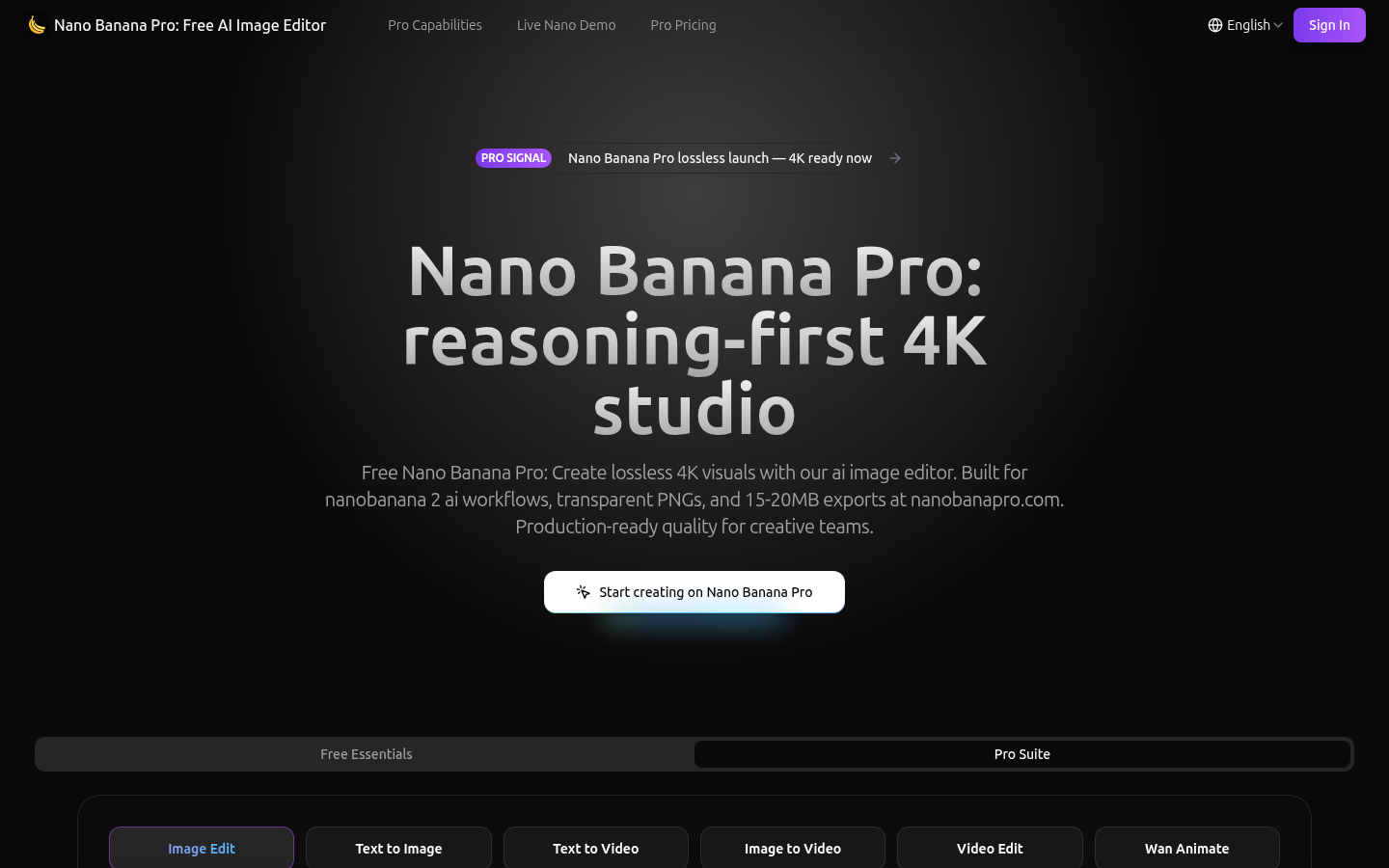
Screenshot archived from the listing page, for preview only.