
Nano Banana Pro Gen
AI image and video makerCreate images and video from prompts
Highlights
What you can do with it
- Turn a plain portrait into a 4K cyberpunk-style illustration.
- Produce a set of storyboards with a unified style for a product video.
- Create brand-styled advertising posters for a campaign.
How to use it
- 1 Open the Nano Banana Pro website and register or log in.
- 2 Choose the AI Image or AI Video function and upload a JPEG, PNG, or WebP file.
- 3 Describe the result you want in natural language in the prompt box.
- 4 Click Generate, wait a few seconds, then export the result.
Who it is for
Pros
- One platform covers both image and video generation modes.
- Consistency tools help a series of assets look like one set.
- Free trial credits let you test quality before paying.
Limitations
- The free trial is only 5 credits, so heavier use requires payment.
- Output quality depends on the underlying Gemini model and your prompts.
- SynthID watermarks are added to images, which matters for some workflows.
What Nano Banana Pro Gen is
Nano Banana Pro is an AI creative platform for still images and video, powered by Google's Gemini 3 Pro Image model. It handles text-to-image, image-to-image, text-to-video, and image-to-video, along with reference video generation. The system is built to hold character identity and visual style steady through complex edits, so a series of assets can look like one set. You can direct changes in plain language through conversational editing, fuse several reference images into a single coherent scene, and reuse visual templates for repeat production. Each generated image carries an invisible SynthID watermark that marks it as AI-made. A free trial with 5 free credits lets you test the workflow before committing to a plan.
What you can do with it
- Generate images or video clips from text prompts or uploaded references.
- Keep the same character and style across many edits and variations.
- Combine multiple reference images into one finished visual.
- Reuse prompt structures and layouts for faster, repeatable production.
Who it is for
- Illustrators and concept artists who iterate on visuals quickly.
- Studios that need a unified look across storyboards and campaign assets.
- Business teams creating branded posters and product images.
What to watch out for
The free trial is small, only 5 credits, so anything beyond a quick test needs a paid plan. Because the platform depends on an upstream model, generation speed and output quality can shift as that model updates, and results still depend on how clearly you describe what you want. Every image gets an invisible SynthID watermark, which is good for transparency but worth knowing if your workflow has strict output requirements. Fast and high-quality modes also differ in cost and speed. Review the current pricing and terms on the official site before committing.
FAQ
What can Nano Banana Pro generate?
It supports text-to-image, image-to-image, text-to-video, image-to-video, and reference video generation.
Is there a free trial?
Yes, the platform offers a free trial with 5 free credits for new users.
Do I need prompt engineering skills?
No. It supports conversational editing, so you can describe changes in natural language.
Why it is free
What the official page says: free creditsfree trial
Free limits, trial length and features are decided by the official site and can change at any time.
Product preview
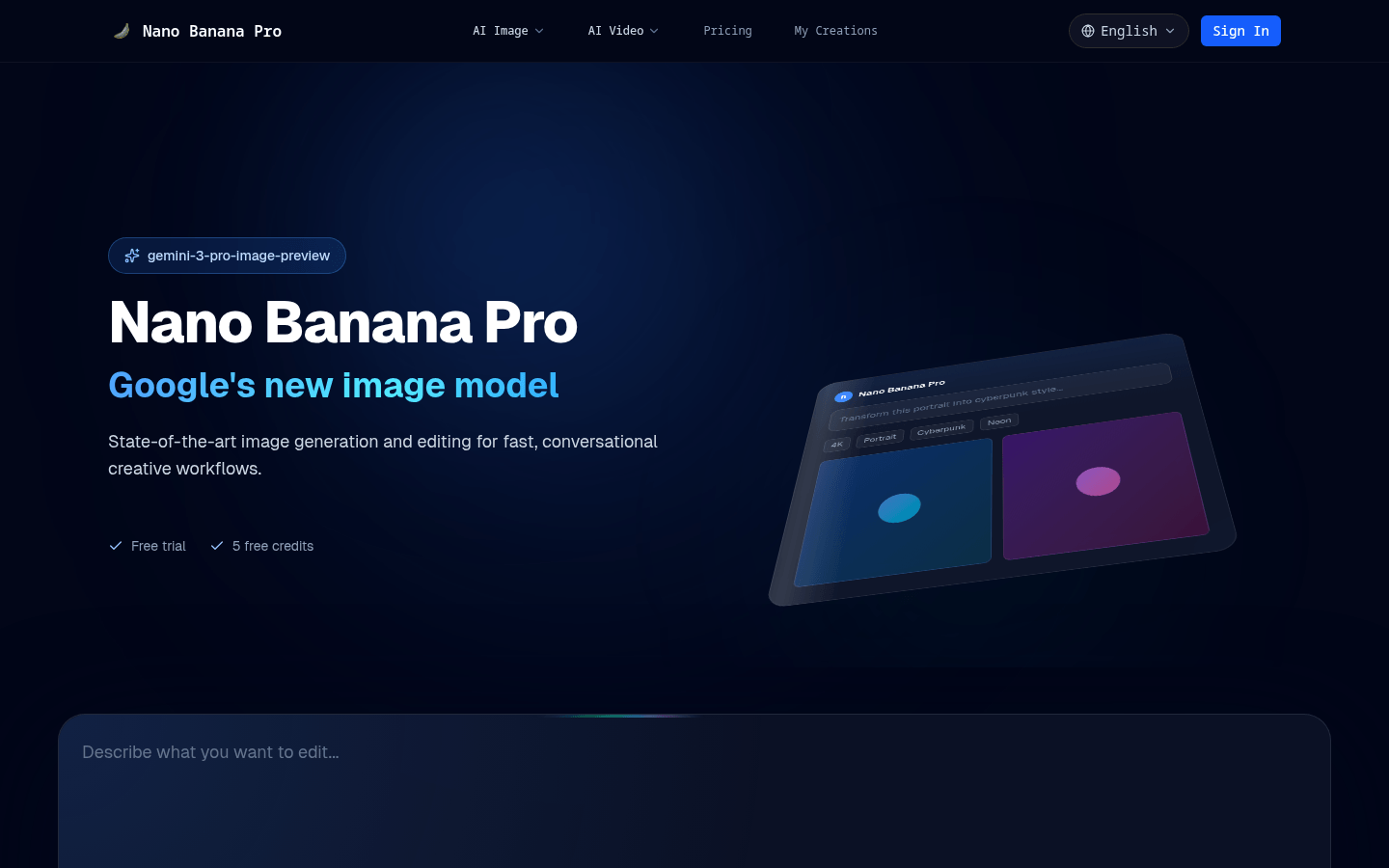
Screenshot archived from the listing page, for preview only.











