
Nano Image AI
Free AI image editor and generator in the browserGenerate, edit and clean up images in one page
Highlights
What you can do with it
- Generate artwork from a written description
- Swap backgrounds on product photos
- Clean up and enlarge an existing image
How to use it
- 1 Open nanoimage.ai and log in
- 2 Choose image to image or text to image
- 3 Upload a reference image if needed
- 4 Describe the style, lighting and composition you want
- 5 Generate, then download the result
Who it is for
Pros
- Free to use with a broad editing feature set
- Fast turnaround on most conversions
- Privacy stance: no stored uploads or outputs
Limitations
- Free status may change as paid features are introduced
- Each generation consumes points, so heavy use is limited
- Fine detail work still needs manual touch up
What Nano Image AI is
Nano Image AI is an online platform for AI image editing and generation. It works in both directions: you can start from a text description, or upload a reference image and describe the changes you want. Alongside generation it offers background removal and replacement, object removal and modification, enhancement and enlargement, and a range of styles from realistic to artistic. Most conversions are described as finishing within thirty seconds, which makes it practical for quick turnarounds. The provider says uploaded photos and generated images are not stored and that processing is temporary and private. It is free to use at the moment, with a note that premium paid features may be introduced later.
What you can do with it
- Generate an image from a written prompt
- Replace or remove a background cleanly
- Remove or modify objects in a photo
- Enhance, enlarge and restyle an existing image
Who it is for
- Creators producing original artwork
- Marketers preparing product and campaign imagery
- Artists cleaning up and reworking existing pieces
What to watch out for
The free status is current, not permanent. The listing itself says premium paid features may be added, so do not build a workflow that assumes it stays free. Each generation consumes points, so long sessions eat the allowance quickly. Fine detail such as hands, text or complex edges often needs manual touch up afterwards, and results vary with prompt quality. Because nothing is stored, download anything you want to keep immediately, since there is no library to return to. Run one full task end to end first, then expand once you are comfortable with the workflow and the result quality.
FAQ
Is Nano Image AI free?
It is currently free to use, and the listing notes that premium paid features may be introduced later.
What can it edit?
It covers image to image, text to image, background removal and replacement, object removal, enhancement and enlargement.
Does it store my images?
The provider states that it does not store uploaded photos or generated images, and that processing is temporary and private.
Why it is free
What the official page says: free to use
Free limits, trial length and features are decided by the official site and can change at any time.
Product preview
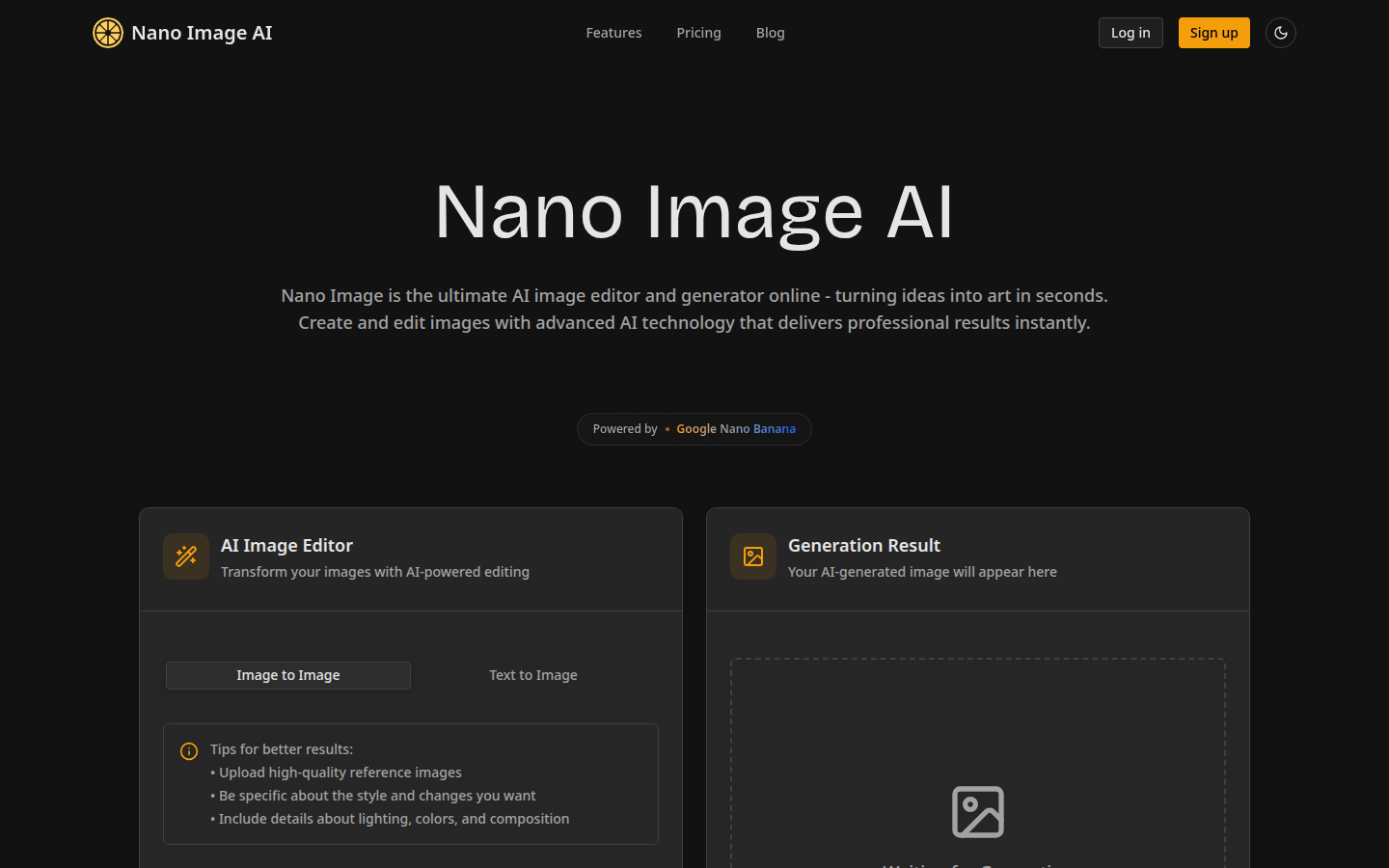
Screenshot archived from the listing page, for preview only.











