
NanoBanana.ART
Fast free AI image editorEdit images in seconds with prompts
Highlights
What you can do with it
- Optimize portraits and fix lighting
- Convert cartoon images into 3D-style visuals
- Generate product images for promotion
How to use it
- 1 Upload the image you want to edit
- 2 Describe the change in the prompt box
- 3 Click generate and wait for the AI
- 4 Preview, then download the edited image
Who it is for
Pros
- Fast editing with simple steps
- Supports several common formats
- Batch editing saves time on many files
Limitations
- Free use is limited compared with paid plans
- Only JPG, PNG, and WebP are supported
- Complex edits may need several tries
What NanoBanana.ART is
NanoBanana.ART is an AI image editor. According to the site, it can quickly transform your photos into professional-grade effects, and it supports multiple image formats so you can edit with simple steps. It says the output suits both personal and commercial use, and it lists free and paid subscription options to meet different needs and budgets. Features include fast editing that processes images in seconds, high-quality output for social media and commercial use, support for JPG, PNG, and WebP files, an easy workflow where you upload an image and add editing prompts, stable and consistent results, batch editing of multiple images at once, and AI smart analysis of your editing requests. The pitch is speed and simplicity over deep manual control.
What you can do with it
- Edit a photo in seconds using a short text prompt
- Convert styles, such as turning cartoon art into 3D looks
- Process several images at once with batch editing
- Download results for social media or commercial projects
Who it is for
- Social media users who need quick photo cleanups
- Small businesses making product visuals in-house
- Anyone facing a batch of images to touch up fast
- Creators who want prompt-based editing without complexity
What to watch out for
Free use is limited compared with paid subscriptions, so heavy or commercial workloads likely need a paid plan and you should check the limits first. Only JPG, PNG, and WebP are supported, so files in other formats must be converted before you can edit them. Prompt-based editing is fast but imprecise for fine control, and complex changes may take several attempts to look right. Because it is a hosted AI service, output quality, features, and pricing can change, and results should always be checked before you publish them, especially in commercial work where mistakes are costly.
FAQ
What formats does it support?
The site lists JPG, PNG, and WebP.
How do I edit an image?
Upload an image and describe the change in the prompt box, then generate.
Can I edit many images at once?
Yes. The site says batch editing supports multiple images at once.
Why it is free
What the official page says: for free
Free limits, trial length and features are decided by the official site and can change at any time.
Product preview
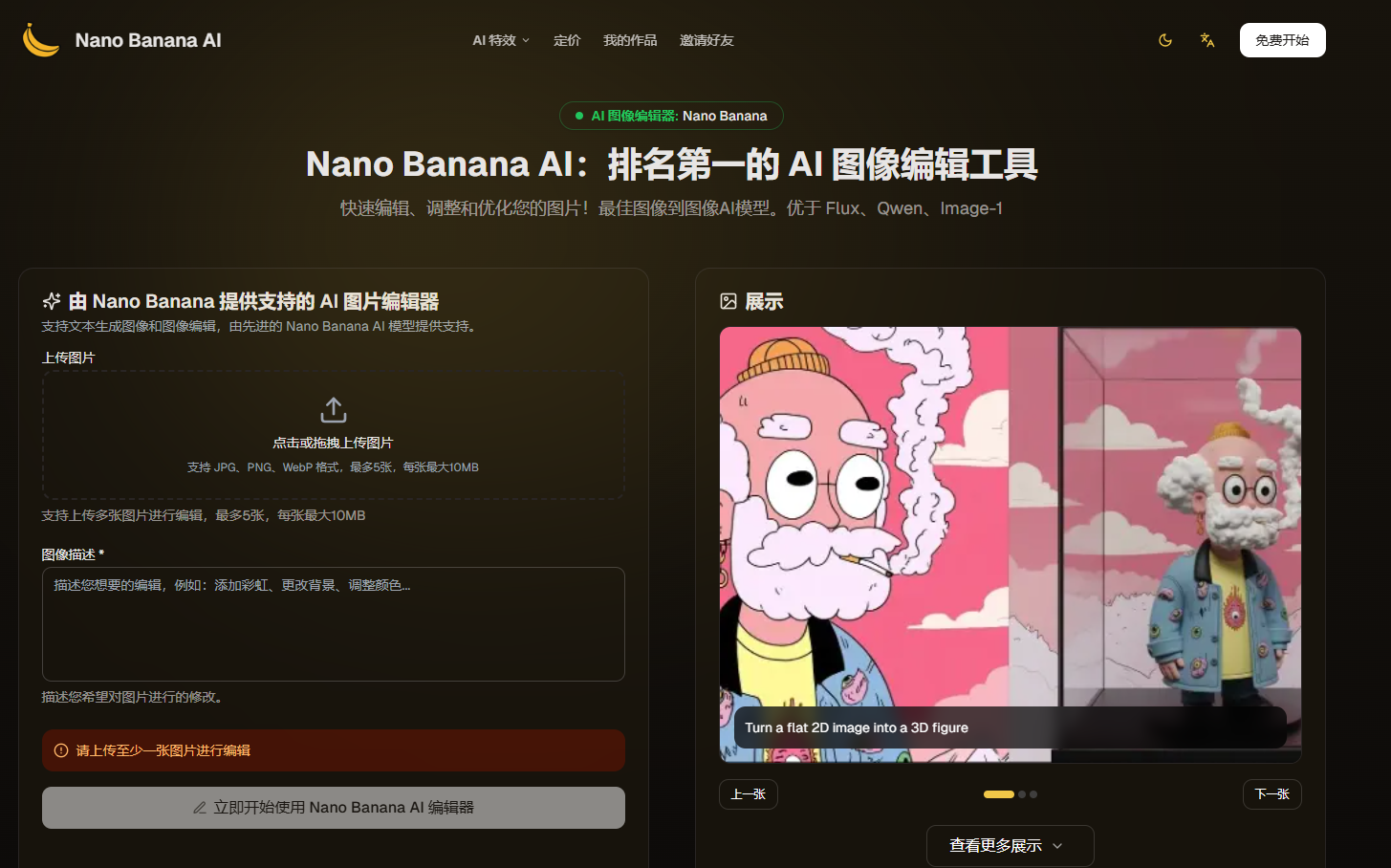
Screenshot archived from the listing page, for preview only.











