
NanoBanana Pro
Context-aware AI image editorEdit photos with plain text prompts
Highlights
What you can do with it
- Speed up photo retouching for professional shoots
- Turn creative ideas into images through text
- Produce styled visuals for content projects
How to use it
- 1 Open the NanoBanana Pro site
- 2 Upload the photo you want to edit
- 3 Describe the changes you want in plain English
- 4 Generate, then download the result
Who it is for
Pros
- Text prompts replace complex editing tools
- Context-aware edits keep results natural
- Free quota to test before paying
Limitations
- Free quota is limited and heavy use needs a paid plan
- Complex edits may take several attempts
- Results depend on prompt clarity
What NanoBanana Pro is
NanoBanana Pro is an AI image editor. According to the site, it was launched by Black Forest Labs based on Google's latest machine learning model, and it uses advanced AI to break the limits of traditional editing so users can realize creativity without complex tools or specialist skills. Features include intelligent editing with strong context awareness, text description editing in plain English, one-click style conversion into looks such as anime or cartoon, object operations that add or remove elements, and professional-quality output. The site says it offers a free usage quota so users can try it first and upgrade to a paid plan as needed. It is positioned as a convenient, efficient editing solution for a wide range of creators.
What you can do with it
- Edit an uploaded photo using simple plain text prompts
- Convert a photo into different artistic styles in one click
- Add or remove objects inside the image with a description
- Download professional-quality results for your own projects
Who it is for
- Professional photographers processing large batches of images
- Digital artists experimenting with styles and concepts
- Content creators who need fresh visuals on a tight schedule
- Anyone who wants prompt-based editing without a complex tool
What to watch out for
The free quota is limited and heavier use requires a paid plan, so test whether the output fits your workflow before committing money. Complex edits often need several attempts, and each generation may consume quota, so clear, simple prompts work well and save you credits. Results depend on how precisely you describe the change, and context-aware editing can still misread unusual or cluttered images. Because it is a hosted service built on an upstream model, availability, quality, and pricing can change over time, so do not build a critical production process on it alone.
FAQ
How do I edit an image?
Upload a photo and describe the change you want in simple English, then generate.
Can it change styles?
Yes. The site says it can convert photos into styles such as anime or cartoon in one click.
Is there a free option?
The site says it offers a free usage quota, with paid plans after that.
Why it is free
What the official page says: for free
Free limits, trial length and features are decided by the official site and can change at any time.
Product preview
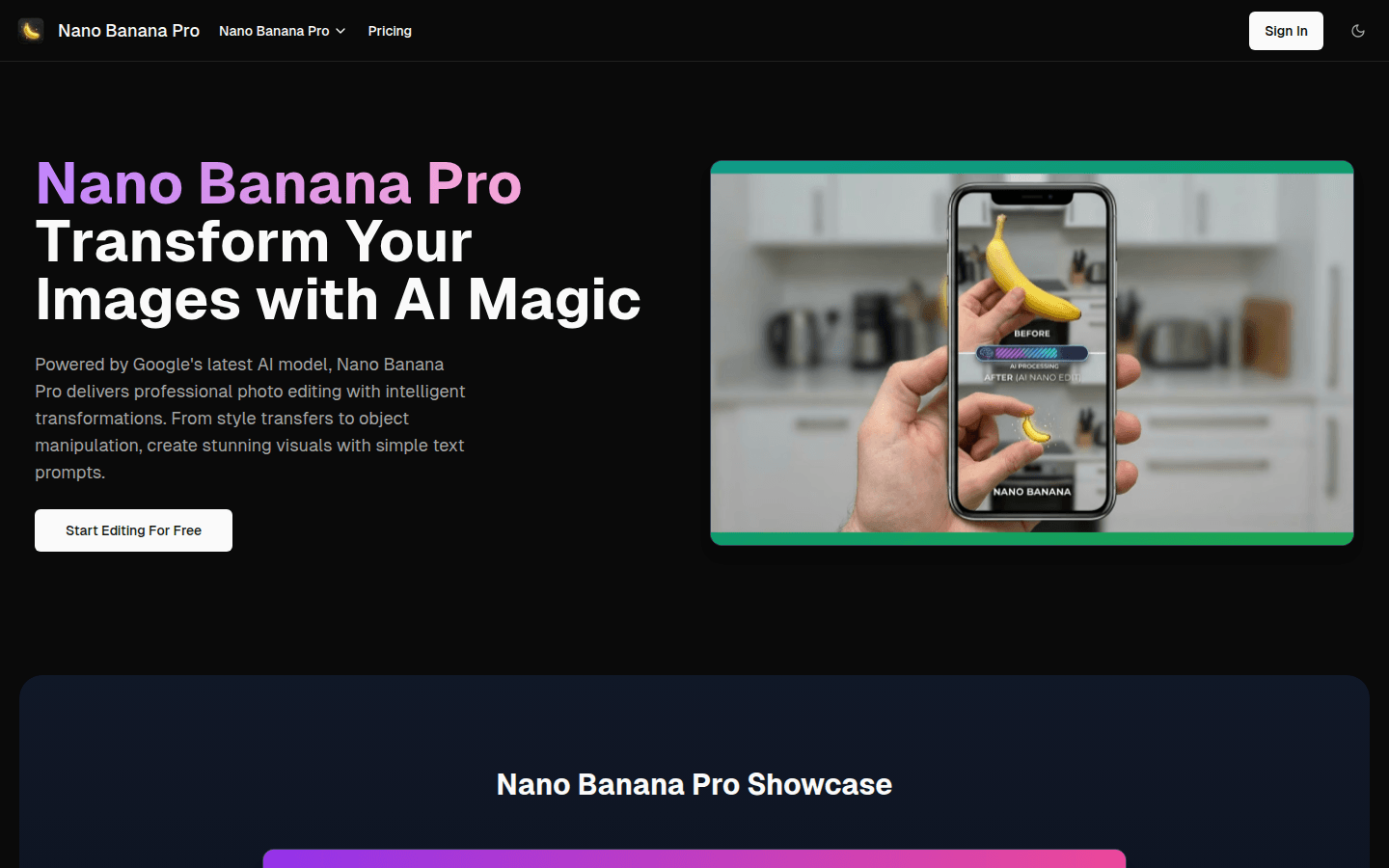
Screenshot archived from the listing page, for preview only.











