
NanoClaw
Self hosted Claude assistantA tiny Claude assistant you can host
Highlights
What you can do with it
- Send a sales pipeline summary at 9 am every weekday.
- Review git history weekly and update the README when it drifts.
- Collect AI news from Hacker News and TechCrunch into a briefing.
How to use it
- 1 Clone the repository with git clone https://github.com/gavrielc/nanoclaw.git.
- 2 Enter the information the setup asks for.
- 3 Use Claude Code to finish the configuration instead of editing files by hand.
- 4 Start using NanoClaw once setup is complete.
Who it is for
Pros
- A codebase small enough to audit in an afternoon.
- Session level container isolation rather than a permissions maze.
- WhatsApp makes it usable from a phone with no new app.
- MIT licence and free of charge.
Limitations
- You host and maintain it yourself, including updates.
- It needs a container runtime and some setup before it works.
- It depends on Claude access and upstream services staying available.
- The project and domain are new, so expect rough edges.
- It is a developer tool, not a polished consumer product.
What NanoClaw is
NanoClaw is a lightweight Claude assistant you run yourself, inside a container. Its headline claim is size: the whole thing is around 500 lines of TypeScript, deliberately small so a developer can read it, understand it and change it. Rather than building a complicated permission system, it leans on operating system level container isolation, using Apple Container on macOS or Docker on Linux, so each session sits in its own sandbox. On top of that it adds WhatsApp integration, scheduled tasks, web search and retrieval, isolated groups with separate memory and files, and a skill system for optional extras such as Gmail. It is free of charge under the MIT licence.
What you can do with it
- Chat with a Claude assistant from WhatsApp on your phone.
- Schedule recurring jobs such as a morning briefing or a weekly check.
- Give each group its own memory and file system so projects stay separate.
- Search the web from inside the assistant and pull content back.
- Extend it with skills, for example connecting Gmail.
Who it is for
- Developers who want an assistant they can actually read and modify.
- Business users who want an automated briefing arriving in WhatsApp.
- Researchers who want a sandboxed helper with web access.
- Anyone comfortable running a small service on their own machine.
What to watch out for
Self hosting means self maintaining. You are responsible for running it, updating it, keeping the container runtime healthy and dealing with whatever breaks, and none of that is optional. Setup assumes some familiarity with git, containers and the underlying model access, so it is not a one click install for a general audience. The project depends on Claude and on upstream services, so if access or terms change, behaviour can change with them. Both the project and the domain are new, which means rough edges, shifting instructions and the possibility of breaking changes. Treat it as a developer tool: read the code before you point it at anything sensitive, and do not put credentials or private data into a sandbox you have not audited.
FAQ
Is NanoClaw free?
Yes, it is free of charge and follows the MIT open source licence.
How big is the codebase?
About 500 lines of TypeScript.
How is it isolated?
Each chat session runs in a sandbox using Apple Container on macOS or Docker on Linux.
Can I use it from my phone?
Yes, it supports WhatsApp integration.
Why it is free
What the official page says: free of charge
Free limits, trial length and features are decided by the official site and can change at any time.
Product preview
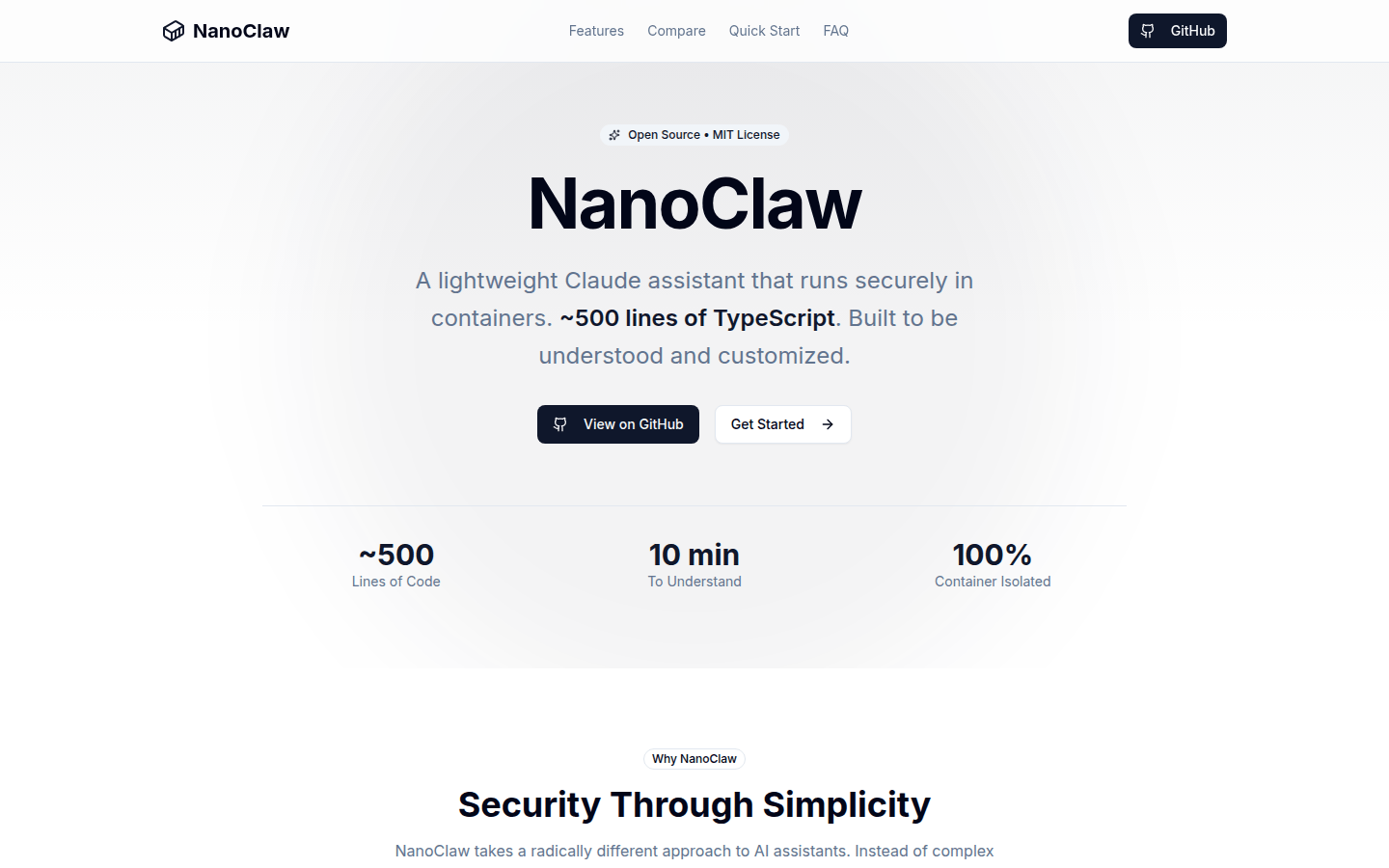
Screenshot archived from the listing page, for preview only.











