
NinjaRIP
AI document data extraction in free betaPull data out of documents with AI
Highlights
What you can do with it
- An operations team pulls fields from incoming PDFs
- A finance clerk extracts data from scanned invoices
- A business digitizes image based records
How to use it
- 1 Upload your documents through the secure portal
- 2 Let the AI analyze and process the files
- 3 Retrieve the extracted data in a usable format
- 4 Customize extraction rules for your document types
- 5 Fold the output into your existing workflow
Who it is for
Pros
- Free beta means testing is free to use
- Works on both PDFs and images
- Encryption is built in for sensitive material
- Extraction rules can be customized per workflow
Limitations
- Beta software can change or break without notice
- Pricing for the official release is not yet set
- The 99 percent accuracy figure is a vendor claim
- Uploading sensitive documents requires trust in the vendor
What NinjaRIP is
NinjaRIP is an AI driven document processing service. You upload documents, its models recognize patterns in them, and it extracts the meaningful fields into a format you can actually use downstream. It accepts both PDFs and images, which covers most real world document piles, and the vendor claims over 99 percent accuracy on recognition and extraction. Security is handled with encryption, and the processing rules and extraction logic can be customized to fit specific business requirements.
What you can do with it
- Upload documents through a secure portal
- Extract structured fields from PDFs and images
- Customize extraction rules for your document types
- Retrieve output in a format that drops into your workflow
- Use the AI models for deeper analysis of the content
- Cut manual data entry on high volume document work
Who it is for
- Operations teams processing large document volumes
- Finance and admin staff digitizing paper or scanned records
- Businesses that want to evaluate extraction before committing budget
- Teams that need custom extraction rules rather than a generic template
What to watch out for
This is beta software, so features, limits, and uptime can change without warning, and anything you build on it may need rework at launch. Pricing for the official release is not announced, so the free period will end at an unknown cost. The 99 percent accuracy claim comes from the vendor, and real accuracy depends on document quality, so test with your own files before trusting it. Uploading sensitive documents means trusting the vendor with that data, which deserves review, especially in beta. When quality matters, export a small draft first to confirm the result before producing the final file.
FAQ
What does NinjaRIP do?
It uses AI to process documents, recognize patterns, and extract usable data from PDFs and images.
Is it free?
It is in a free beta phase, with paid pricing planned for the official version.
How accurate is it?
The vendor claims over 99 percent accuracy, but verify on your own documents.
Is my data secure?
The service says it uses encryption for sensitive data, though beta terms deserve a read.
Why it is free
What the official page says: 免费
Free limits, trial length and features are decided by the official site and can change at any time.
Product preview
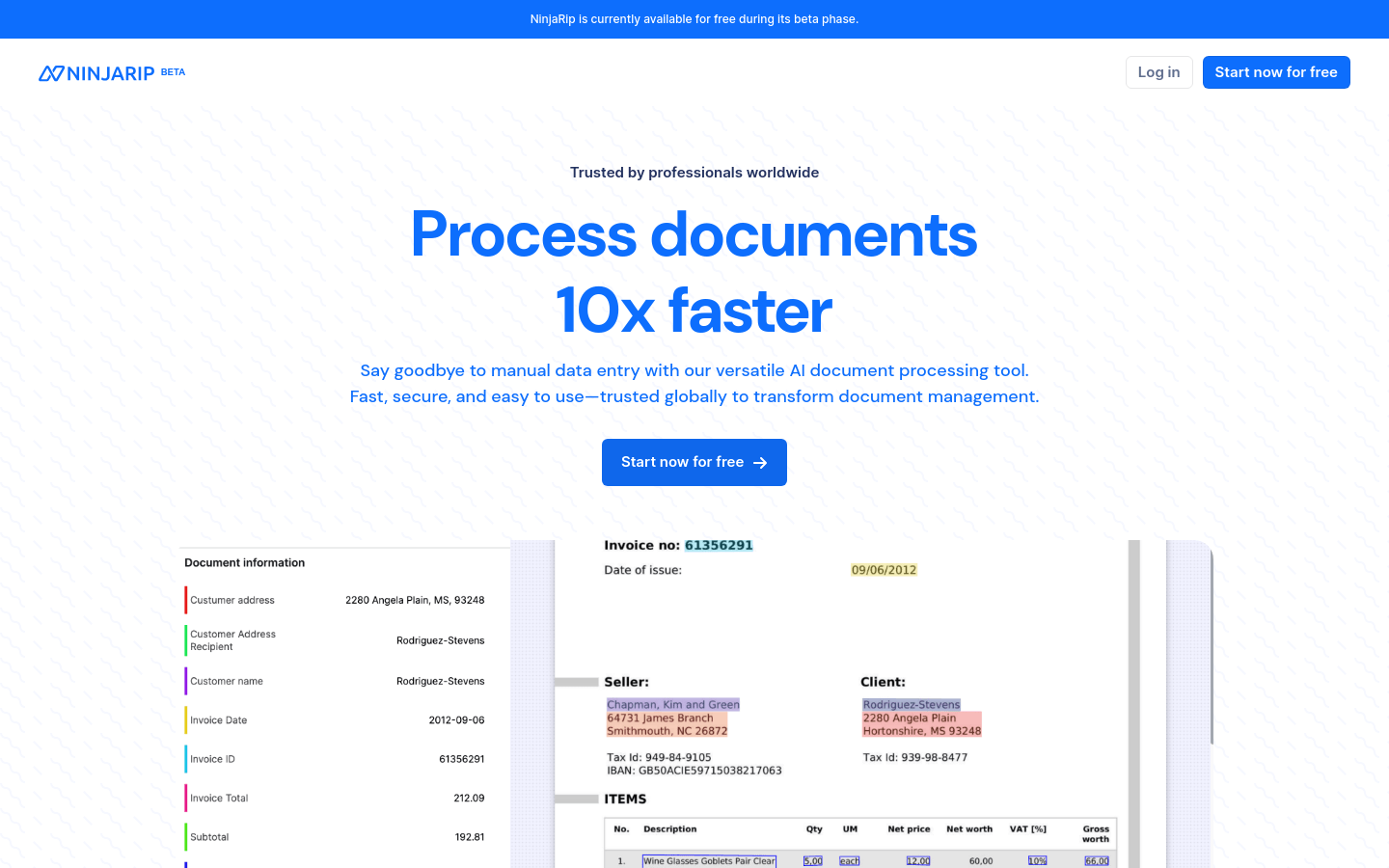
Screenshot archived from the listing page, for preview only.











