
NNScholar
AI research workbench for literature and writingSearch, read, and write in one research space
Highlights
What you can do with it
- A researcher runs a literature review from keywords to a written summary
- A graduate student builds an evidence board for a research proposal
- An author revises a manuscript with AI help on specific paragraphs
How to use it
- 1 Register on the NNScholar site or install the desktop client
- 2 Create a research space and upload papers or enter a question
- 3 Search for literature and save candidates into the space
- 4 Read PDFs with conversational tools and organize notes
- 5 Track evidence, then generate outlines and drafts and export the final file
Who it is for
Pros
- Search, reading, notes, and writing sit in one workspace
- Evidence board keeps claims traceable to sources
- Team plans support shared pools and budgets
Limitations
- Credits deplete quickly with heavy PDF reading and generation
- AI answers and citations must be verified against originals
- Team plans cost more and need administration
- Web plus desktop client adds setup steps
What NNScholar is
NNScholar is an AI research workbench built around questions and research materials. It puts literature search, PDF reading, note organization, evidence tracking, and academic writing into the same research space, so a project starts from a question and keeps accumulating papers, conversations, and outputs in one place. Literature discovery works from a topic, DOI, PMID, or arXiv identifier, and PDFs can be read conversationally with translation, highlighting, and annotation. An AI research agent handles evidence organization and source checking, while an evidence board keeps conclusions tied to their sources. Free registration includes 100 credits plus a first-month trial of 1,000 credits, and paid tiers scale from Lite at 1,000 credits per month up to Team pools of 120,000.
What you can do with it
- Discover literature from keywords, DOI, PMID, or arXiv and save candidates into a space.
- Read PDFs conversationally with passage translation, highlighting, and notes.
- Build an evidence board that links conclusions, sources, and judgments.
- Advance collected evidence into outlines, drafts, figures, and submission materials.
- Track citations from seed papers and reuse academic skills across projects.
Who it is for
- University researchers and graduate students who read and write at volume.
- Journal authors who revise manuscripts and need to check specific paragraphs.
- Research groups that want shared spaces, credit pools, and member budgets.
- Interdisciplinary researchers who need to enter an unfamiliar field quickly.
What to watch out for
Credits are the currency here, and heavy PDF reading plus generation burns through them fast, so check which tier matches your reading volume. AI answers and citations are assistance, not authority: verify every claim and reference against the original paper before it enters your manuscript. Team plans add administration overhead such as budgets and invoicing that solo users do not need. Finally, the workflow spans web and desktop clients, so allow setup time and confirm that your institution's data policies permit uploading papers to a third-party service.
FAQ
Are there free credits?
Free registration includes 100 credits and a first-month trial of 1,000 credits.
What do the paid tiers include?
Lite provides 1,000 credits per month, Pro 8,000, Max 60,000, and Team 120,000 shared, with member budgets, invoicing, and auditing.
Which file types work?
You can upload papers, PDFs, and Word documents as research materials.
How are citations tracked?
Seed literature leads to references, related papers, and topic updates, and the evidence board keeps sources attached to conclusions.
Why it is free
What the official page says: free credits
Free limits, trial length and features are decided by the official site and can change at any time.
Product preview
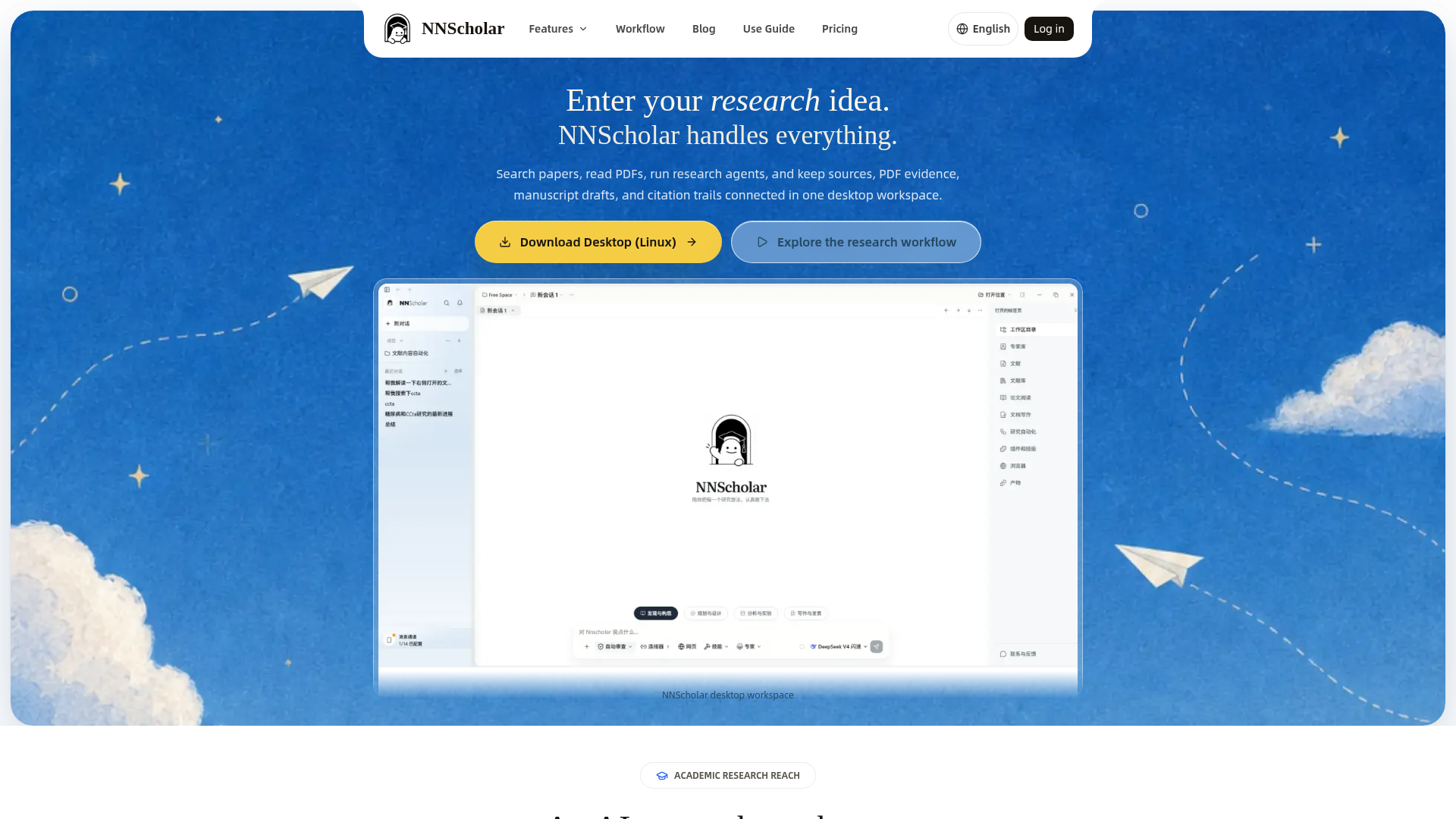
Screenshot archived from the listing page, for preview only.











