NoLang
AI explanatory video generatorTurn text and PDFs into explainer videos
Highlights
What you can do with it
- Explain how a technology works
- Summarize a technical article as a video
- Turn a PDF into a visual explainer
How to use it
- 1 Open NoLang or its browser extension
- 2 Paste text or upload a document such as a PDF
- 3 Let the AI generate an explanatory video
- 4 Watch or share the video to learn the concept
Who it is for
Pros
- Free to use
- Turns text and PDFs into visual explanations
- Browser extension for quick access
Limitations
- The site returned an error status when last checked, so access may be unreliable
- Free access and features can change
- Generated explanations may simplify or miss detail
What NoLang is
NoLang is an AI-powered explanatory video generation tool. It can generate explanatory videos in real time based on text you type or the content of a document you upload. Its main features include real-time text-to-video conversion, automatic video summarization of materials like PDF documents, continuous dialogue style video generation, and a browser extension you can call on demand. The goal is to make complex concepts easier to understand and more visual, which helps when plain text is hard to absorb. It is aimed at people who need to gather information and learn new things, and it is free to use.
What you can do with it
- Turn typed text into an explanatory video
- Turn a PDF document into a video summary
- Generate continuous dialogue style explainers
- Use the browser extension for on-demand help
Who it is for
- Learners who grasp ideas faster with video
- People who need to understand dense documents
- Creators making explainer content
What to watch out for
The site returned an error status when it was last checked, so access may be unreliable and you should confirm it is up before you rely on it. Free access and features can change as the product develops. Generated explanations are a learning aid, not a source of record, so they may simplify ideas or leave out detail, and you should check the original material for anything important. Video length and depth are limited by the tool's real-time design. Run one full task end to end first, then expand once you are comfortable with the workflow and the result quality. Behavior may vary across browsers and devices, so test before production use and consult the help docs if errors appear.
FAQ
Is NoLang free?
The tool is described as free to use.
What does it make?
It turns text or documents like PDFs into short explanatory videos.
Do I need to install anything?
There is a browser extension for on-demand use, and you can also use it on the web.
Why it is free
What the official page says: free to use
Free limits, trial length and features are decided by the official site and can change at any time.
Product preview
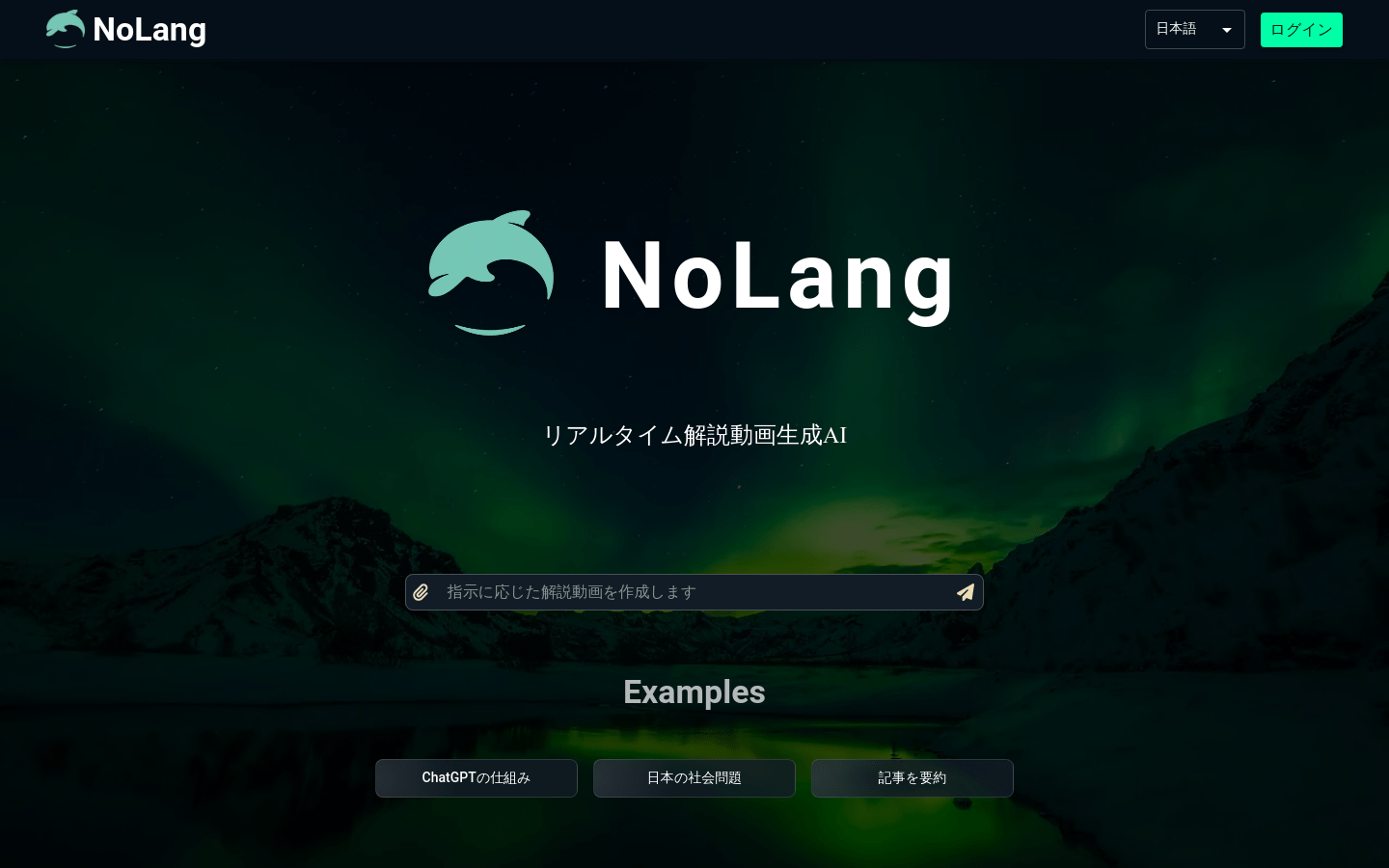
Screenshot archived from the listing page, for preview only.