
Noloco
No code app builderTurn spreadsheets into business apps
Highlights
What you can do with it
- Give a law firm team one app that replaces scattered spreadsheets.
- Turn Google Sheets and Airtable data into a visual management app.
- Build a branded customer portal for clients to check status.
How to use it
- 1 Register and log in to the Noloco platform.
- 2 Choose a built-in information such as Airtable or Google Sheets and connect it.
- 3 Create a new application or customer portal in the visual interface.
- 4 Add fields and pick the view type using drag and drop.
- 5 Set user permissions and security options.
- 6 Connect Zapier or Make for automated data transfer.
- 7 Customise the branding and layout.
- 8 Publish and invite your team or customers.
Who it is for
Pros
- Works with data already sitting in sheets and databases.
- No coding needed to assemble a working app.
- Several view types suit different workflows.
- Enterprise grade security and permission controls.
Limitations
- Freemium, so the free level has limits and larger use needs a paid plan.
- You still have to design the data model and permissions properly.
- The link returned a redirect when checked, so verify the current address.
- Complex business logic can hit the limits of a no code tool.
- Migrating data out later can be harder than building it in.
What Noloco is
Noloco is a no code platform for building business applications. Rather than starting from an empty database, it connects to the data you already keep in Airtable, Google Sheets or PostgreSQL, and lets you assemble internal tools and customer portals on top of that through a visual interface. The listing highlights flexibility, enterprise grade security, customisable permissions and a range of view types including grids, kanban boards, calendars and Gantt charts. It also integrates with automation tools such as Zapier and Make, and it supports branding so the finished app can face customers rather than only staff. Pricing is freemium, with a free level and paid tiers.
What you can do with it
- Connect an existing Airtable, Google Sheets or PostgreSQL source.
- Build internal tools for operations, tracking and approvals.
- Create branded customer portals without custom development.
- Display the same data as a grid, kanban, calendar or Gantt chart.
- Automate data movement with Zapier or Make.
Who it is for
- Operations teams managing work across scattered spreadsheets.
- Small and medium businesses that need internal tooling.
- Internal platform teams inside larger organisations.
- Companies that want a customer portal without hiring developers.
What to watch out for
No code removes the programming, not the thinking. You still have to design the data model, decide who can see what, and keep the source data clean, and a badly structured sheet will produce a badly structured app. The freemium model means the free level is limited, so check what carries over to a paid plan before you build something the business depends on. The link in this listing returned a redirect when checked, so confirm the current address. Complex business logic, heavy reporting and unusual integrations can push against the edges of a no code platform, and there is a lock in question: data is easier to get in than to get out, so know your exit plan. Finally, security is only as good as the permissions you set, so review them properly before you expose anything to customers.
FAQ
Do I need to code?
No, the platform is designed for building applications through a visual interface.
Which built-in informations does it connect to?
Airtable, Google Sheets and PostgreSQL are named in the listing.
Is there a free plan?
It uses a freemium pricing strategy, so there is a free level with paid tiers above it.
Can I use it for customers?
Yes, it supports customer portals as well as internal tools, with branding options.
Why it is free
What the official page says: freemium
Free limits, trial length and features are decided by the official site and can change at any time.
Product preview
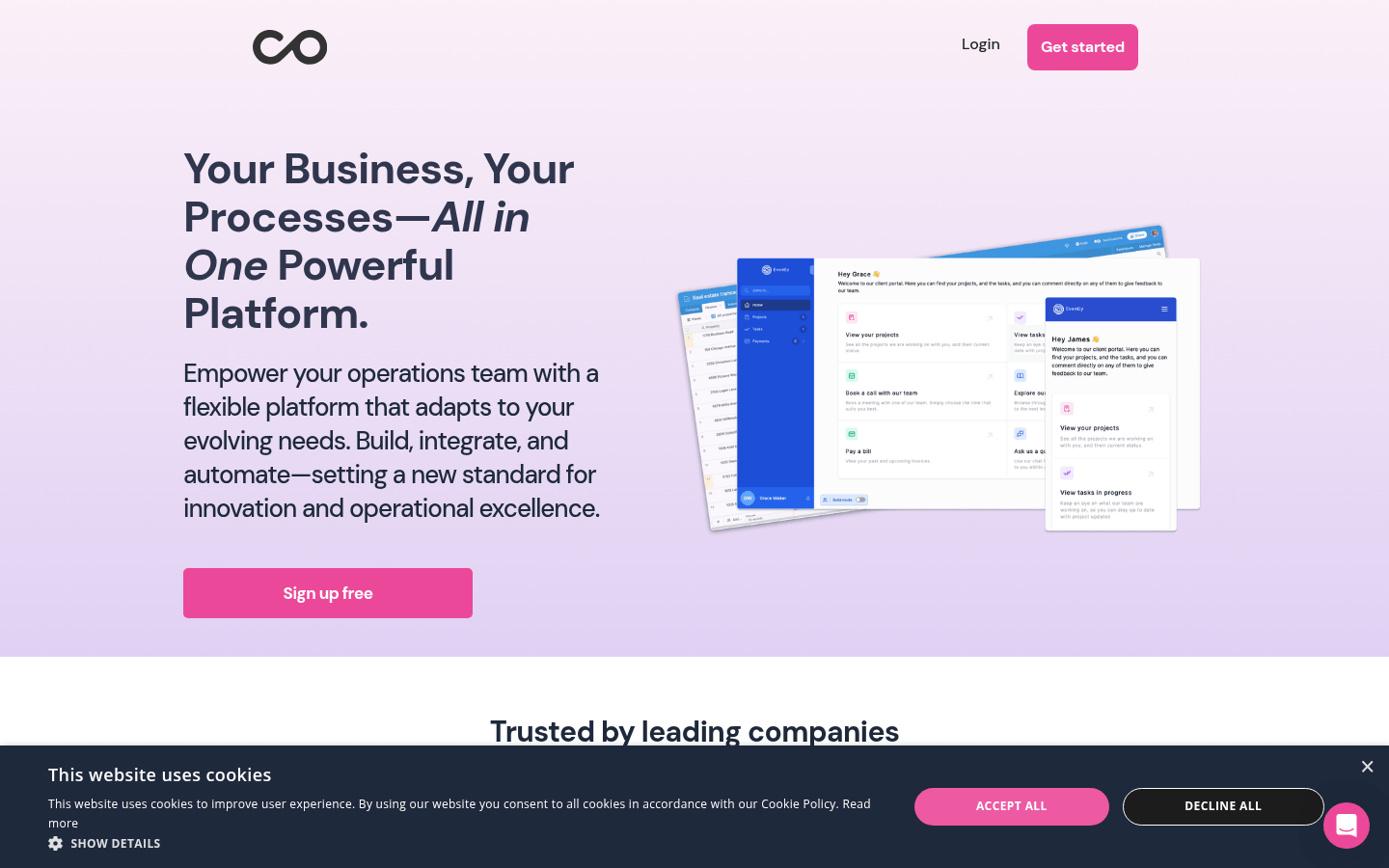
Screenshot archived from the listing page, for preview only.











