
note.md
Local first Markdown workspace for researchWrite, cite, and search your notes offline on macOS
Highlights
What you can do with it
- A researcher manages papers and writes with citations
- A student organizes notes and writes assignments
- A freelance writer drafts articles with linked sources
How to use it
- 1 Download and install note.md from the App Store.
- 2 Open the app and create or import Markdown notes.
- 3 Import PDFs and other academic resources into the workspace.
- 4 Link and reference sources while you write.
- 5 Use the reading studio for focused reading and highlighting.
- 6 Search by meaning with the local semantic search.
Who it is for
Pros
- Privacy through local storage and local search
- Citations and literature in the same app
- Free for individual creators
Limitations
- macOS only
- Local first means no built in cloud sync across devices
- Semantic search quality depends on the local model and your hardware
What note.md is
note.md is a private, local first Markdown workspace designed for macOS. It brings three things together that usually live in separate apps: literature management, structured writing, and integrated referencing. You can organize and read academic resources in one place, capture ideas and develop them into structured articles, and link and cite sources directly inside your notes so everything stays connected. A reading studio supports purposeful reading with highlighting and one click citation into Markdown notes, plus automatic summarization. Semantic search runs on a local model, so you can find a paragraph by meaning even when your wording does not match the text. The site says it is free for individual creators.
What you can do with it
- Manage papers, notes, and references in one workspace
- Write in Markdown with LaTeX formulas and one click citations
- Read purposefully with highlighting and summaries
- Search your workspace by meaning with a local model
Who it is for
- Academic researchers managing large literature sets
- Students organizing notes and writing papers
- Freelance writers who want a focused, offline workspace
What to watch out for
It is macOS only, so there is no Windows or mobile version, and you should confirm the App Store listing matches your system before you migrate a library into it. Local first storage is good for privacy but means no built in cloud sync, so moving between machines needs manual handling or a third party sync service that you trust. Semantic search quality depends on the local model and your hardware, so a weaker machine will feel slower and less accurate. The site says it is free for individual creators, which implies other uses are paid, so check the terms if you plan to use it for a team or commercially.
FAQ
What is note.md?
A private, local first Markdown workspace for macOS built for writing and research.
Does it manage references?
Yes, it organizes literature, links sources into your notes, and supports one click citation from the reading studio.
How much does it cost?
The site says it is free for individual creators.
Why it is free
What the official page says: 免费
Free limits, trial length and features are decided by the official site and can change at any time.
Product preview
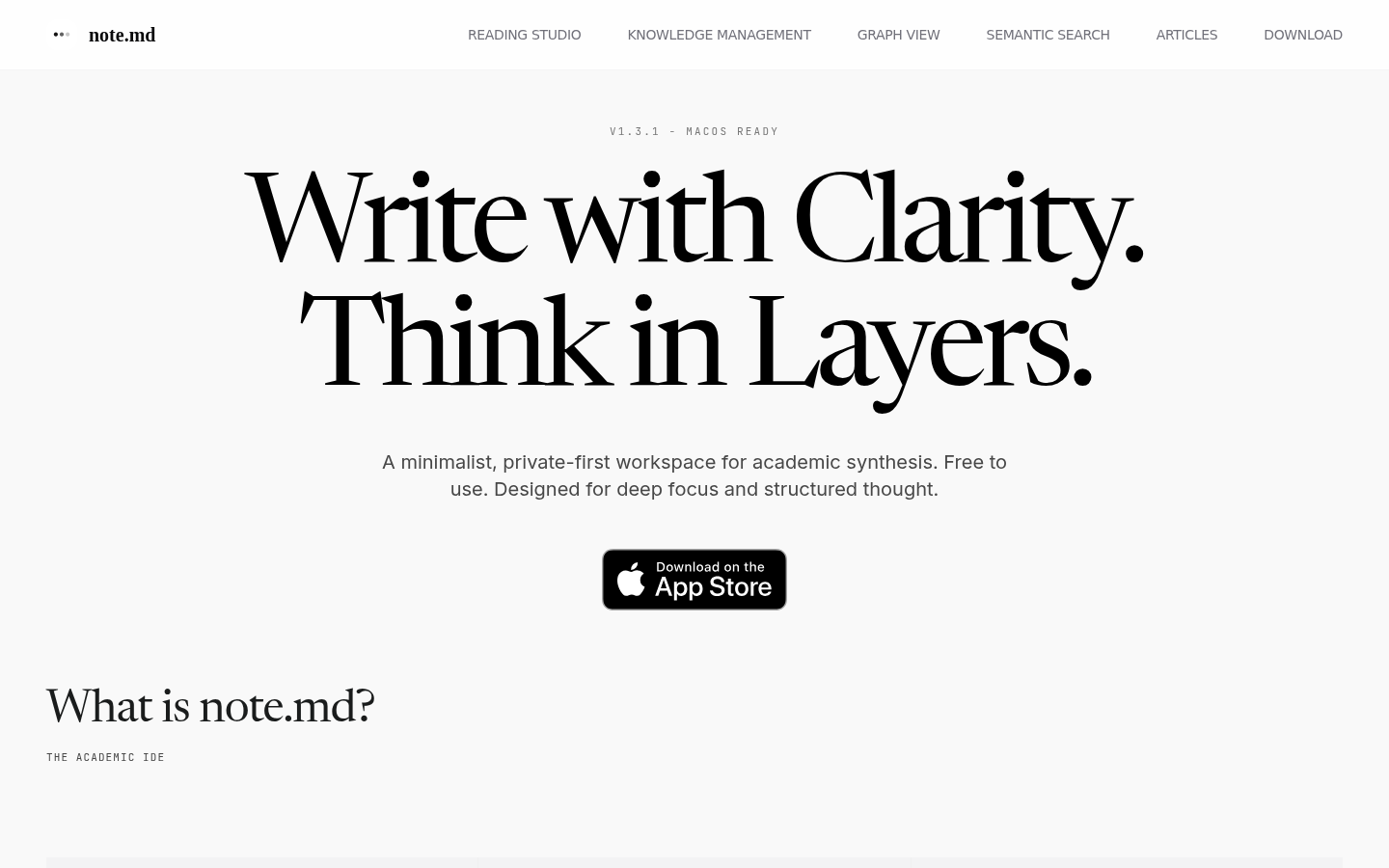
Screenshot archived from the listing page, for preview only.











