NoteAI
GPT-based note and document generatorKeywords in, notes out
Highlights
What you can do with it
- Generating a technical overview from a topic
- Producing paper notes from a keyword
- Combining web clipping with notes for meeting minutes
How to use it
- 1 Open NoteAI and enter a topic or keyword
- 2 Let it generate the note content
- 3 Use web clipping to pull in extra material
- 4 Export the notes in the format you need
Who it is for
Pros
- Free version to start with
- Fast generation from a single keyword
- Private mode for sensitive notes
- Web clipping and multiple export formats
Limitations
- Free version limits what you can do
- Built on an earlier GPT model, so do not expect current-generation output
- Generated notes need review and rewriting
- Private mode is a feature claim, not a security guarantee
What NoteAI is
NoteAI is a note-taking and document generation tool built on a GPT language model. You enter a keyword or a topic and it writes related note content for you, which is the core of the product. Around that it supports a private mode so notes can be stored more safely, outputs in several file formats, and includes web clipping so information from a page can be captured straight into a note. There are free and paid versions. The positioning is straightforward: raise your writing and document output by letting the model do the first draft.
What you can do with it
- Generate note content from a single keyword or topic.
- Clip material from a web page into your notes.
- Keep notes in private mode.
- Export finished notes in multiple file formats.
Who it is for
- Writers who need a structured first draft quickly.
- Students building study notes from a topic list.
- Professionals capturing meeting and research notes.
What to watch out for
The free version is a starting point, and the paid version is where the fuller workflow lives. The tool is built on an earlier GPT model, so the output will not match what newer models produce, and long or technical documents may read as thin. Everything generated is a draft: facts, structure, and phrasing still need your review before the notes are useful. Private mode is a feature the product claims, not a security guarantee, so do not treat it as a substitute for care with genuinely confidential material. For team use, agree on naming and editing conventions in advance to avoid version conflicts or duplicated work.
FAQ
Is NoteAI free?
There are free and paid versions.
How do I start?
Enter a topic or keyword and it generates related note content.
Can I clip from the web?
Yes, web clipping is listed as a feature.
Why it is free
What the official page says: 免费
Free limits, trial length and features are decided by the official site and can change at any time.
Product preview
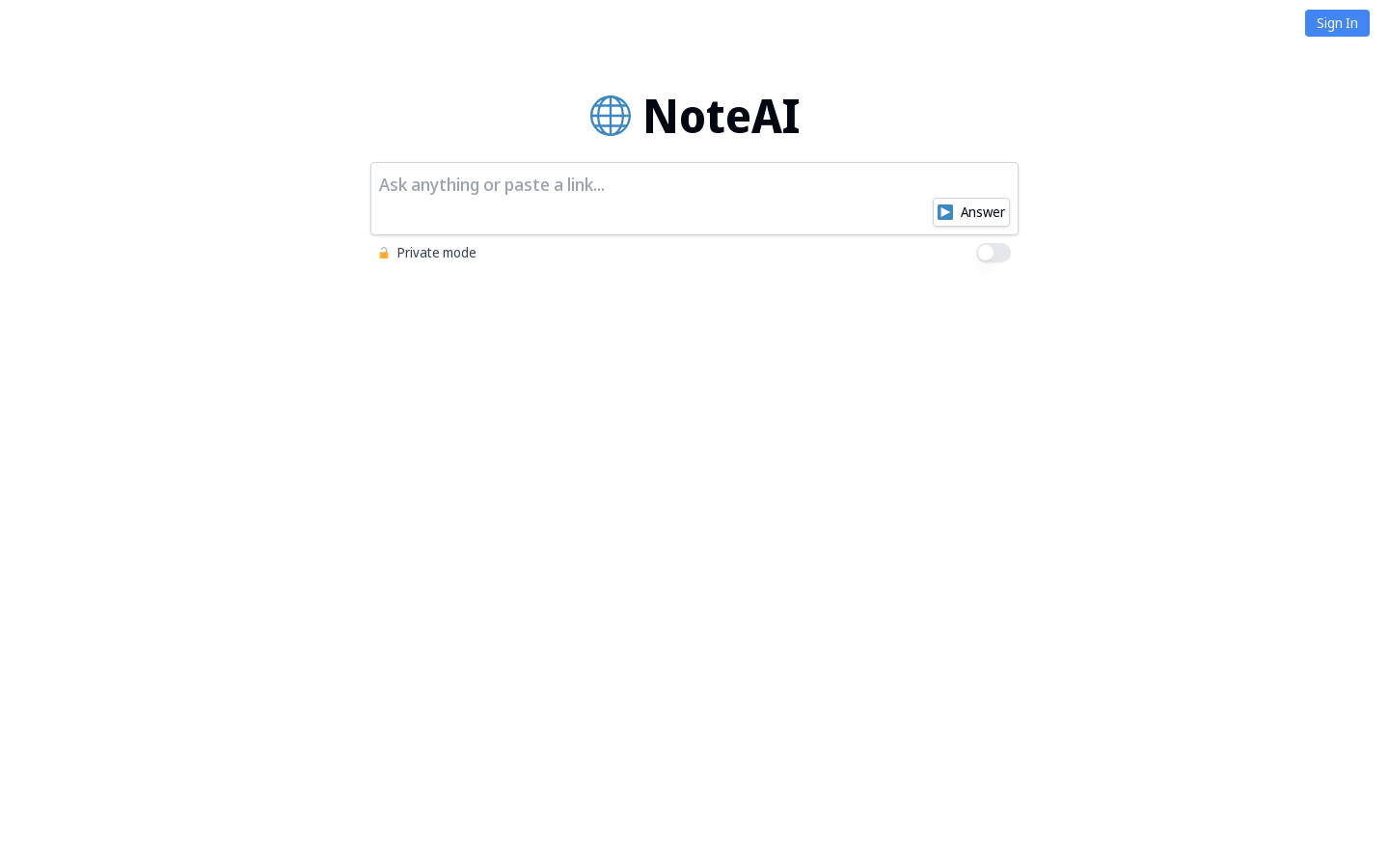
Screenshot archived from the listing page, for preview only.