
Nova A.I.
Online video editor with AI searchClip, subtitle and search video in a browser
Highlights
What you can do with it
- Cutting a long recording into short social clips
- Generating and translating subtitles for a video
- Finding a specific scene inside hours of footage
How to use it
- 1 Open Nova A.I. and upload your video
- 2 Use the search or timeline tools to find the part you need
- 3 Clip, crop, merge or add filters as required
- 4 Add, generate or translate subtitles
- 5 Export the finished video
Who it is for
Pros
- Editing and subtitles live in one tool
- Visual search saves scrubbing through timelines
- A free version lets you test the workflow
Limitations
- Browser editing depends on your upload speed and machine
- Free plan limits and pricing can change
- Advanced exports may push you into a paid plan
What Nova A.I. is
Nova A.I. is a browser based video editor with a computer vision search engine behind it. The editing side covers clipping, cropping, merging and filters, so basic assembly work does not need desktop software. The subtitle side covers editing, generation and translation, which means captions and cuts can be handled in the same session. The differentiator in the listing is the intelligent video search, which is meant to find a specific moment inside long footage instead of making you scrub the timeline.
What you can do with it
- Clip, crop, merge and filter video files in the browser
- Generate, edit and translate subtitles for a video
- Search inside footage to locate a scene or line
- Export a finished cut for social or client delivery
Who it is for
- Content creators cutting long recordings into short clips
- Video editors who need quick subtitle generation and translation
- Social media marketers repurposing existing footage for new posts
What to watch out for
Browser editing is limited by your upload bandwidth and by how powerful your machine is, so long or high-resolution files can feel slow. The free version covers the basics, but heavier exports and advanced features sit behind paid plans, and pricing can change. Subtitle generation still needs a proofread, especially with names, technical terms and overlapping speech. Check the current plan details on the official site before committing to a project deadline. Free tiers and usage limits can change, so check the current rules on the official page before relying on it long term. Processing speed depends on file size and network conditions, so retry later if a task stalls during peak hours.
FAQ
What is Nova A.I. for?
It is an online video editor and logger with a computer vision video search engine.
Does it handle subtitles?
Yes, it offers subtitle editing, generation and translation.
Is there a free version?
The listing says Nova A.I. offers both free and paid versions.
Why it is free
What the official page says: 免费
Free limits, trial length and features are decided by the official site and can change at any time.
Product preview
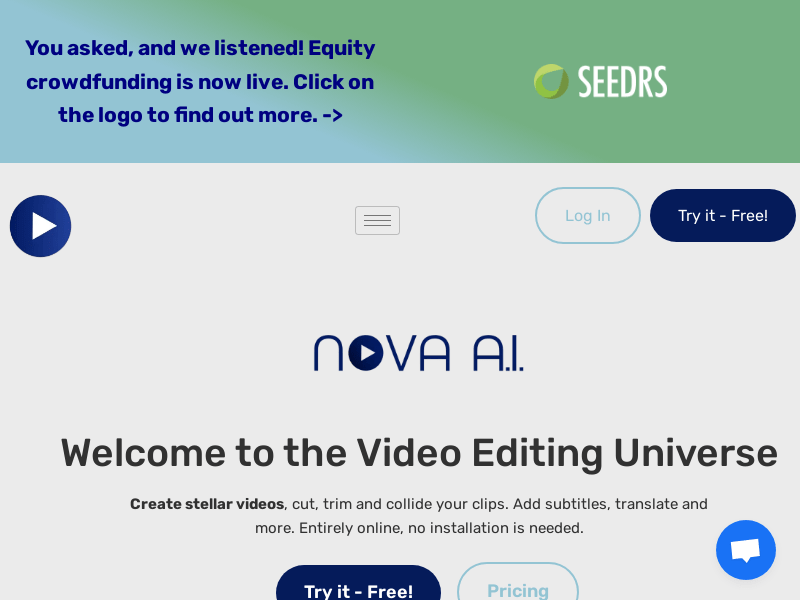
Screenshot archived from the listing page, for preview only.











