
Highlights
What you can do with it
- Quick revisions to video drafts by description
- Building scenes from real world references
- Testing AI editing without paying upfront
How to use it
- 1 Open omniflashai.org and register an account
- 2 Upload or start a video project
- 3 Describe the edit you want in conversation
- 4 Review the result and refine with more instructions
- 5 Export when the scene looks right
Who it is for
Pros
- Free to use with 100 credits on registration
- Keeps scenes coherent over multiple rounds
- No deep editing skills required
Limitations
- Free credits may run out on larger projects
- Free status and credit rules can change
- Better for quick revisions than detailed post production
What Omni Flash is
Omni Flash is a free online AI video editor that combines world understanding, multimodal input, and conversational editing. Instead of dragging clips on a timeline, you describe the change you want and the system applies it, keeping scenes coherent across multiple rounds of editing. You can work from different references and build meaningful scenes based on real world knowledge rather than random motion. The product is currently free to use, and registering and logging in grants 100 free credits. That credit grant gives new users room to test the workflow before any charge appears, which suits creators who want a more flexible way to revise footage. The pitch is freedom from manual editing steps. For creators who avoid traditional editors, that removes the usual learning curve attached to video post production.
What you can do with it
- Edit videos by describing changes in conversation
- Keep scenes coherent across multiple rounds
- Work from different reference inputs
- Test the editor with 100 free credits after signup
Who it is for
- Video creators who find timeline editors heavy
- Creators revising drafts through conversation
- New users testing AI editing with free credits
What to watch out for
Free credits are limited, so longer or more complex projects may run out before you finish. The current free status and the 100 credit grant can change at any time, so confirm terms before you rely on them. Conversational editing suits quick revisions more than frame level post production work, so detailed color, audio, and timing jobs may still need a traditional editor. Scene coherence is a stated strength, but results depend on your instructions and source material. Test on a short clip first to see whether the style of control matches your work. Registration is required for the free credits, so there is still a signup step before you can test the workflow. Keep copies of original footage.
FAQ
Is Omni Flash free?
Yes, it is currently free, and registering grants 100 free credits.
How do I edit a video?
You describe the change in conversation and the system applies it.
Does it keep scenes consistent?
The listing says it maintains coherence over multiple rounds of editing.
Why it is free
What the official page says: 免费使用免费
Free limits, trial length and features are decided by the official site and can change at any time.
Product preview
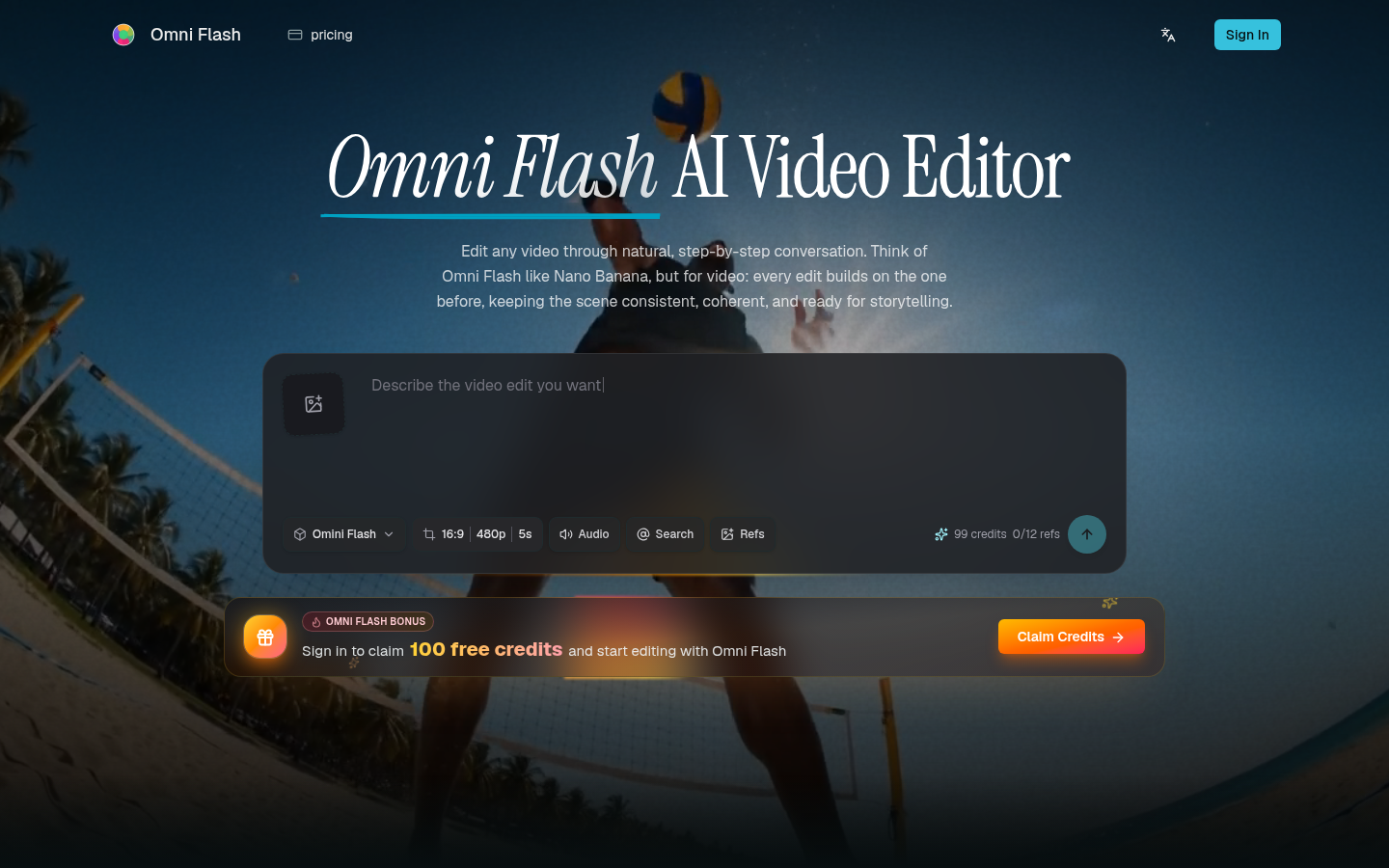
Screenshot archived from the listing page, for preview only.