
Omni Video
AI marketing video and image makerCreate marketing videos and images online
Highlights
What you can do with it
- Video creators make social media clips that attract followers
- Marketers build promotional videos for e-commerce product launches
- Small business owners produce company videos that lift brand awareness
How to use it
- 1 Open Omni Video in your browser and sign in
- 2 Upload a reference image or type a text prompt
- 3 Click generate and wait for several results
- 4 Pick the version you like and download it
Who it is for
Pros
- Free version available to test the platform
- No installation; works in any browser on any device
- Commercial use is allowed for the content you create
Limitations
- Free version limits and features may change over time
- Output quality depends on the prompt and reference image
- Focused on marketing content rather than long-form or complex video
What Omni Video is
Omni Video is a content creation platform for marketing videos and images. It draws on AI models such as Seedance, Sora, Veo, and Nano Banana to turn text prompts and reference images into finished visuals. You can upload an image to steer the style, type a prompt to describe the result you want, and start a generation with one click. The platform gives you several versions to choose from, and it handles different content types including promotional videos, marketing images, and social media posts. Everything runs in the browser, so there is nothing to install and it works on any device with an internet connection. A free version is available, and the content you make can be used commercially.
What you can do with it
- Turn a text prompt into a marketing video or image.
- Upload a reference image to guide the look of the output.
- Generate several versions at once and keep the one you like.
- Produce social clips, product promos, and brand videos without editing software.
Who it is for
- Video creators who need content for social channels quickly.
- Marketing professionals promoting products on e-commerce platforms.
- Small business owners who want brand videos without a production budget.
What to watch out for
The free version is a useful way to test the platform, but what it includes can change, so check the current terms before you plan a campaign around it. Generated results depend on how well you write the prompt and how good your reference image is, so rough inputs usually mean rough outputs. The platform is aimed at short marketing pieces rather than long or complex video projects, and you should still review everything it produces before publishing, since automated output is not always on-message. Budget time to review and edit the clips before they go live.
FAQ
Is Omni Video free?
There is a free version that lets you use the platform's features without paying, with paid options for heavier use.
Do I need to install software?
No. The platform is fully web-based, so you only need a browser and an internet connection.
Can I use the videos commercially?
Yes. The platform states that content it generates can be used for commercial purposes such as marketing and advertising.
Why it is free
What the official page says: for freefree version
Free limits, trial length and features are decided by the official site and can change at any time.
Product preview
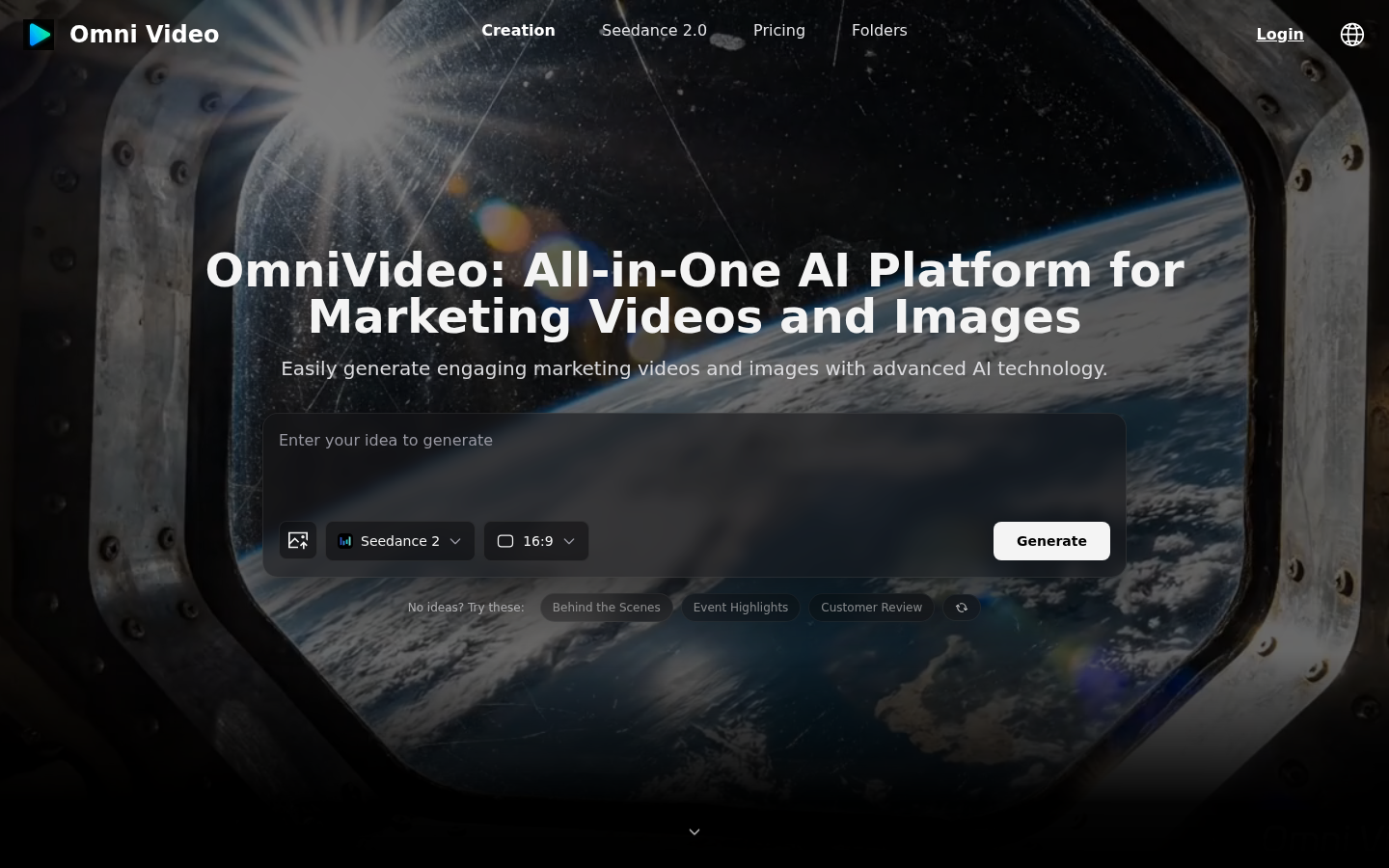
Screenshot archived from the listing page, for preview only.











