Highlights
What you can do with it
- Cinematic clips from text or image input
- Multi shot videos with a consistent subject
- Marketing and agency video production
How to use it
- 1 Open aiomnivideo.org in your browser
- 2 Choose a generation method and input
- 3 Set style, speed, and aspect ratio
- 4 Generate the clip and review the frames
- 5 Download in HD for your project
Who it is for
Pros
- Several generation methods in one platform
- Clear control over style and speed
- Free usage with commercial rights included
Limitations
- Plan details beyond the price range are thin
- Paid plans reach $539 at the top tier
- Free rules and model access can change
What Omni Video is
Omni Video is a free AI video generation platform powered by the Omni Video Model, an architecture the page says was inspired by research on gemini Omni Video. It turns text and images into cinematic video clips and supports several generation methods, with clear control over style and speed. Identity and motion stay consistent across frames, which matters when a clip contains many shots of the same subject. Exports cover various aspect ratios and custom sizes in high definition, and browser based generation removes install work so the loop from idea to clip stays short. The page lists free usage alongside paid plans that range from $0 up to $539, and commercial usage rights are included. For agencies that deliver to clients, included commercial rights remove one licensing question from the workflow. The positioning covers creators, agencies, and internal teams.
What you can do with it
- Turn text prompts into cinematic clips
- Generate video from image input
- Control style and speed across shots
- Export in HD with custom sizes
Who it is for
- Marketers and agencies producing video content
- Creators making cinematic style clips
- Internal teams that need commercial usage rights
What to watch out for
Plan details are thin beyond the stated price range, so confirm what each tier includes before you pay. The top paid plan reaches $539, which is a real cost for small teams. Free usage is listed, but free rules and model access can change without notice, and speed may vary with demand. Consistency across frames is a stated strength, yet complex motion may still need manual review. Test the free tier on a real script first, and check current terms before you build a campaign around the output. Cinematic output still depends on the input, and detailed prompts produce stronger results than short ones. Check what the free tier includes before pitching it to a client. Keep expectations realistic on long or crowded scenes.
FAQ
Is Omni Video free?
The page lists free usage alongside paid plans ranging from $0 up to $539.
What makes it different?
It uses the Omni Video Model with consistent identity and motion across frames and several generation methods.
Can I use the videos commercially?
The listing says commercial usage rights are included.
Why it is free
What the official page says: 免费使用免费
Free limits, trial length and features are decided by the official site and can change at any time.
Product preview
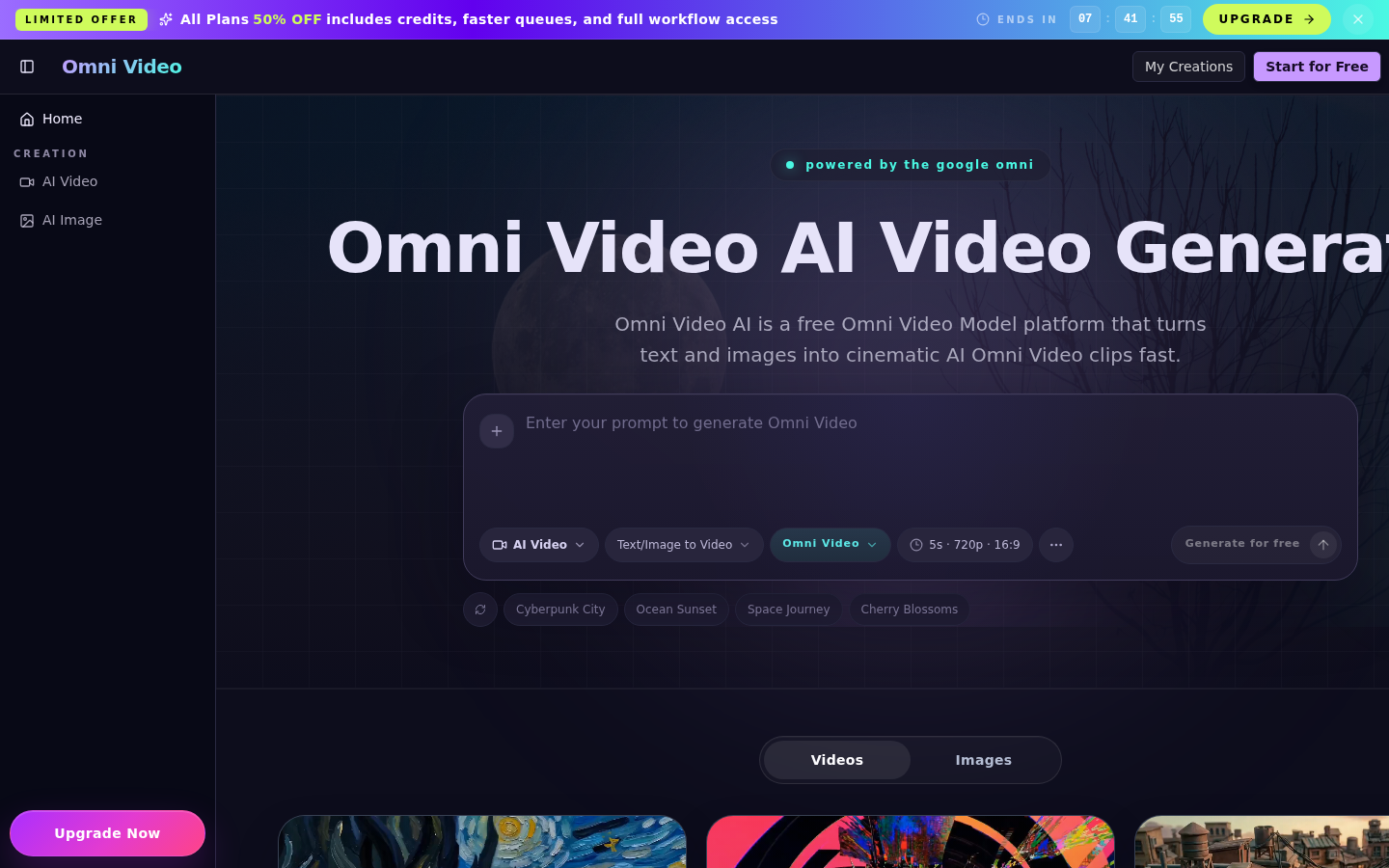
Screenshot archived from the listing page, for preview only.