Highlights
What you can do with it
- Turning a text idea into a publishable clip
- Animating still images into short videos
- Producing marketing video drafts quickly
How to use it
- 1 Open omni-video.app in your browser
- 2 Enter a text prompt or upload an image
- 3 Generate the clip and review it
- 4 Iterate on the prompt until it fits
- 5 Export for production, or upgrade for more quota
Who it is for
Pros
- Fast generation with flexible input
- Creative control stays with the user
- Free quota to test before paying
Limitations
- Annual plan discount is limited time
- Free quota may not cover heavy production
- Free rules can change without notice
What omni video is
Omni Video is a browser based AI video generator that turns text prompts and images into professional video clips. Generation is fast, input is flexible, and creative control stays in your hands, with intelligent iteration built into the flow. Output is meant to go straight into production rather than stopping at a rough preview, so marketers, content creators, and business teams can move from an idea to a publishable video in one place. There is a free quota to start, plus a paid annual plan that currently runs at a 50 percent discount. Because everything runs in the browser, no install step sits between an idea and a first render, which keeps testing cheap and quick. For marketers on tight schedules, the appeal is testing a concept in minutes instead of booking an edit session. The pitch is a one stop path from idea to publishable video.
What you can do with it
- Turn a text prompt into a video clip
- Animate still images into short videos
- Iterate on prompts until the clip fits
- Export output that is ready for production
Who it is for
- Marketers producing video content at volume
- Content creators testing video ideas quickly
- Business teams making promo or internal clips
What to watch out for
The free quota is a starting point, and heavy production days may push past it into paid territory. The 50 percent discount on the annual plan is described as limited time, so the price you see today may not hold tomorrow. Free rules can change without notice, and generation speed depends on demand at the time you run it. Quality still follows your prompt, so vague instructions produce weaker clips. Export formats and limits may vary by plan. Clips may need several generations before the timing and framing feel right, so budget prompts as well as time. Test the free quota against your real output schedule before committing to an annual plan, and keep a backup tool for deadlines.
FAQ
What does Omni Video do?
It converts text prompts and images into professional video clips in the browser.
Is there a free option?
Yes, there is a free quota, plus a paid annual plan.
Is the annual plan discounted?
The listing says the annual plan currently has a limited time 50 percent discount.
Why it is free
What the official page says: 免费额度免费
Free limits, trial length and features are decided by the official site and can change at any time.
Product preview
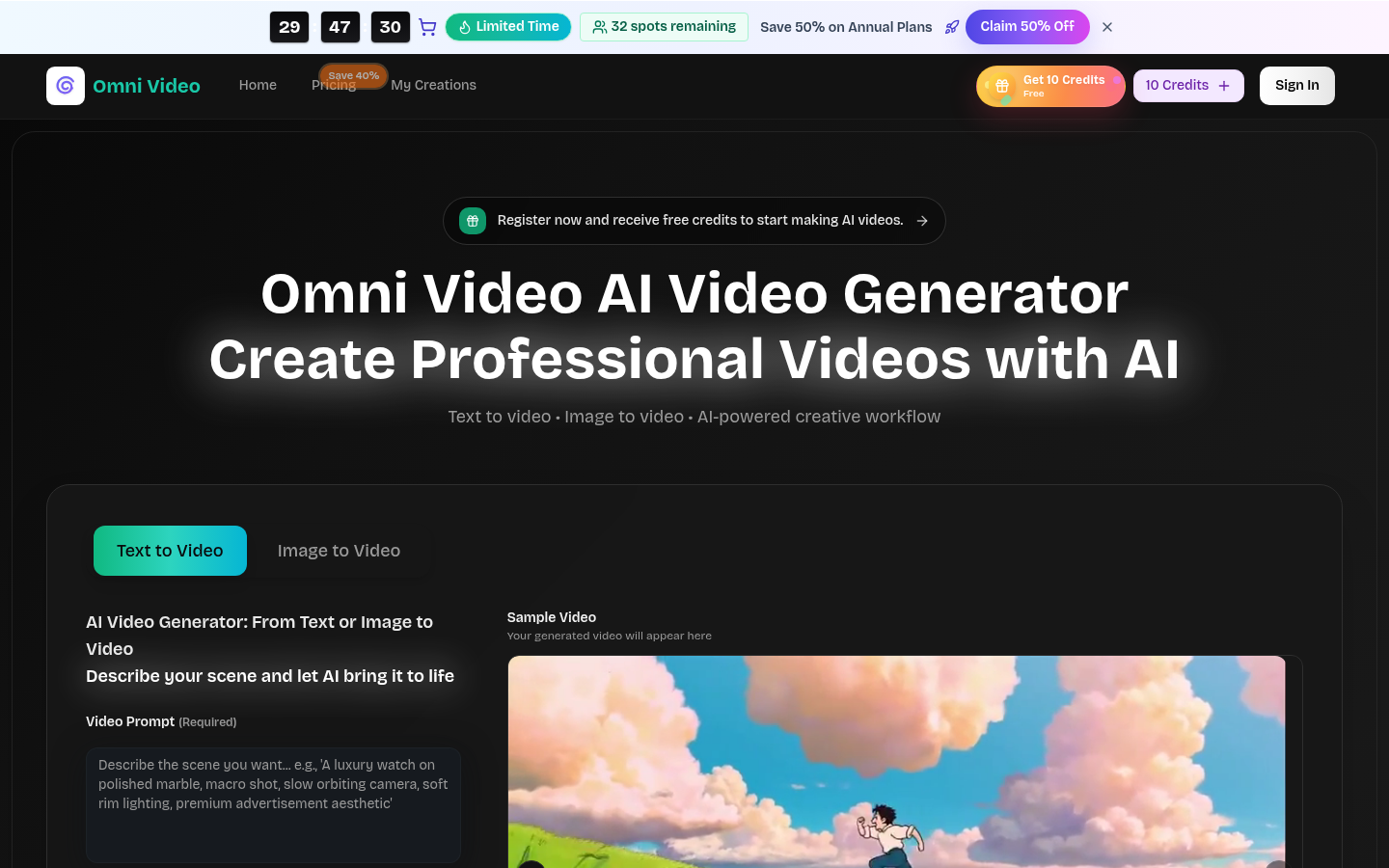
Screenshot archived from the listing page, for preview only.