
OpenPlugin
Open-source helper for installing ChatGPT pluginsFree, open-source access to ChatGPT plugins
Highlights
What you can do with it
- Install a plugin so ChatGPT can answer specialized questions
- Customize the response style of a ChatGPT session
- Set up plugins quickly without a long configuration process
- Extend the knowledge range of ChatGPT for a specific topic
How to use it
- 1 Get OpenPlugin from its project page
- 2 Install it with the one-click setup
- 3 Connect it with your official ChatGPT account
- 4 Choose the plugins you want to add
- 5 Start a chat and use the plugin abilities
Who it is for
Pros
- Free to use according to the project
- Open source, so the code can be inspected and changed
- Simple one-click installation
- Keeps working with official ChatGPT
Limitations
- It depends on ChatGPT and the plugin ecosystem, so upstream changes can affect it
- As a community open-source project, updates and availability are not guaranteed forever
- Plugins come from third parties, so quality and behavior vary
- Installing tools asks for a bit of technical comfort
What OpenPlugin is
OpenPlugin is an open-source project that makes it easier to install and use ChatGPT plugins. It supports third-party plugins, installs in one click, and stays compatible with official ChatGPT, so you can add specialized abilities to a chat session without deep setup. Because the code is open, anyone can look at it, change it, or build on it. The project describes itself as completely free, and its goal is simple: lower the barrier so more people can use what plugins offer. If you already use ChatGPT and want it to reach beyond its default answers, this is the layer that gets plugins running with less friction.
What you can do with it
- Add third-party ChatGPT plugins to your chat setup
- Install plugins quickly without a long configuration process
- Customize the code to fit your own workflow
- Keep using official ChatGPT while the plugins run
Who it is for
- ChatGPT users who want specialized answers from plugins
- Developers who like to read and modify open-source code
- People who want a simpler install path for plugins
- Anyone building a more personal chat assistant
What to watch out for
OpenPlugin depends on ChatGPT and the wider plugin ecosystem, so upstream changes can affect how it works. As a community open-source project, updates and availability are not guaranteed forever. Plugins come from third parties, which means quality and behavior vary, and you should review what a plugin does before granting it access. Installing tools also asks for a bit of technical comfort. For best results, start with a small test file and review the output carefully before working on anything important.
FAQ
Is OpenPlugin free?
Yes. The project describes itself as completely free.
Is the code open source?
Yes. The source is open and can be customized at any time.
Does it work with official ChatGPT?
Yes. It is described as compatible with official ChatGPT.
What can plugins add?
Specialized answers, a wider knowledge range, and a more personal conversational style.
Why it is free
What the official page says: completely free
Free limits, trial length and features are decided by the official site and can change at any time.
Product preview
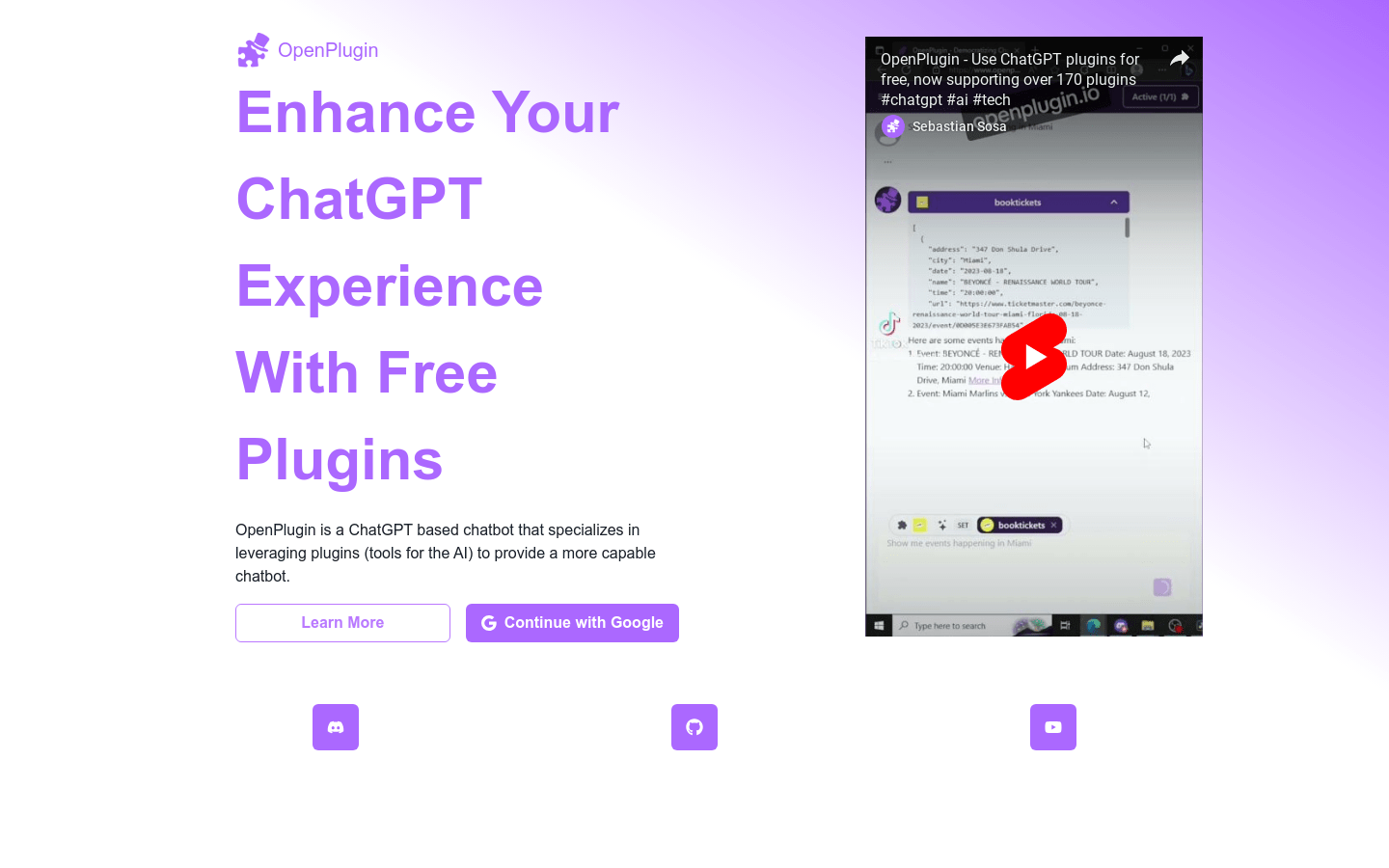
Screenshot archived from the listing page, for preview only.











